GenLive Studio · Templates
AI photo and video templates
Fourteen one-click tools in GenLive Studio for the jobs people ask AI to do most: headshots, outfit try-ons, object removal, old photo restoration, product shots, and photos that move. Add a photo, pick an option, and Studio handles the prompt and the model.
Runs in your browser. Free to try, no account needed.
Photo templates
Edit, fix, restyle, and restage a photo. Each one keeps what matters, like faces, products, and composition.
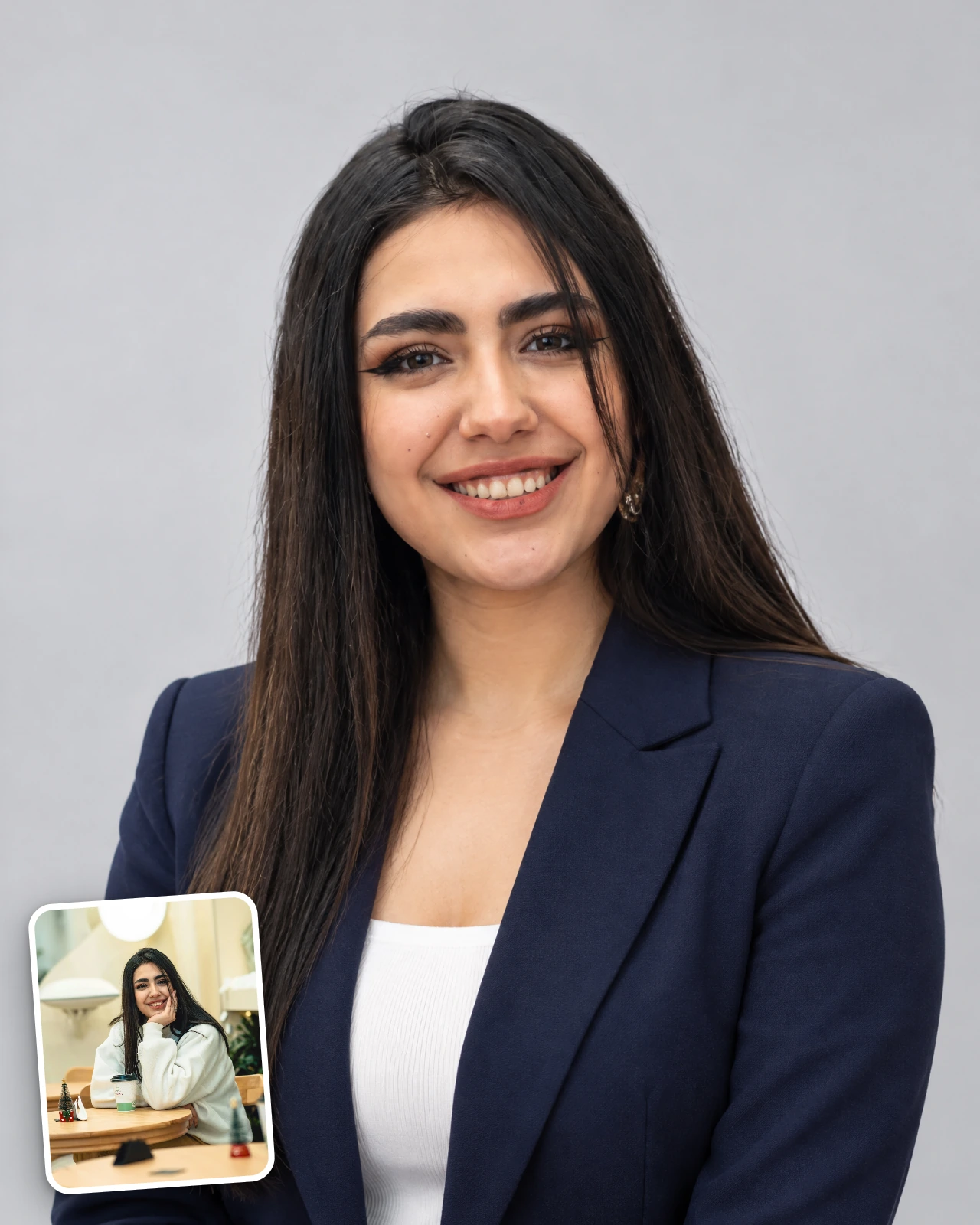
Professional headshot
A polished portrait from a casual selfie.
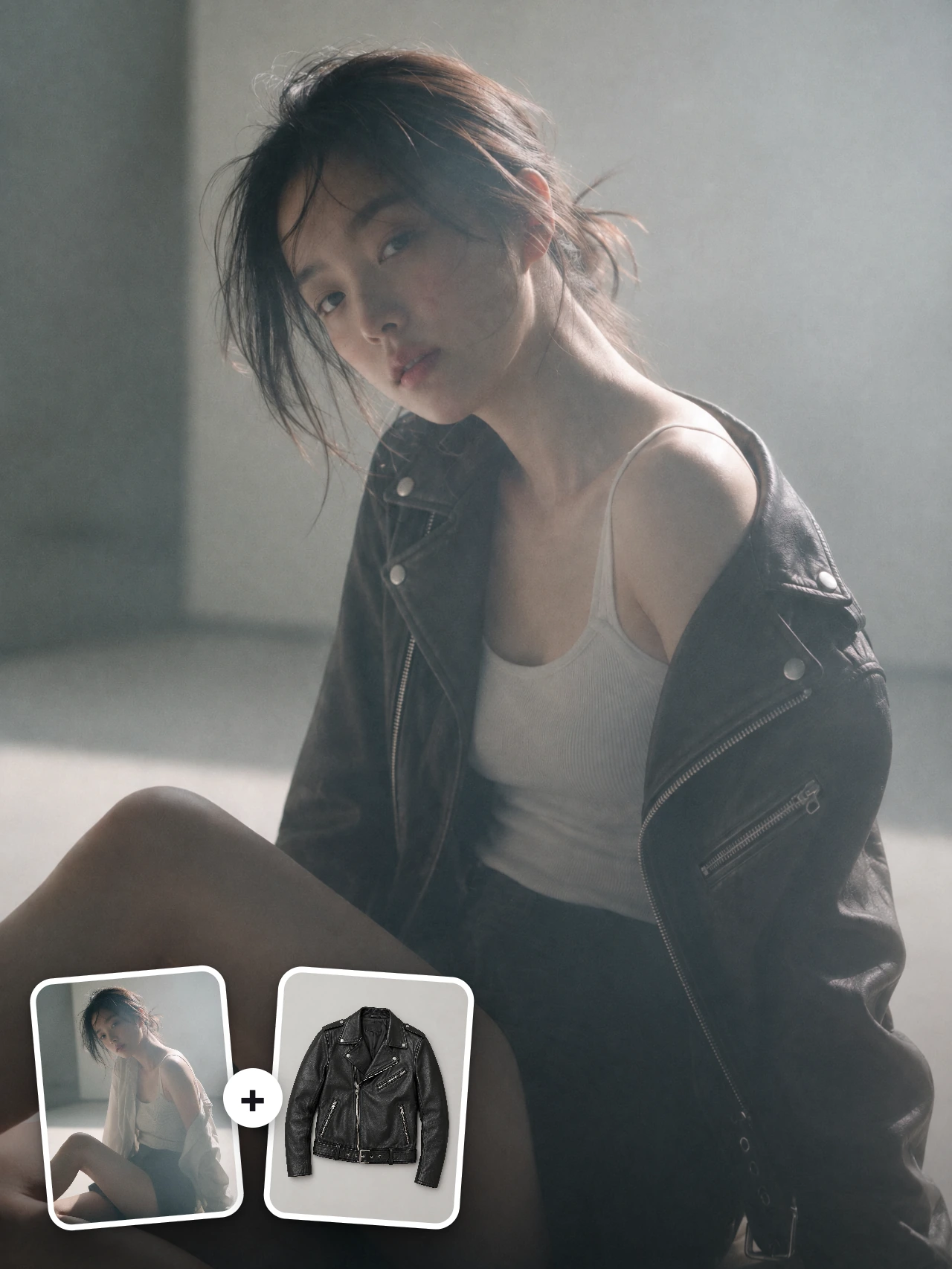
Outfit try-on
See a person wearing clothes from another photo.
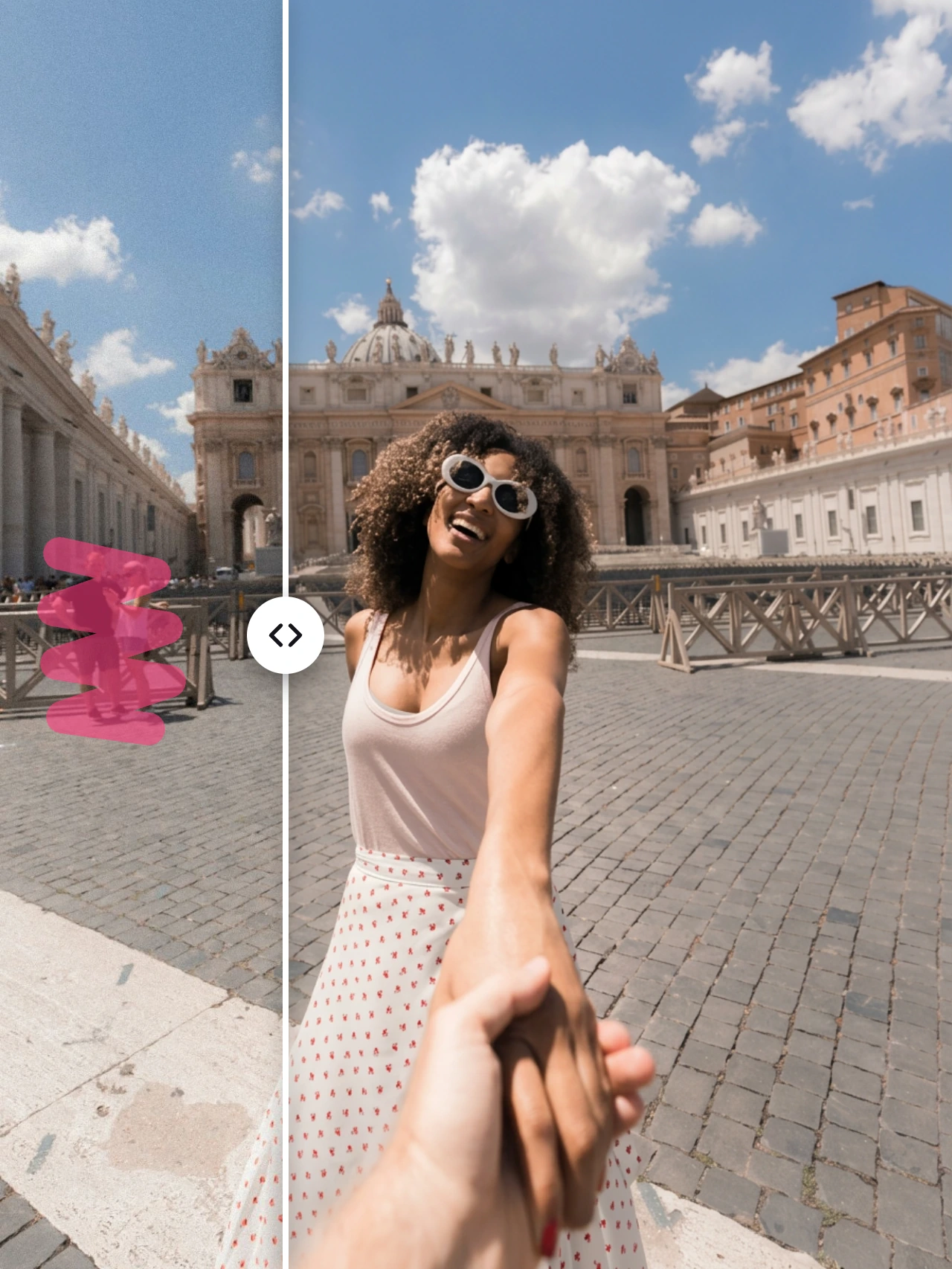
Clean up
Paint over distractions and they disappear.
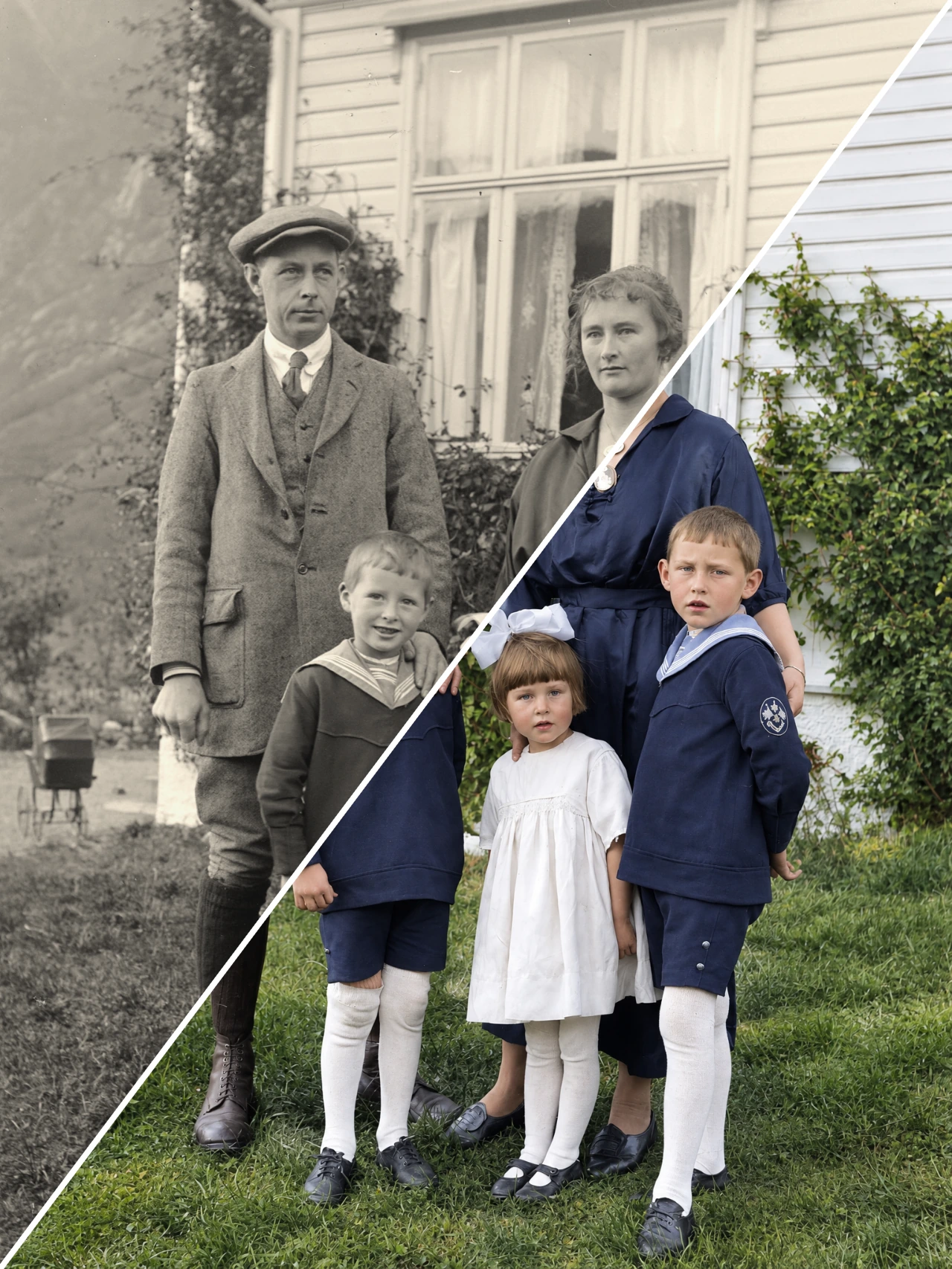
Restore old photo
Fix scratches and fading, and add natural color.
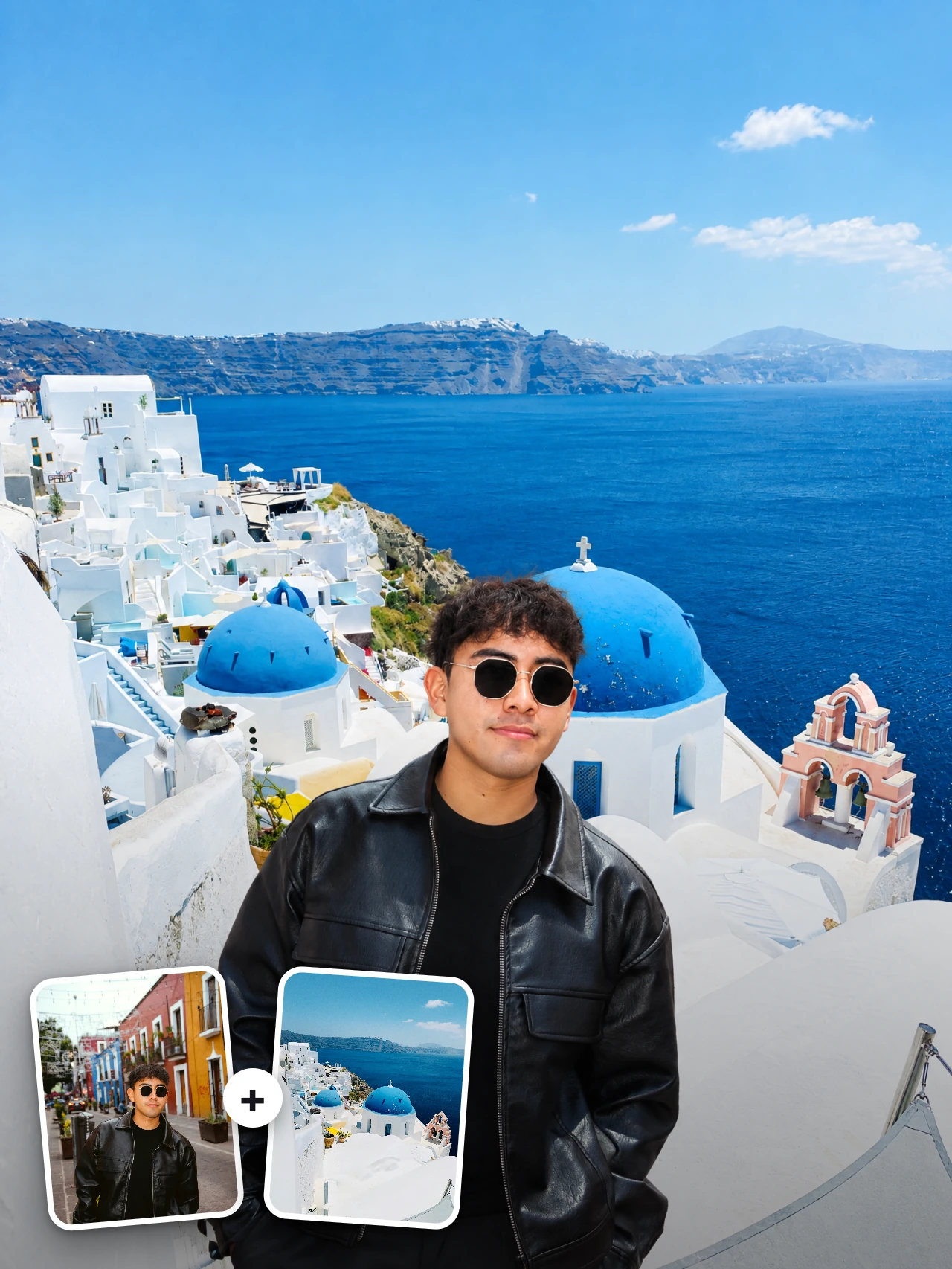
Change background
Keep your subject and place it in a new scene.
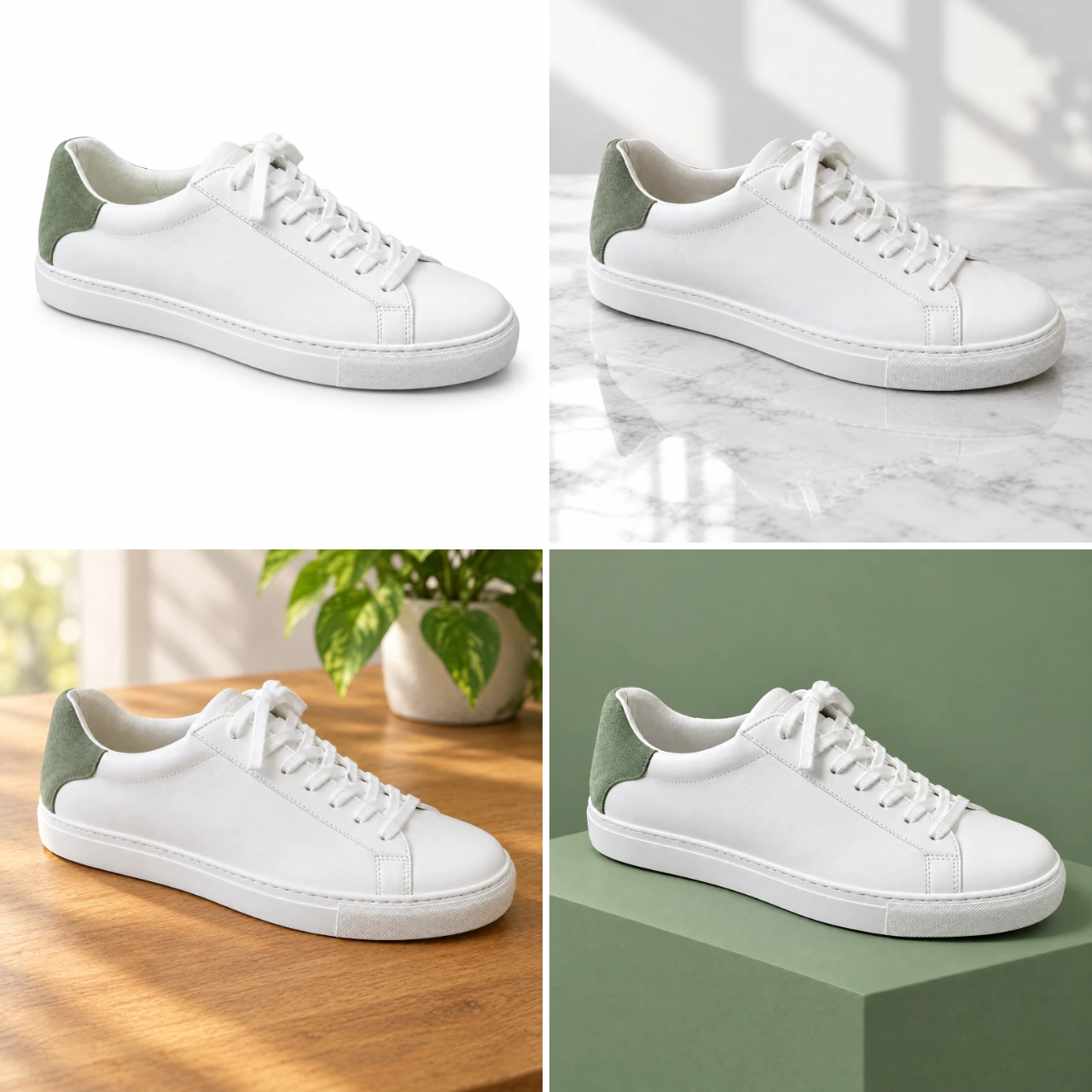
Studio product shot
Turn a phone snap into a clean studio photo.
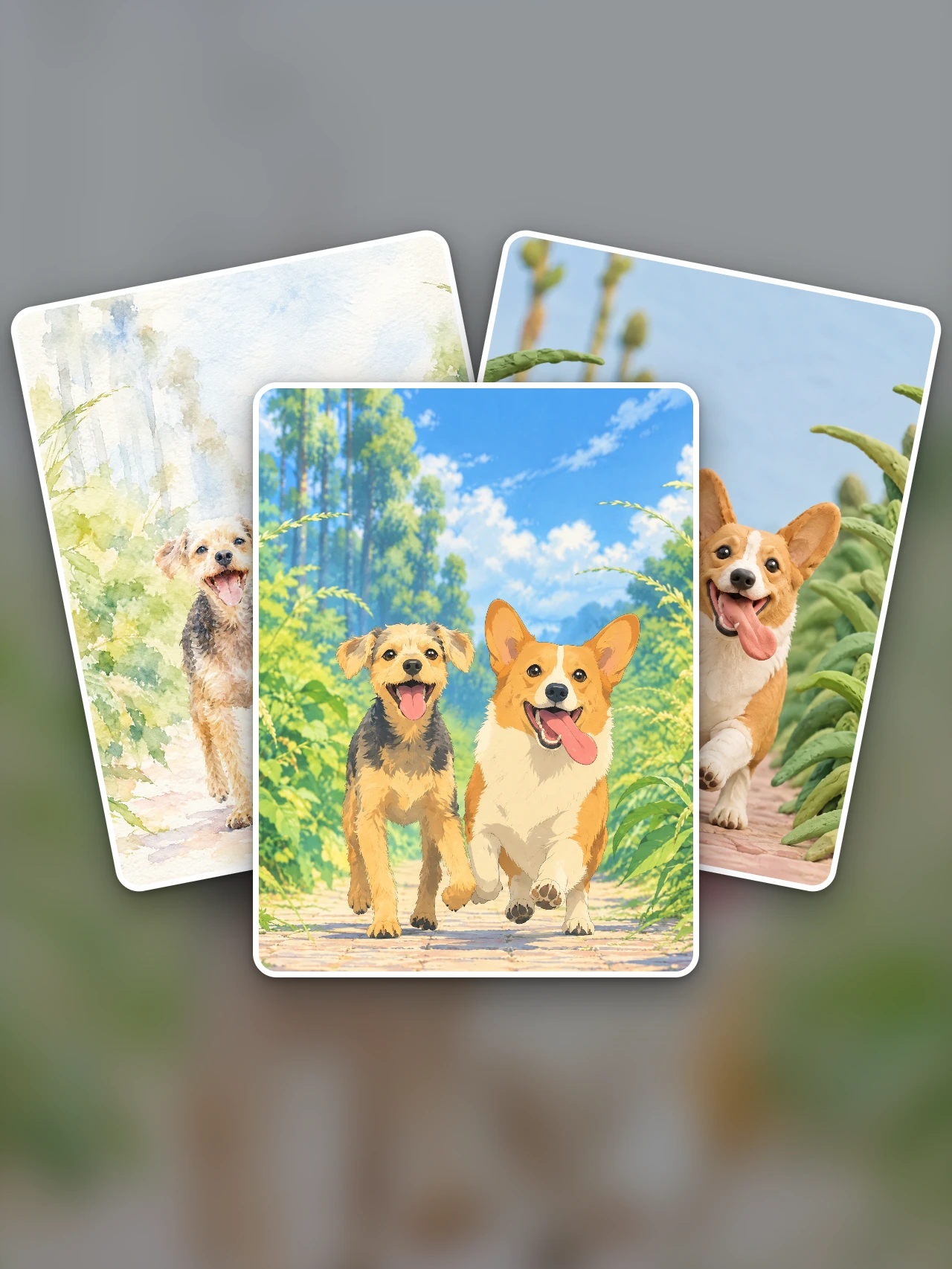
Art style
Repaint your photo as watercolor, oil, sketch and more.
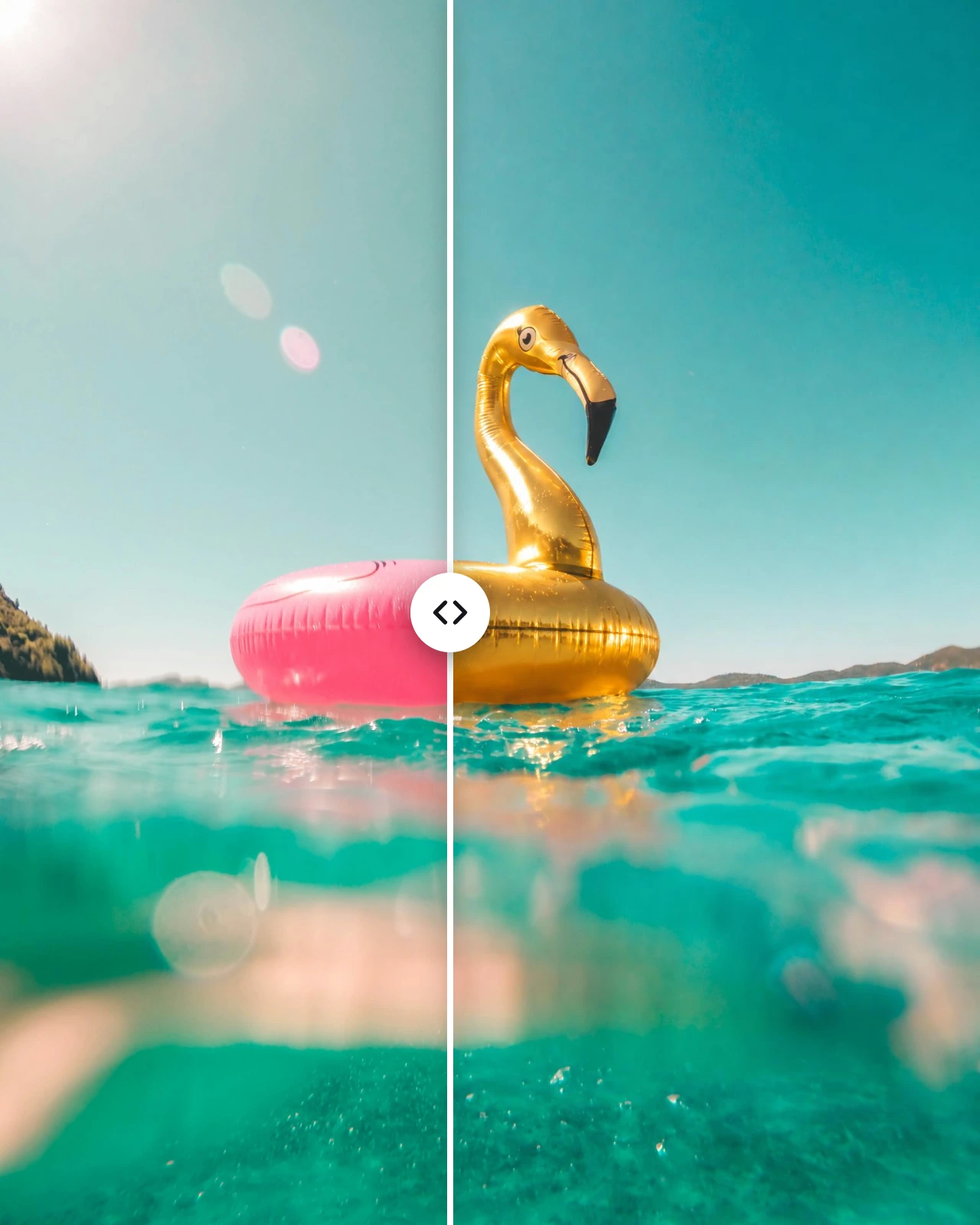
Photo edit
Describe a change and keep the rest of your photo.
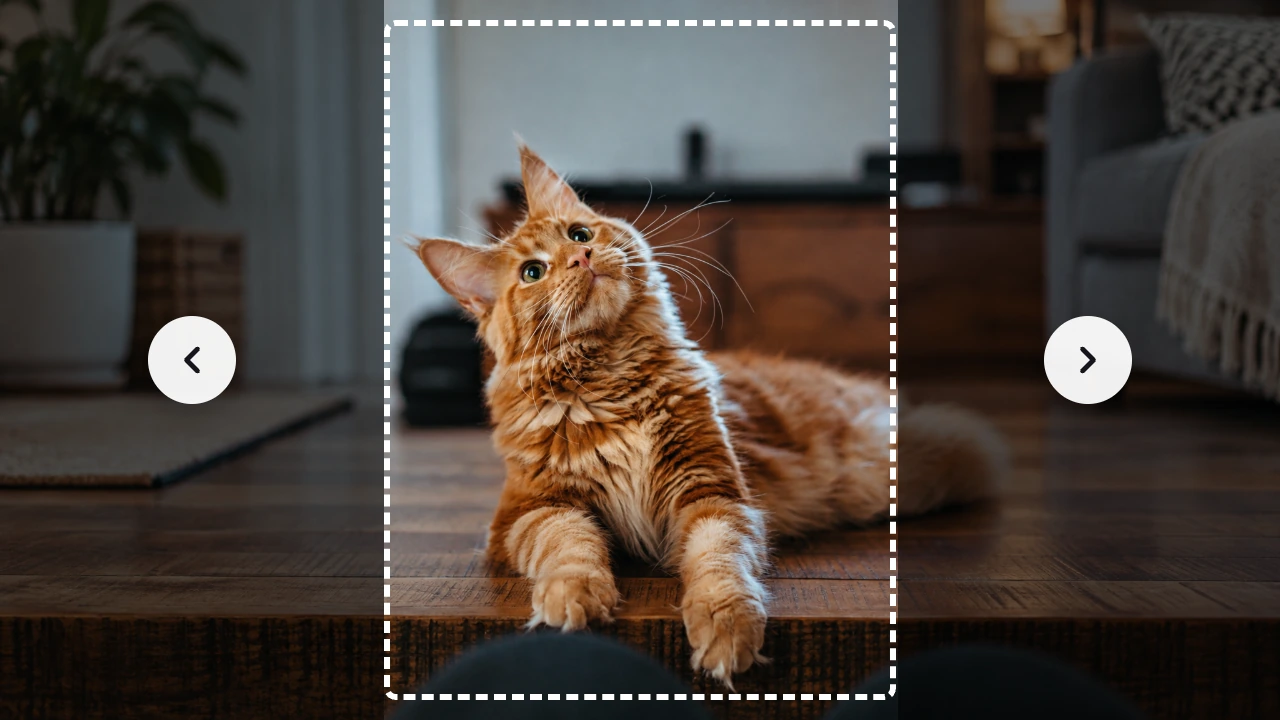
Resize
Change your photo's shape without cropping.
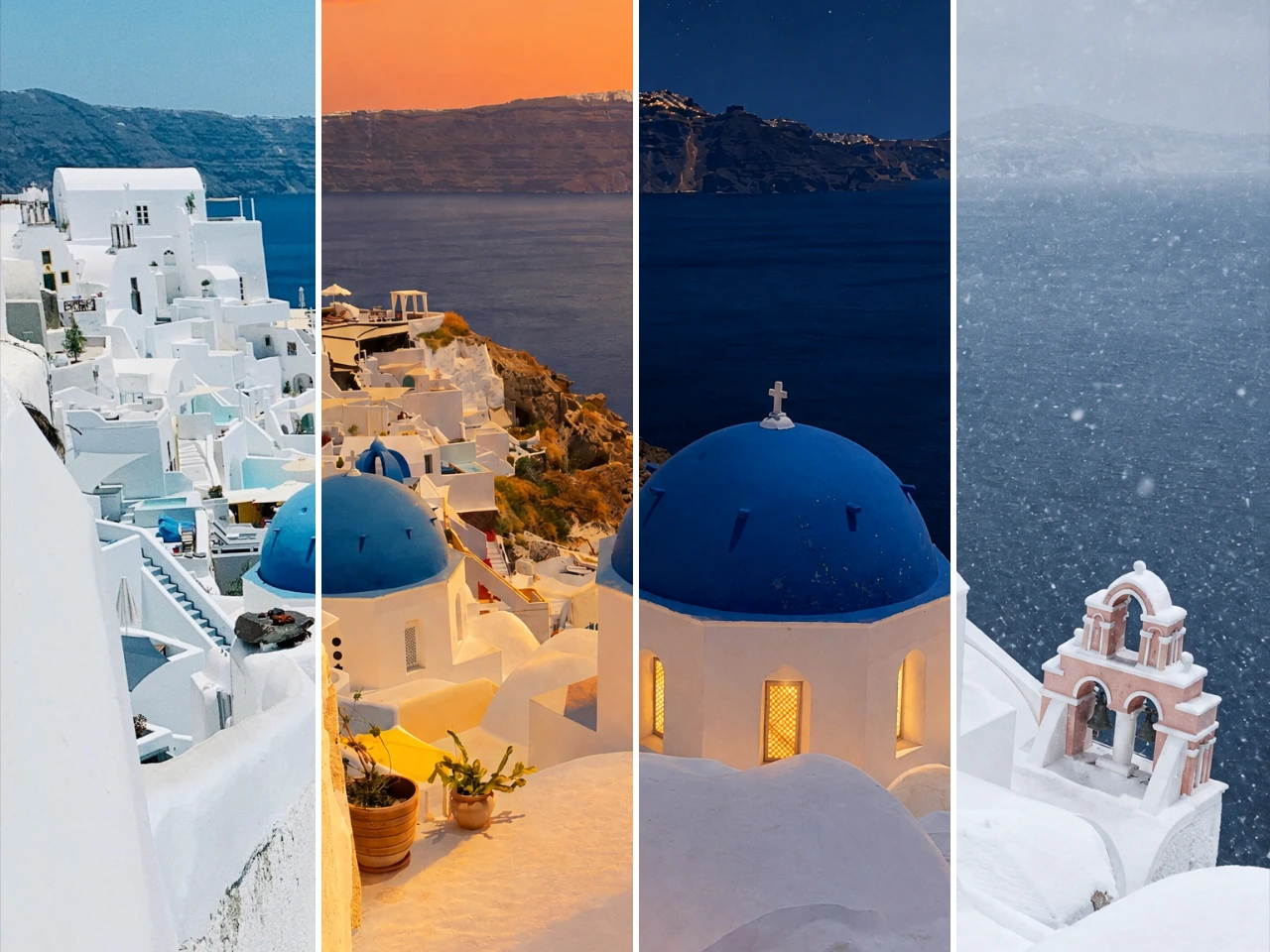
Time and weather
Relight a scene at golden hour, at night, or in snow.
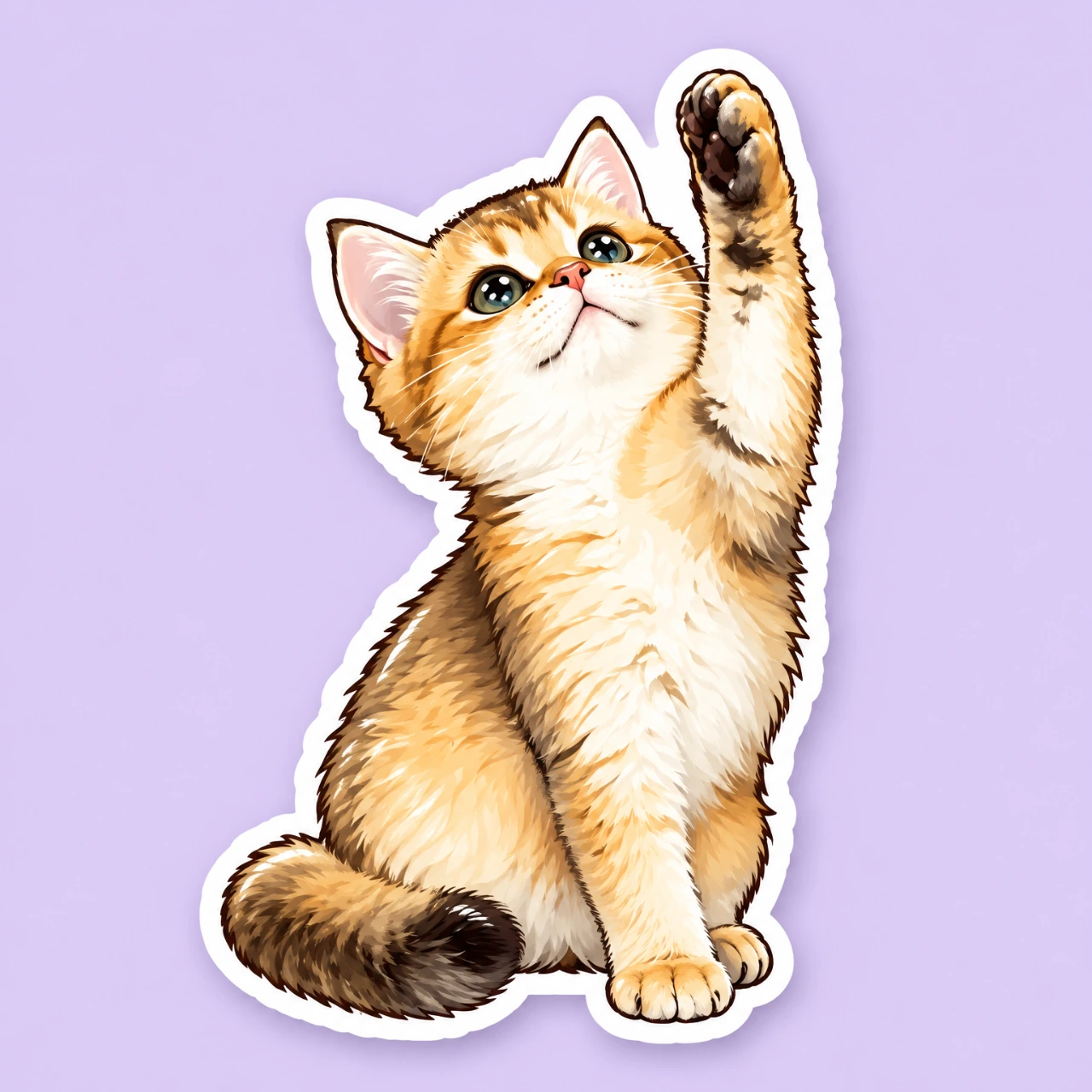
Sticker
Turn your subject into a die-cut sticker.
Video templates
Turn one still photo into a short clip: free motion, a seamless loop, or a product orbit.
How templates work
Pick a template
Open it from Studio's home or from any page here.
Add photos and choose
Drop in your photo, then pick a style, surface, or shape.
Generate and keep going
Download the result, or send it into another template.
Questions
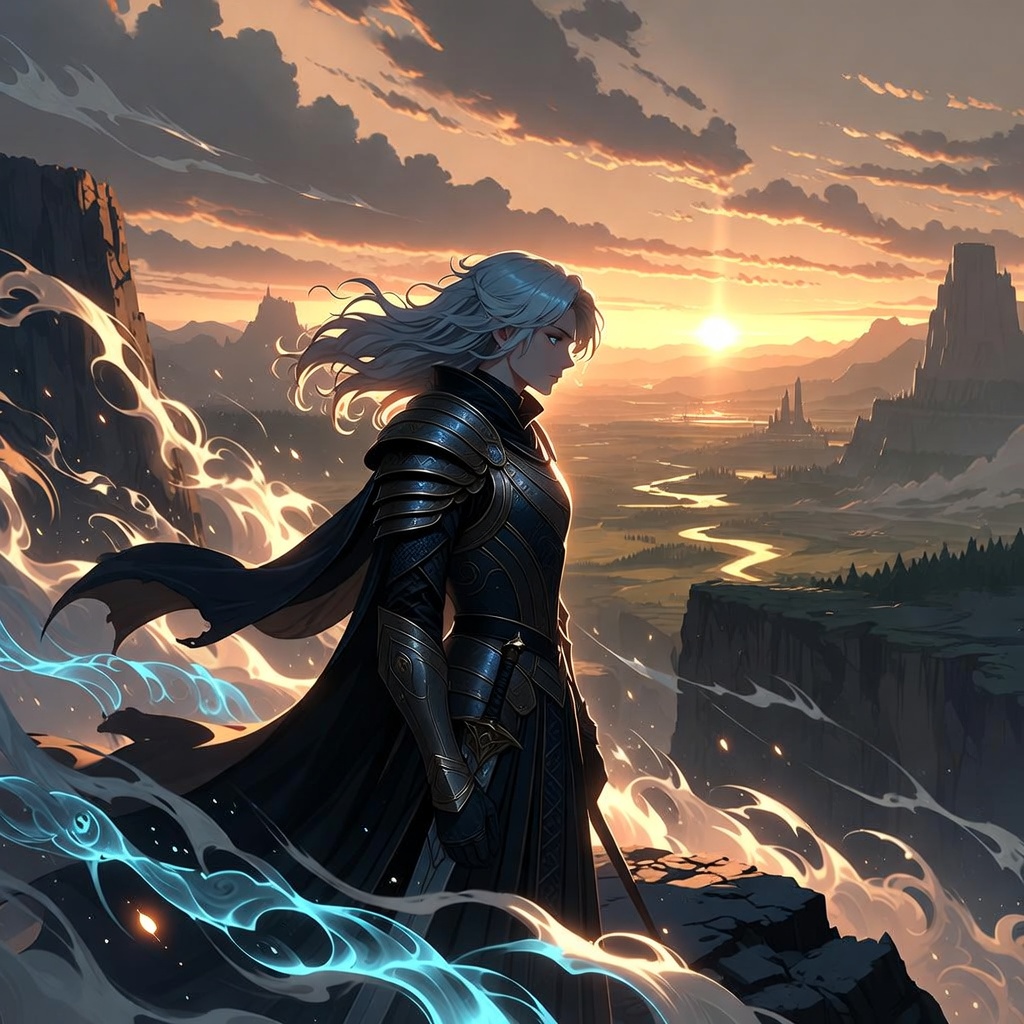
Pick a template and start
Try GenLive Studio free in your browser, or get GenLive on iPhone for Live Photos and more.