GenLive Studio template
Change the time of day and weather in a photo
Shot it at noon but wanted sunset? Pick Golden hour, Blue hour, Night, Snow, or Rain, and GenLive Studio relights the whole scene to match while every person, object, and the composition stay put.
Runs in your browser. Free to try, no account needed.

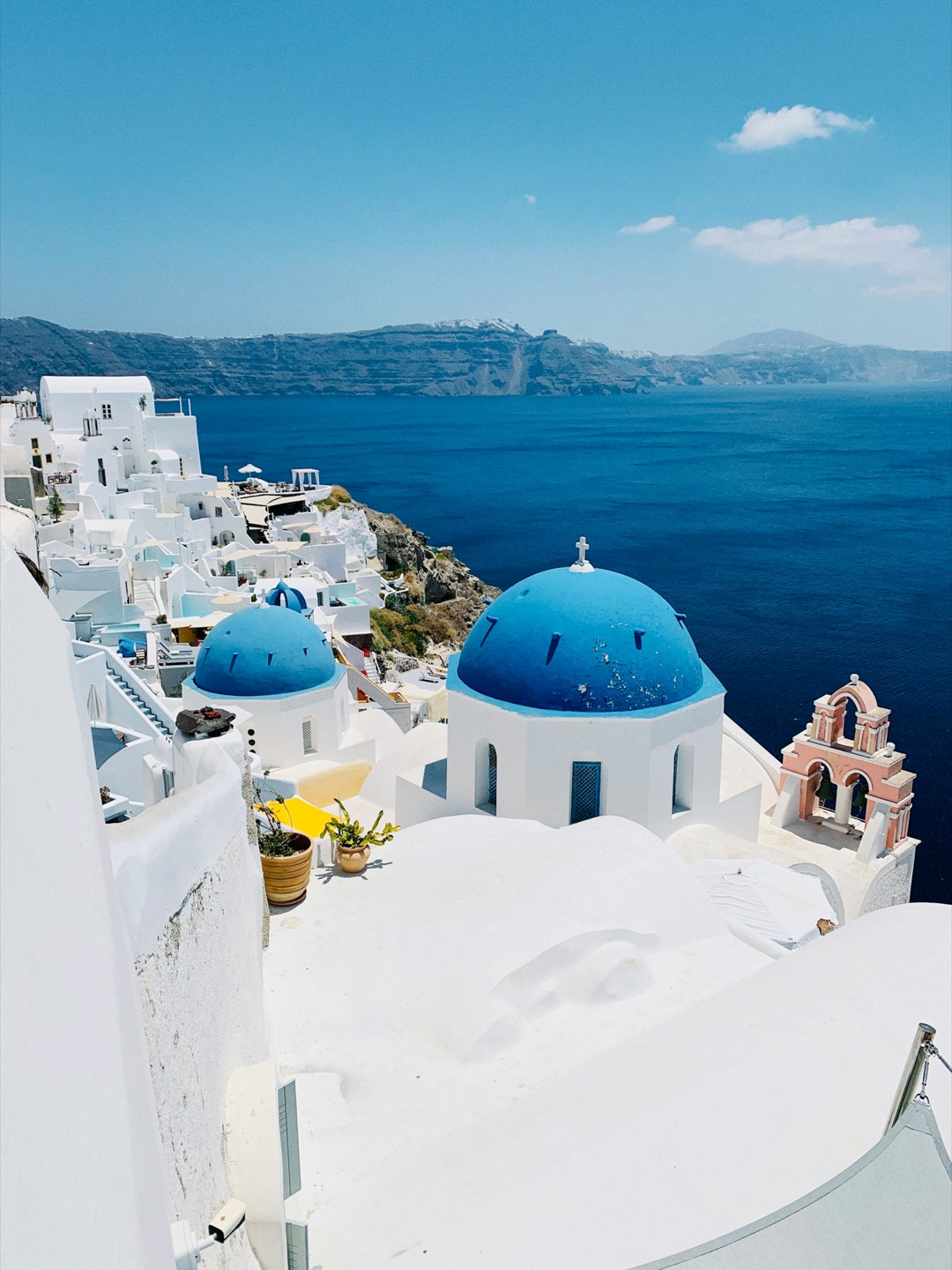
you pick
Change to: Golden hour
about it
Time and weather goes beyond a color filter. Golden hour adds warm, low sunlight and long soft shadows; Blue hour gives a deep blue sky just after sunset; Night darkens the sky and switches on realistic lights in windows and streets; Snow covers surfaces and adds falling flakes; Rain brings wet, reflective ground and overcast light. Run one photo through several moods to pick the one that tells your story.
Same view, three moods
same photo, different pick
Golden hour 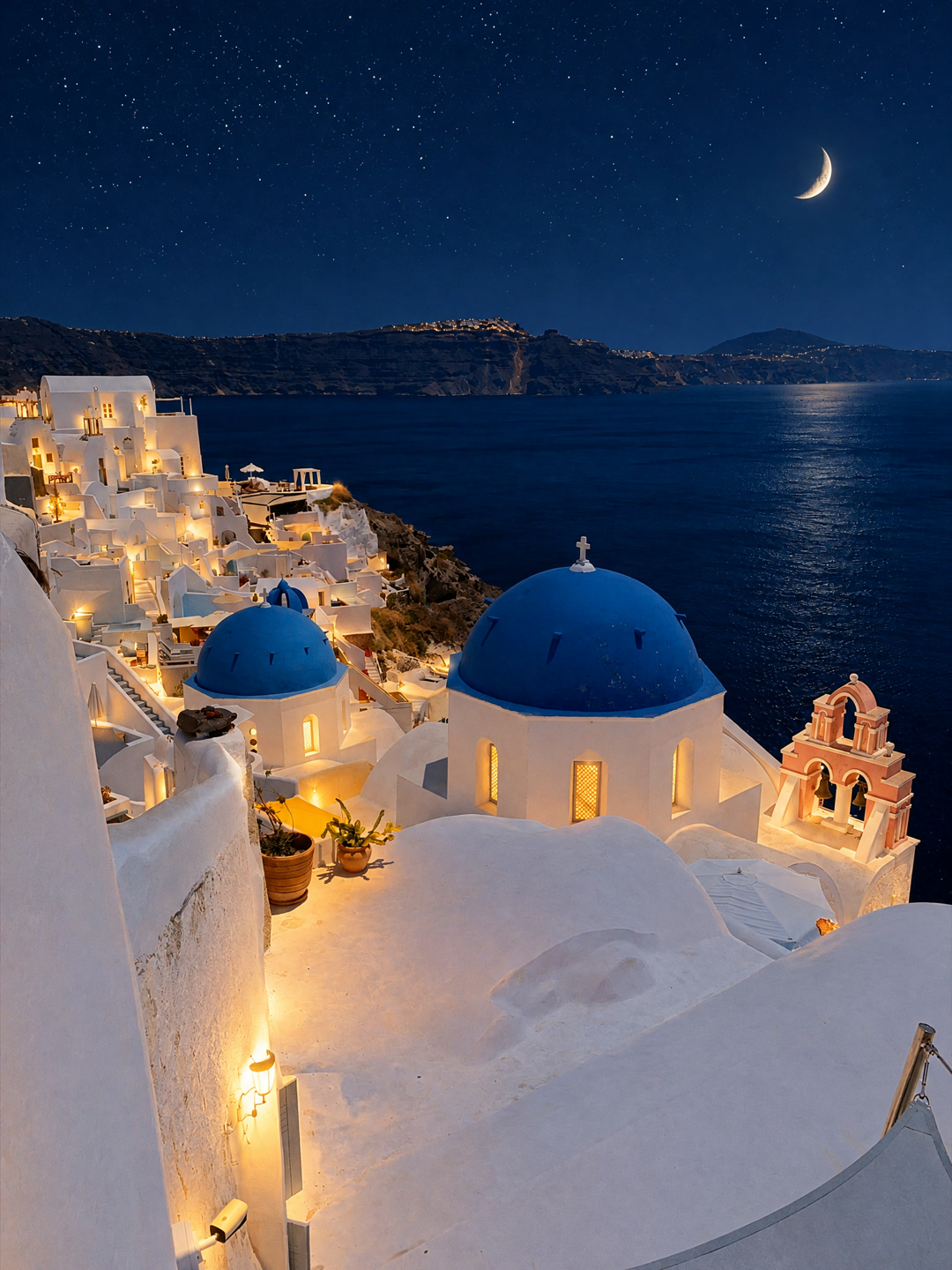
Night 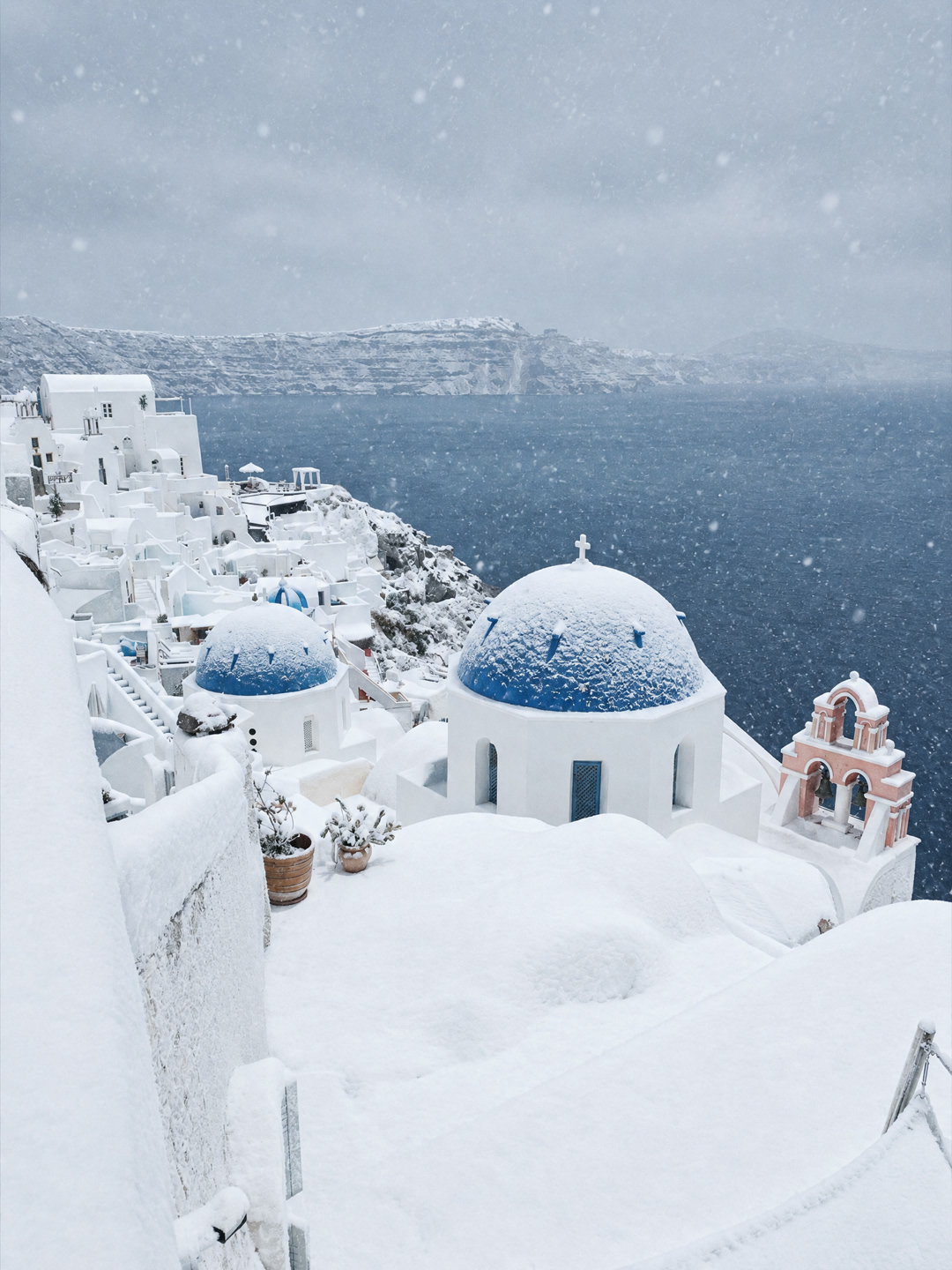
Snow
How to change the time of day
Add a scene
Cityscapes, landscapes, and outdoor portraits.
Pick a moment
Golden hour, Blue hour, Night, Snow, or Rain.
Change the scene
Compare moods and keep your favorite.
Great for
Travel photos
Get the sunset you missed.
Seasonal posts
A snowy version of your street for the holidays.
Real estate and venues
Show a place at dusk with the lights on.
Questions
More templates to try

Sticker
Turn your subject into a die-cut sticker.
- Video
Living loop
One part moves in a seamless loop, the rest stays still.
- Video
Product orbit
A slow camera circle around your product.

Professional headshot
A polished portrait from a casual selfie.
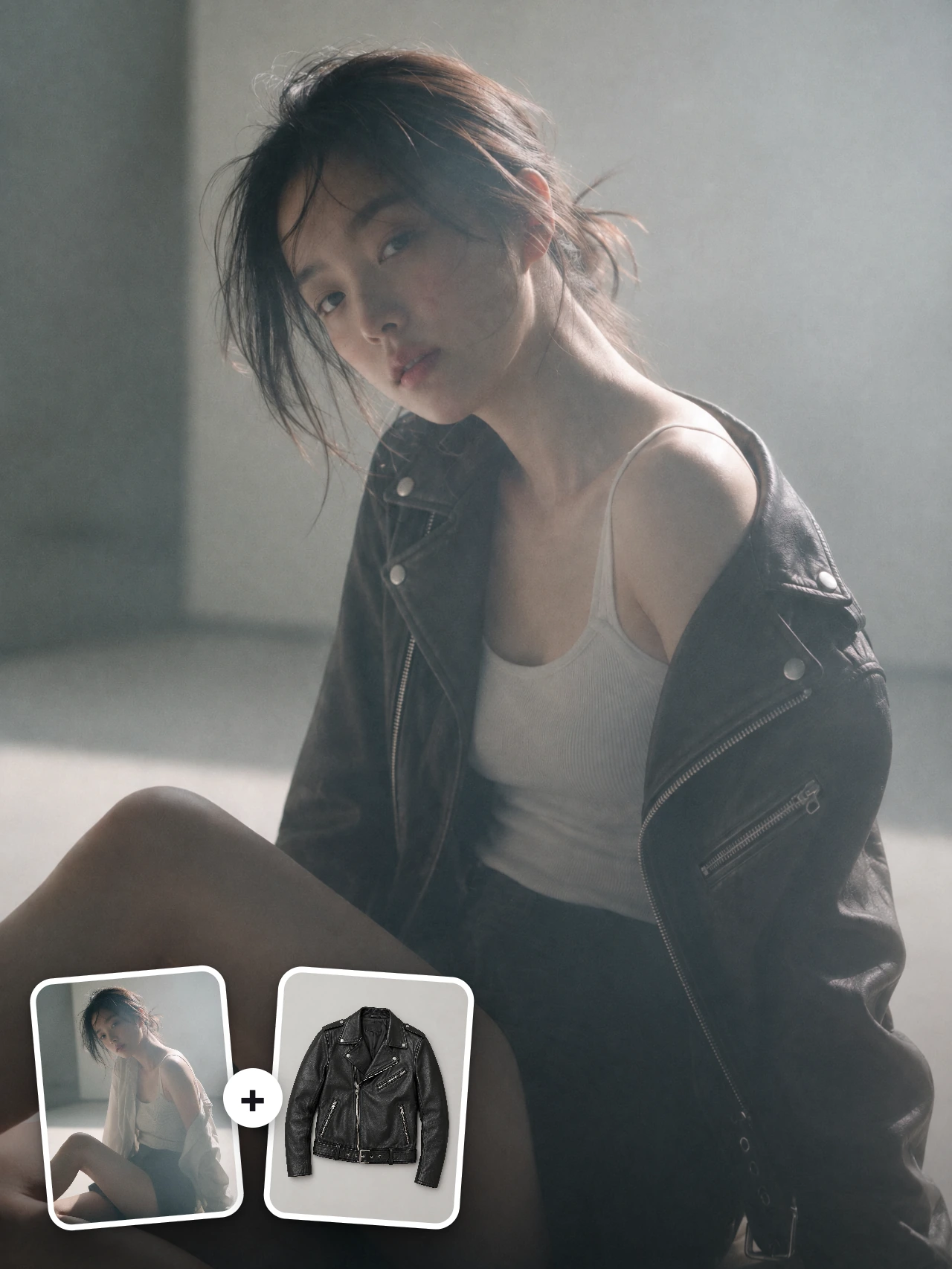
Outfit try-on
See a person wearing clothes from another photo.
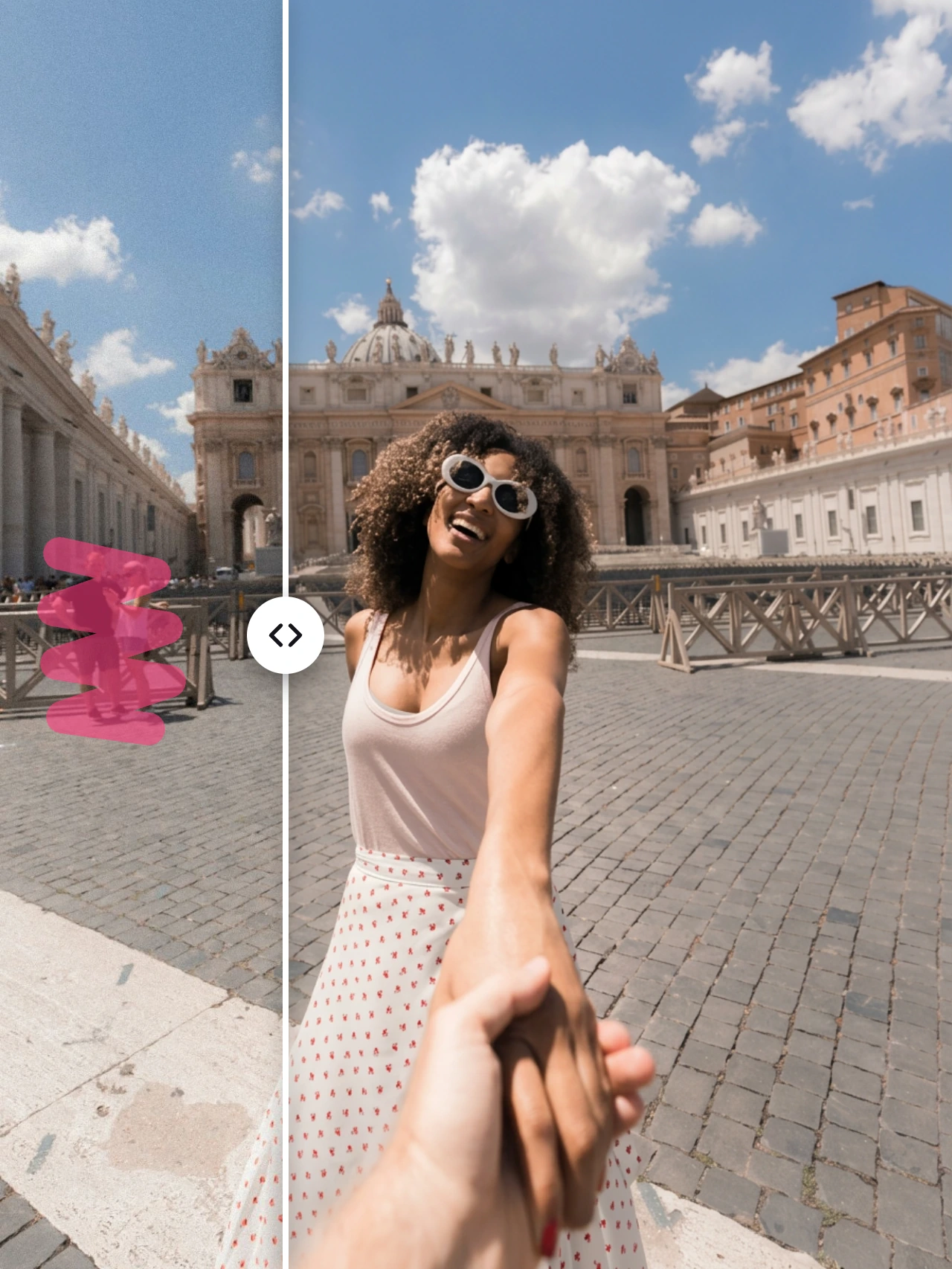
Clean up
Paint over distractions and they disappear.
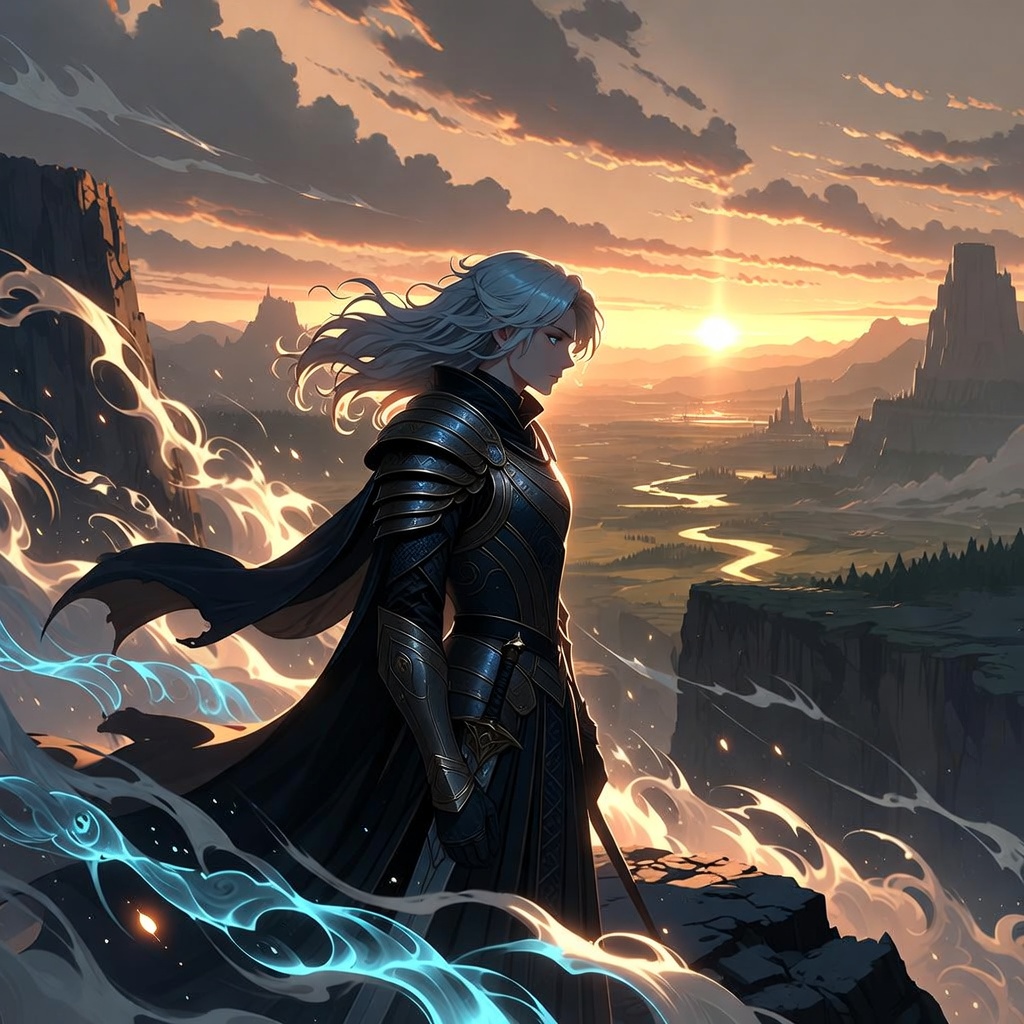
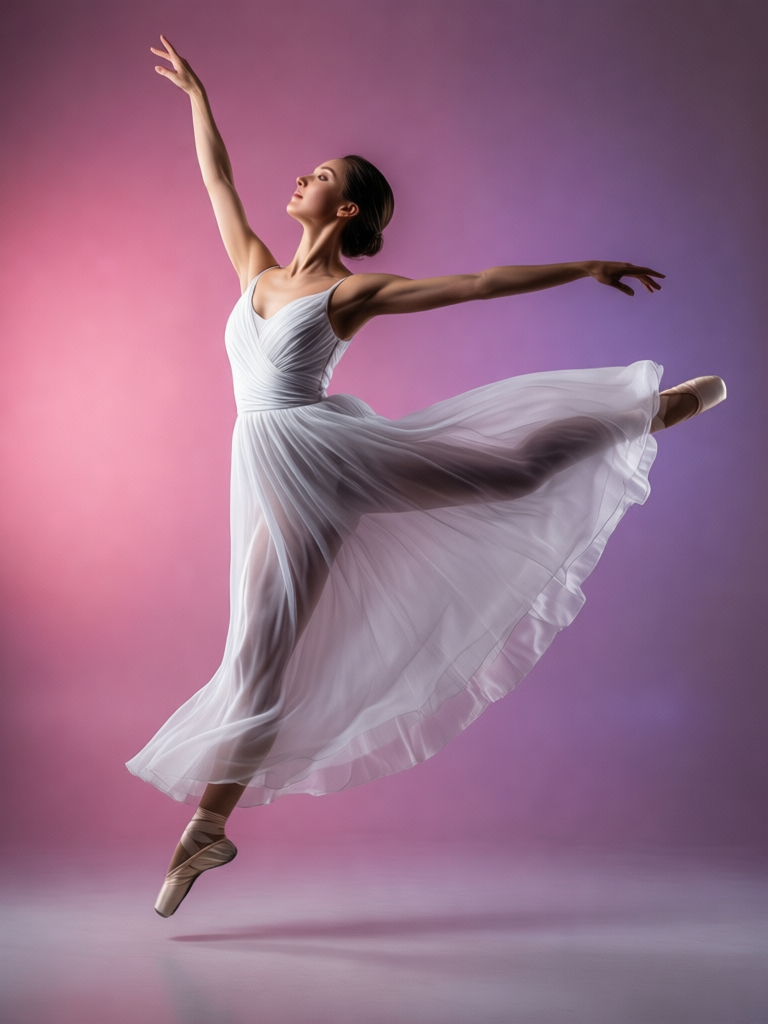
Pick the light you wish you'd had
Open Time and weather in GenLive Studio, or create on your iPhone with GenLive.