GenLive Studio template
Cinemagraph maker: make one part of a photo move
Pick what should move, the water, the sky, hair and clothes, or the lights, and GenLive Studio turns your photo into a seamless looping video where only that part moves and everything else stays perfectly still.
Runs in your browser. Free to try, no account needed.

you pick
What moves: Sky
about it
A living loop, often called a cinemagraph, sits between a photo and a video: a still image with one gentle, continuous motion. Studio asks the video model for a seamless loop with a locked camera, so the moving part flows without a visible jump. Water suits lakes and the sea, Sky suits clouds and night skies, Hair and clothes suits portraits in a breeze, and Lights suits city scenes, candles, and string lights.
How to make a cinemagraph
Add a photo
A scene with water, sky, hair, or lights.
Pick what moves
Water, Sky, Hair and clothes, or Lights.
Create the loop
Download a seamless loop to post or share.
Great for
Eye-catching posts
Subtle motion that stands out in a feed.
Websites and wallpapers
Calm, looping hero backgrounds.
Travel memories
Waves that keep rolling, clouds that keep drifting.
Questions
More templates to try
- Video
Product orbit
A slow camera circle around your product.

Professional headshot
A polished portrait from a casual selfie.
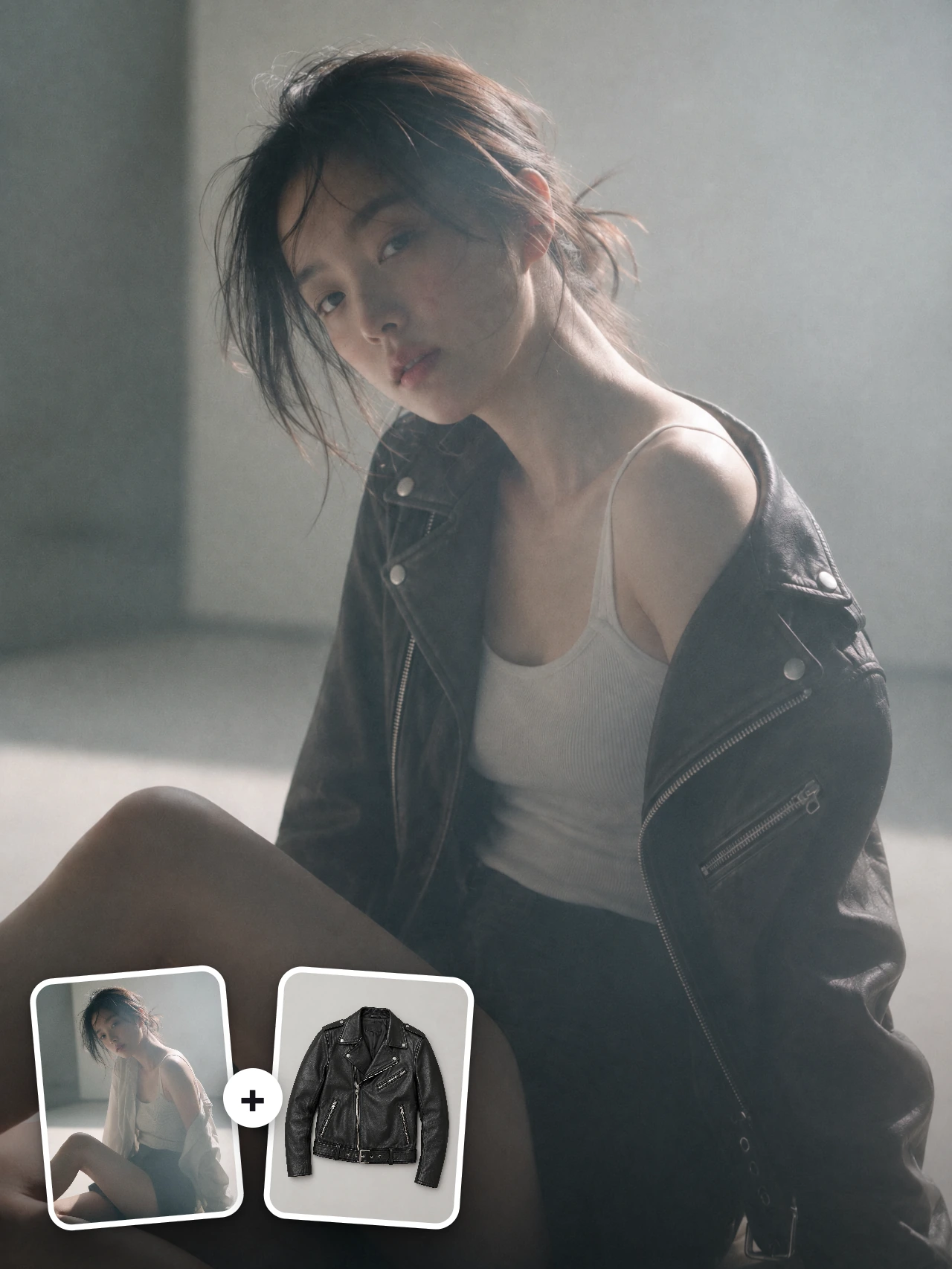
Outfit try-on
See a person wearing clothes from another photo.
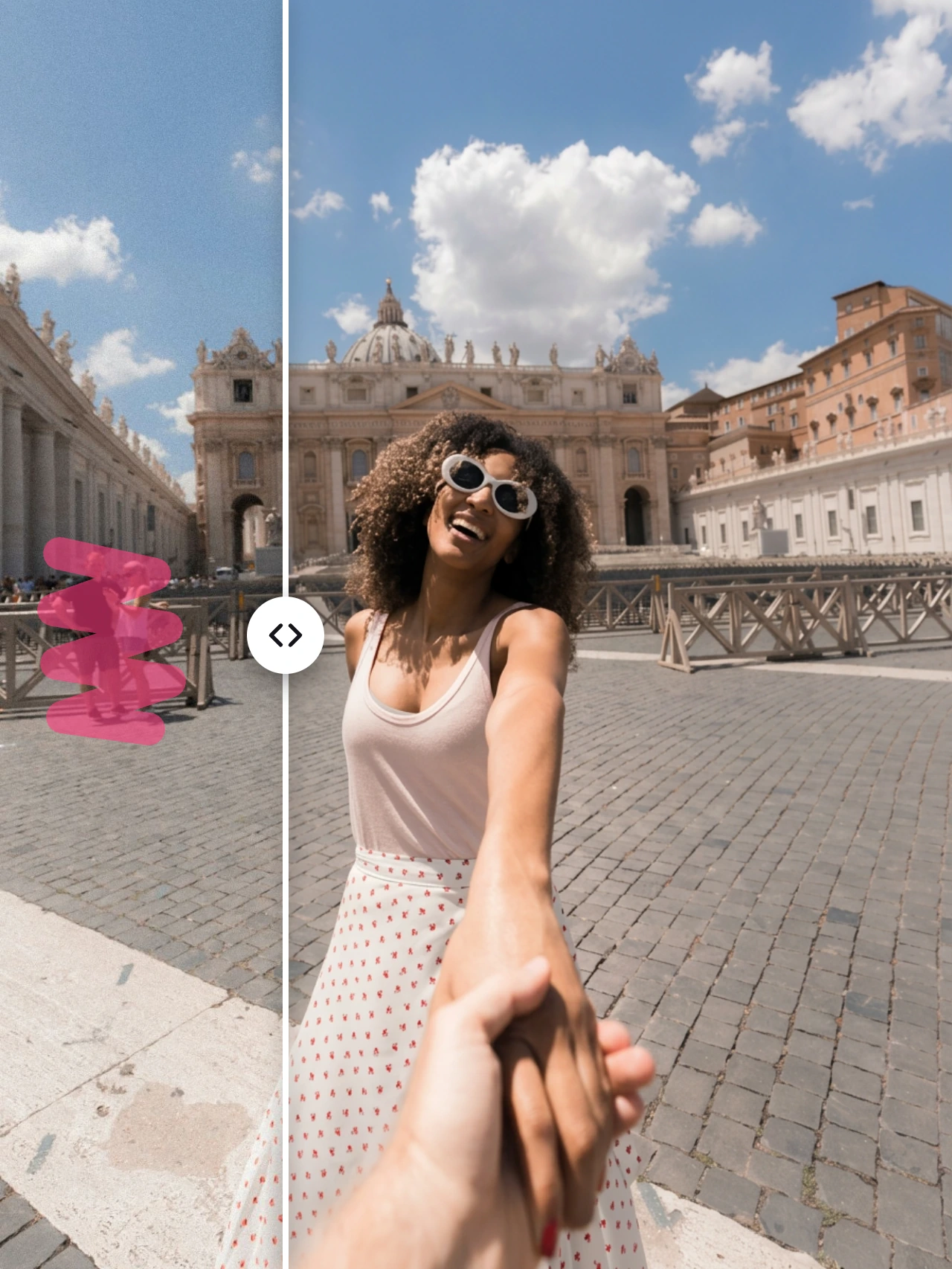
Clean up
Paint over distractions and they disappear.
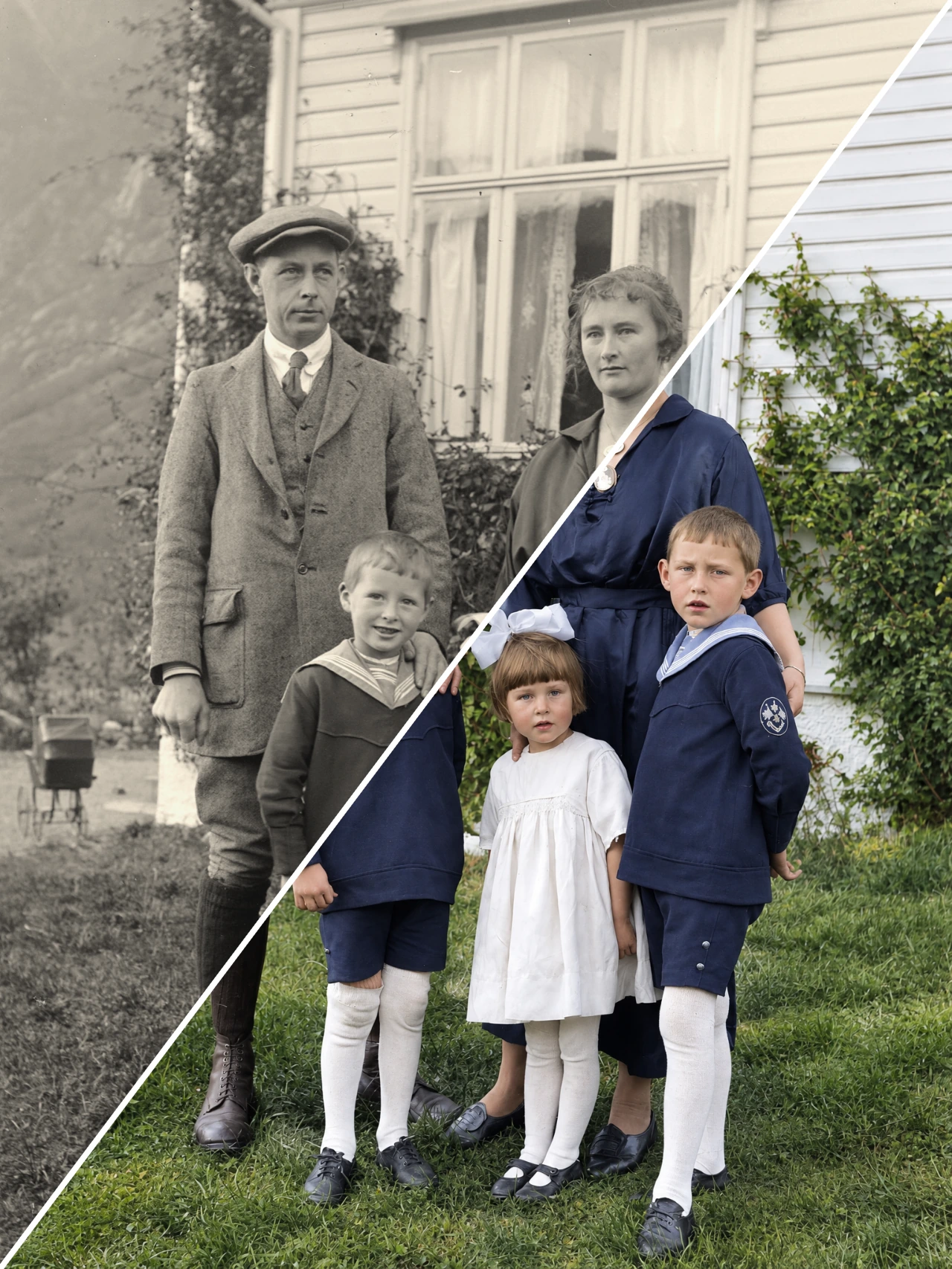
Restore old photo
Fix scratches and fading, and add natural color.
- Video
Animate photo
Bring a still photo to life as a short video.

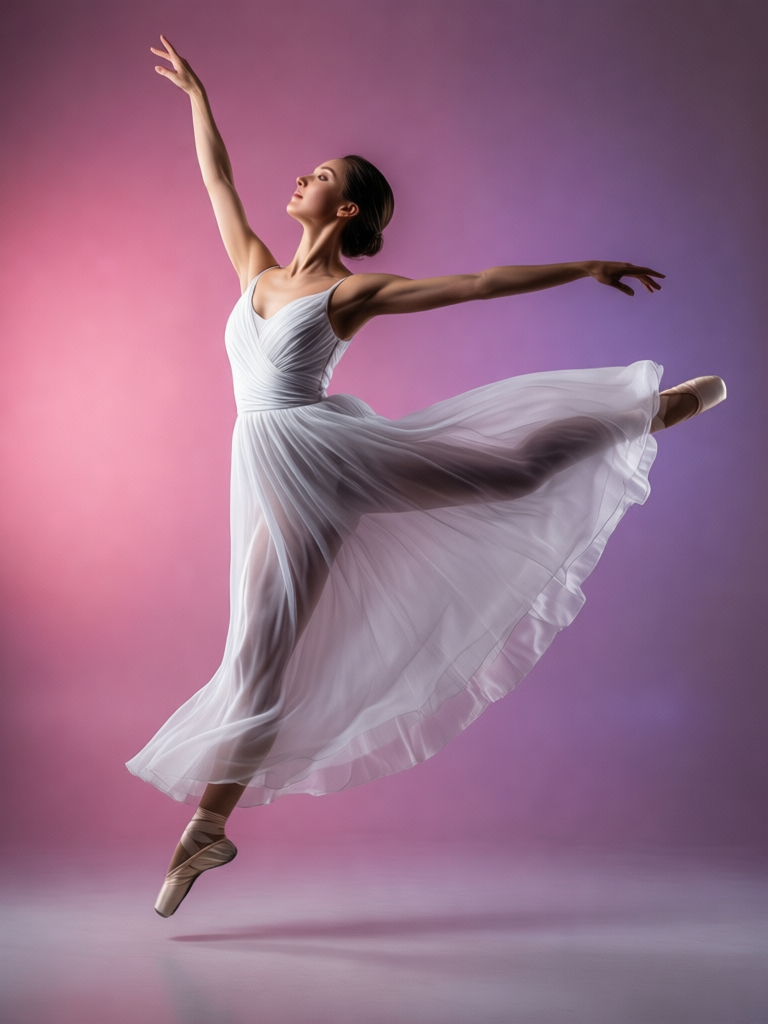
Let one part of your photo breathe
Open Living loop in GenLive Studio, or make a Live Photo on your iPhone with GenLive.