GenLive Studio template
AI headshot generator from a selfie
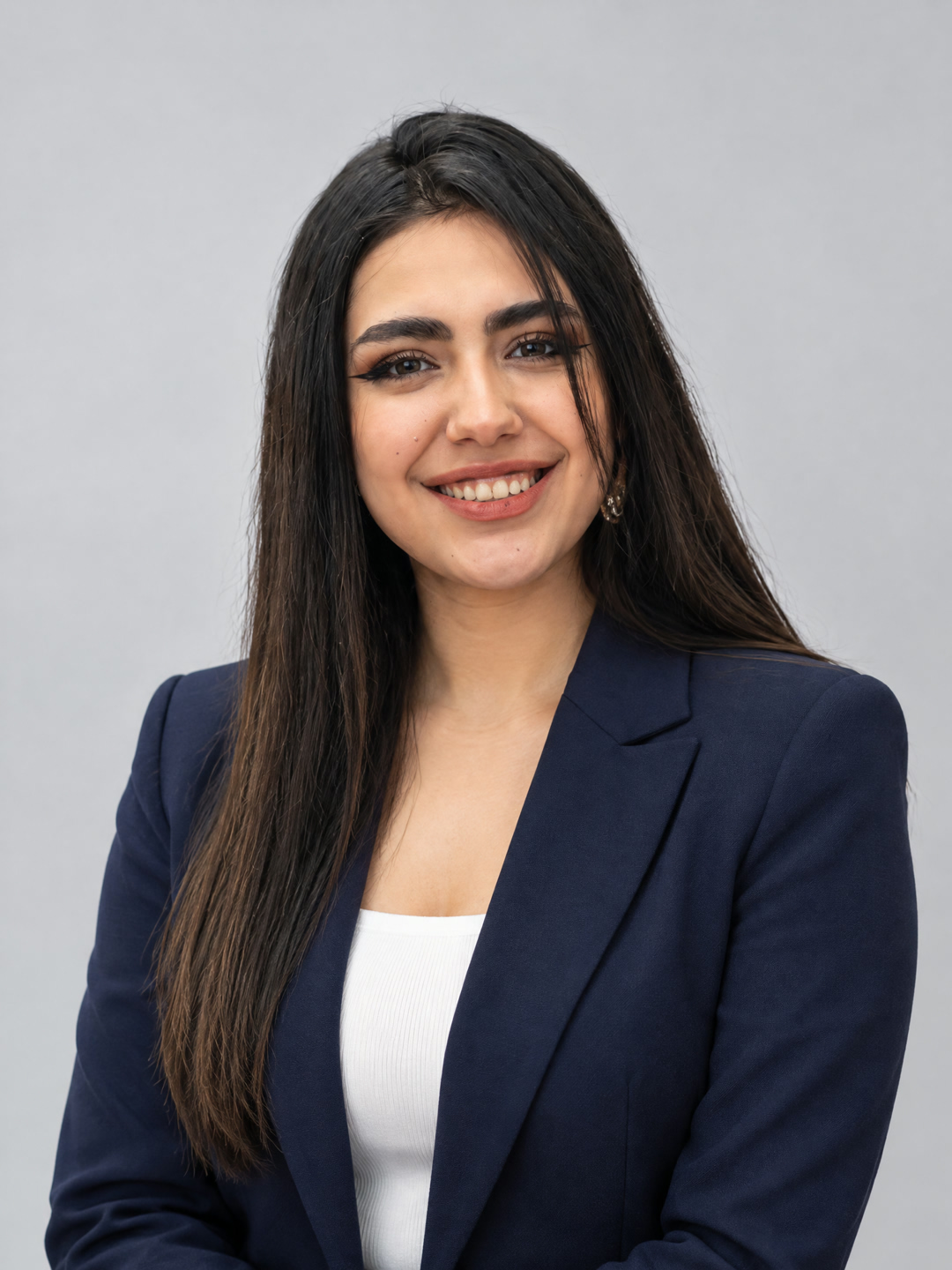
Upload a casual photo and get a clean, professional headshot for LinkedIn, your CV, or a team page. Pick a business, outdoor, or color studio look, and GenLive Studio keeps your face, hair, and skin tone exactly as they are.
Runs in your browser. Free to try, no account needed.

you pick
Look: Business gray
about it
The headshot template turns one photo into a head-and-shoulders portrait with a confident, natural expression and flattering soft light. Business gray adds smart attire and a plain studio backdrop, Outdoor uses daylight and a blurred green background, and Color studio sets you against a modern colored backdrop. The instructions ask the model to keep your identity unchanged, so the result still looks like you, just on a good day with a photographer.
How to make an AI headshot
Add a clear photo
Any photo where your face is sharp and well lit works, even a selfie.
Pick a look
Business gray, Outdoor, or Color studio.
Generate and download
Try another look or run it again, then download the one you like.
Great for
LinkedIn and CVs
A tidy profile photo without booking a shoot.
Team and speaker pages
Give everyone a matching backdrop and light.
Dating and social profiles
Use the Outdoor look for a relaxed, natural portrait.
Questions
More templates to try
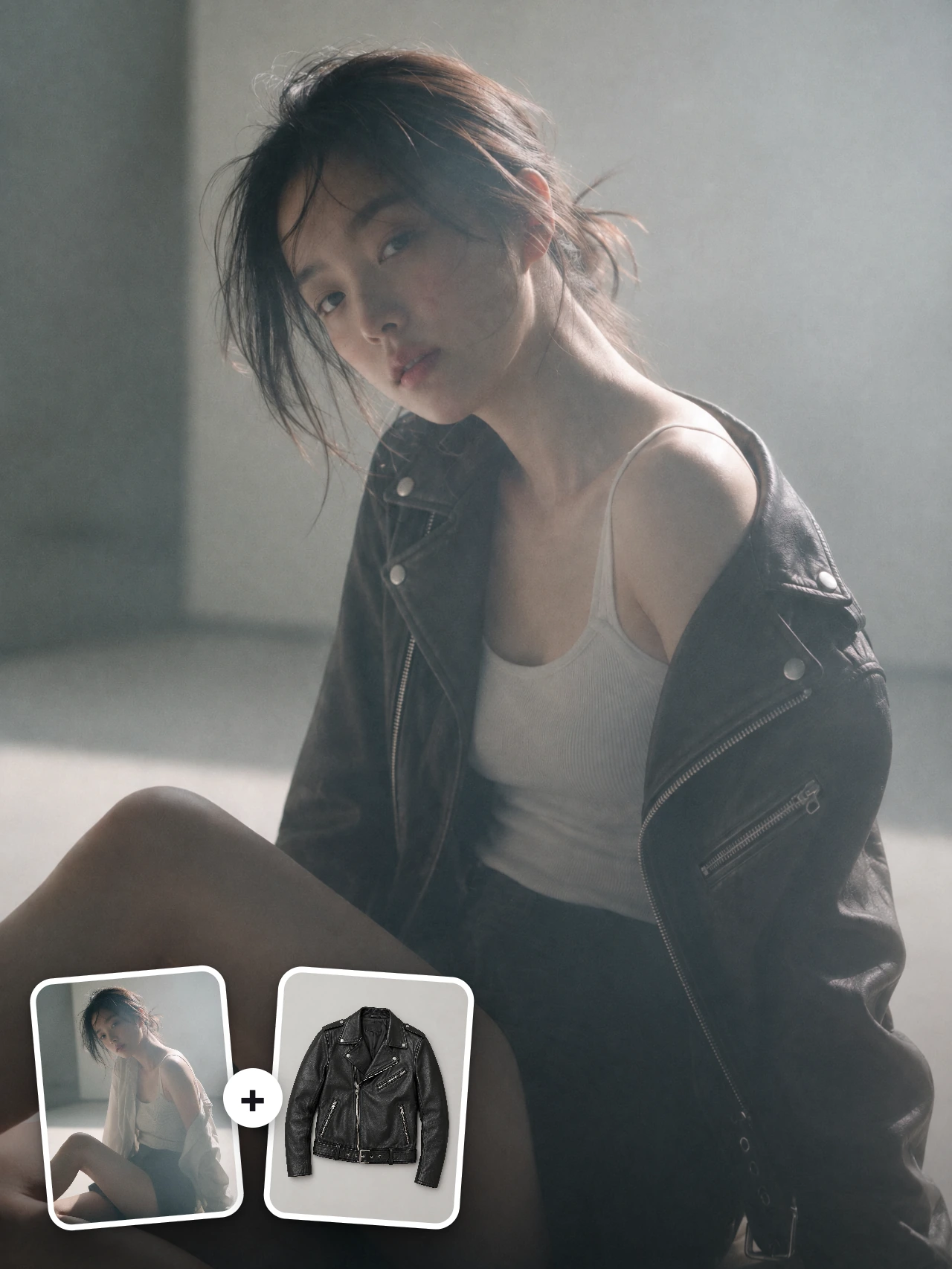
Outfit try-on
See a person wearing clothes from another photo.
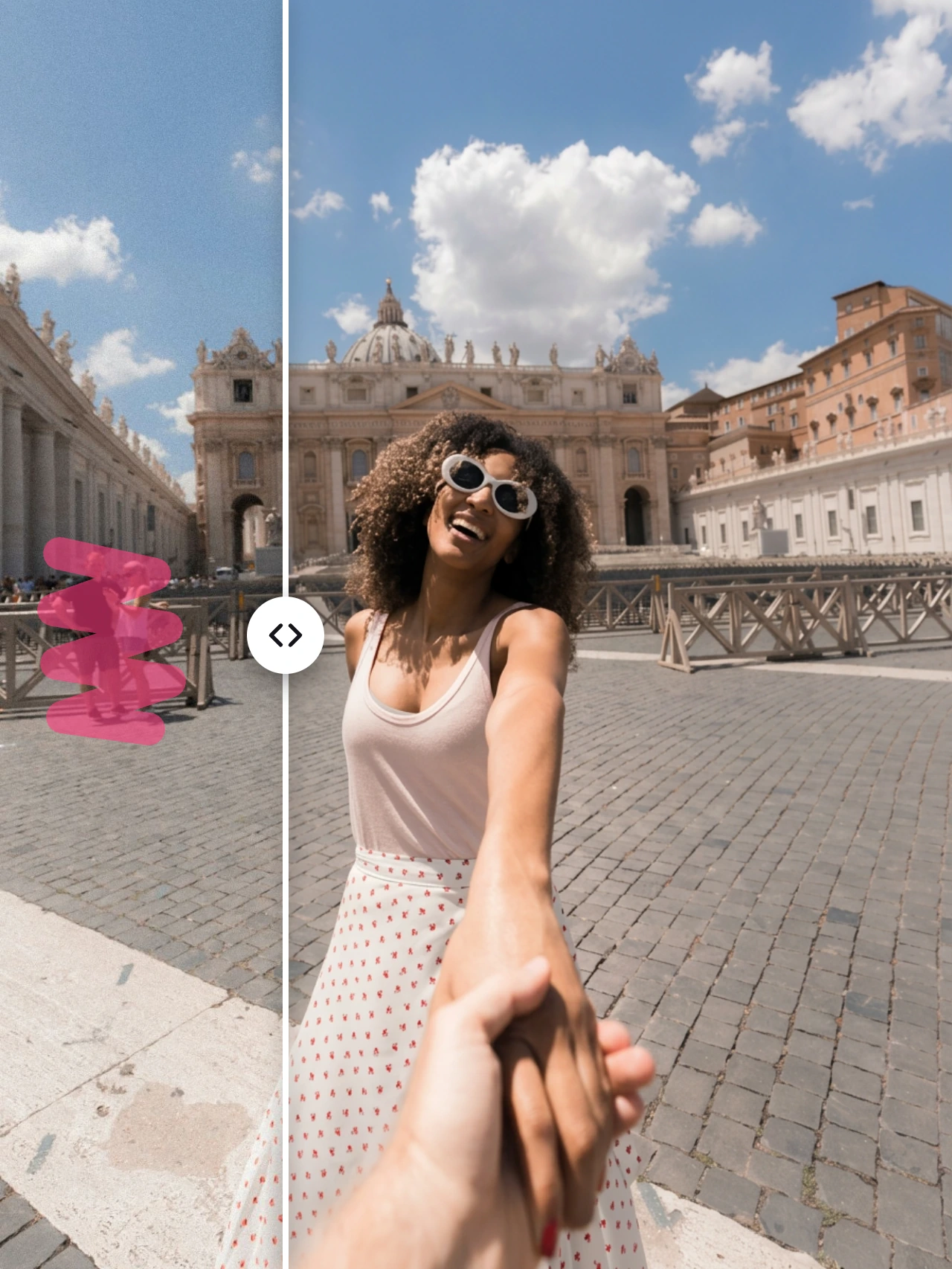
Clean up
Paint over distractions and they disappear.
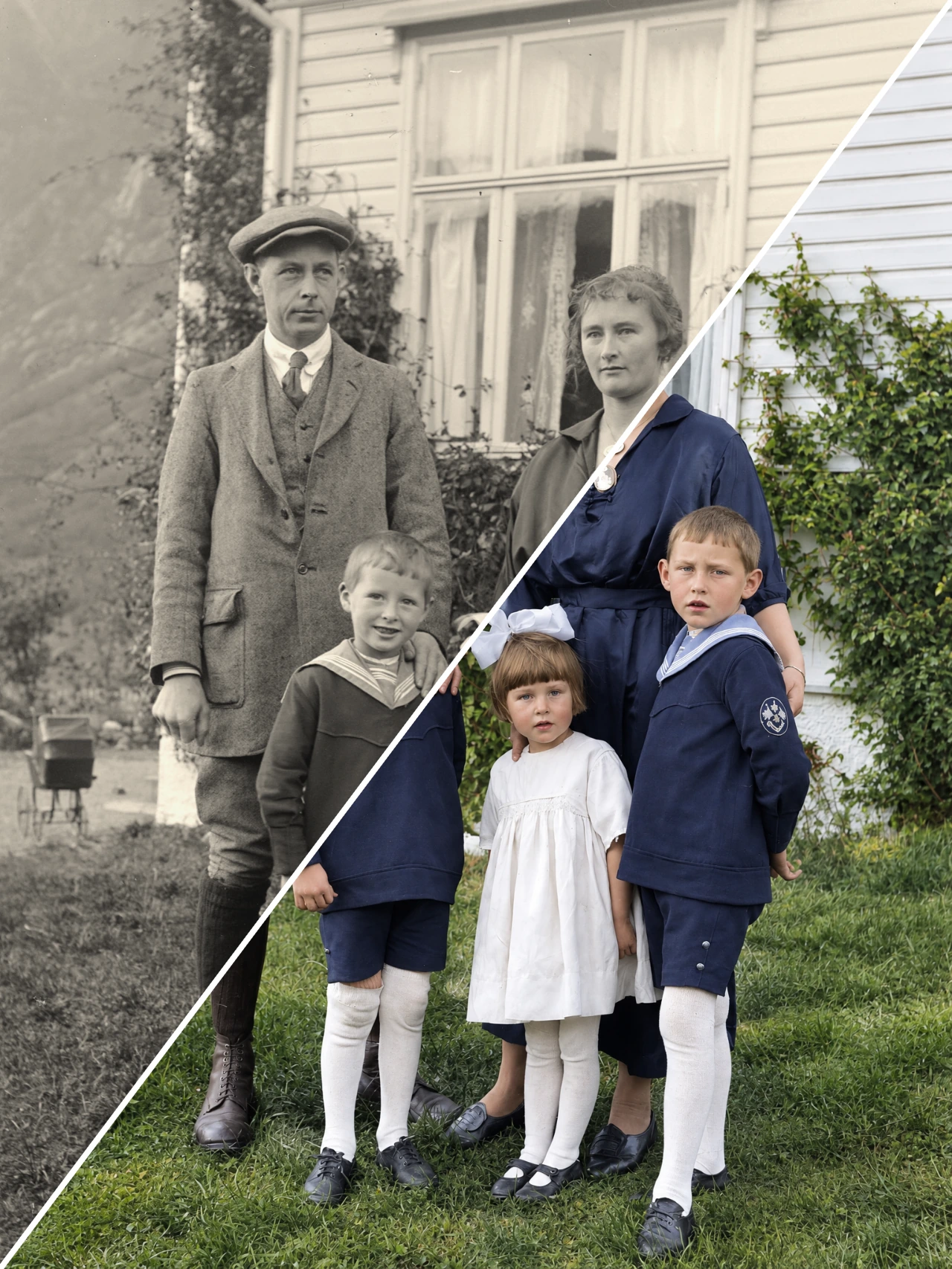
Restore old photo
Fix scratches and fading, and add natural color.
- Video
Animate photo
Bring a still photo to life as a short video.
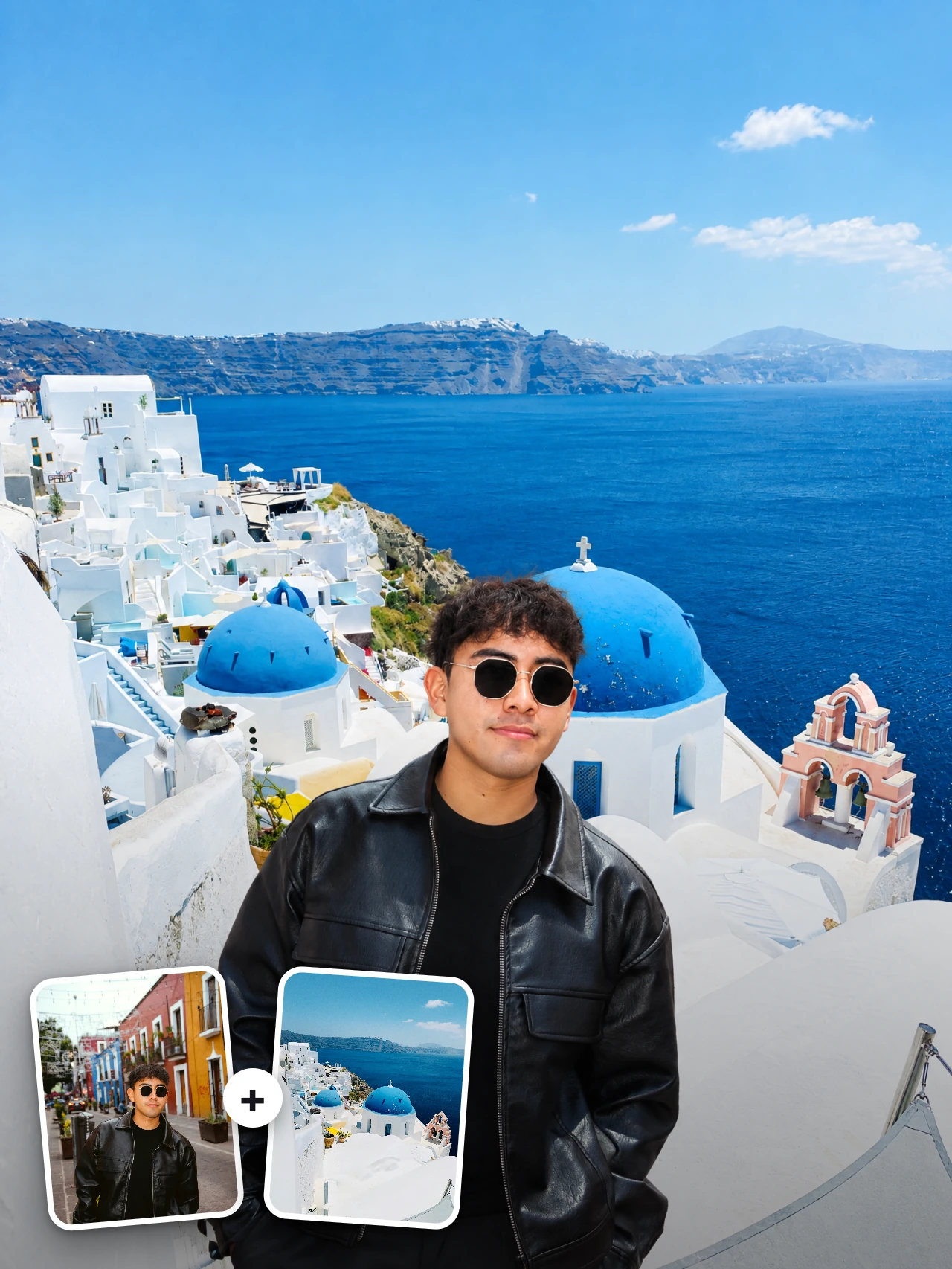
Change background
Keep your subject and place it in a new scene.
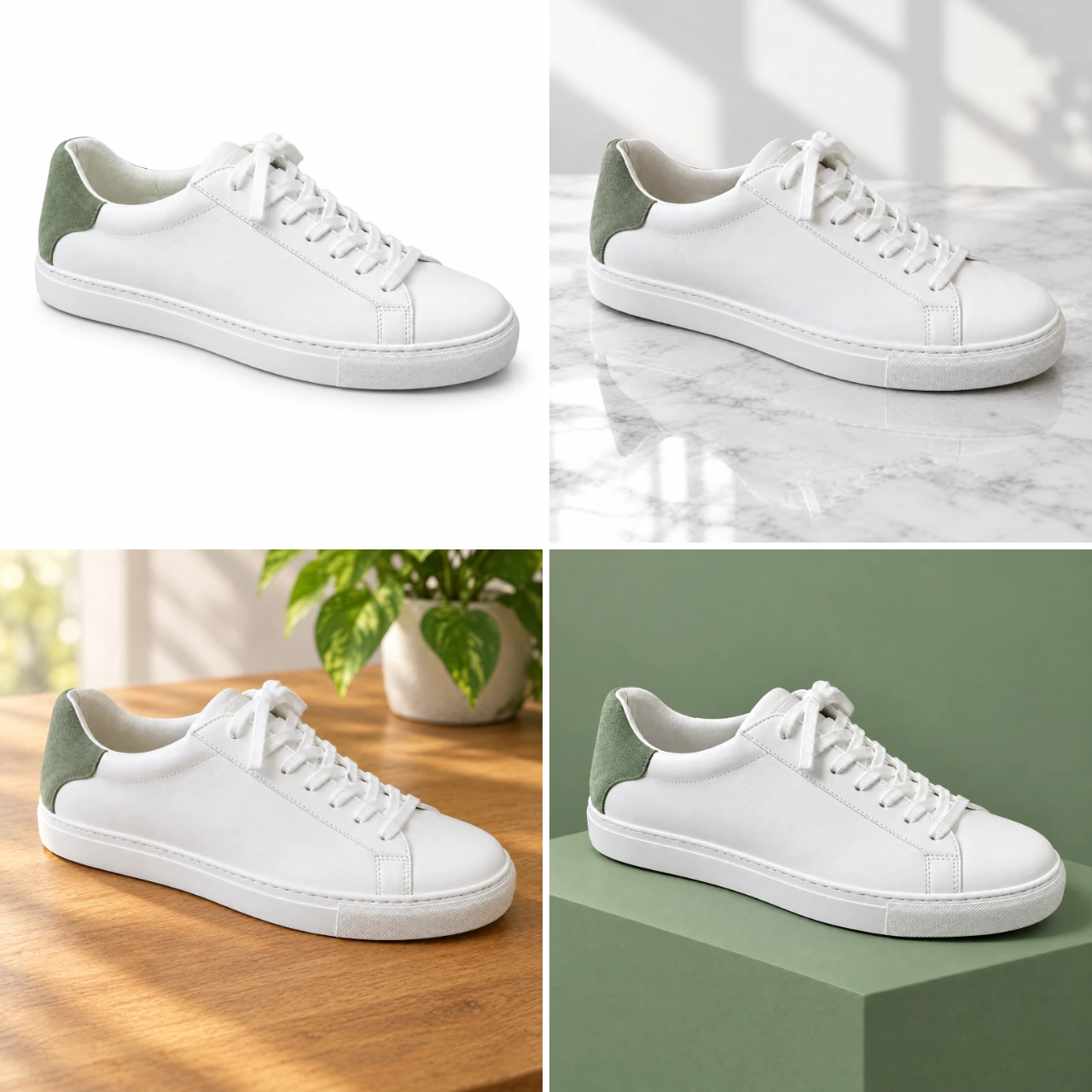
Studio product shot
Turn a phone snap into a clean studio photo.
Your next profile photo, from a selfie
Open the headshot template in GenLive Studio, or make one on your iPhone with GenLive.