GenLive Studio template
AI product photography from a phone snap
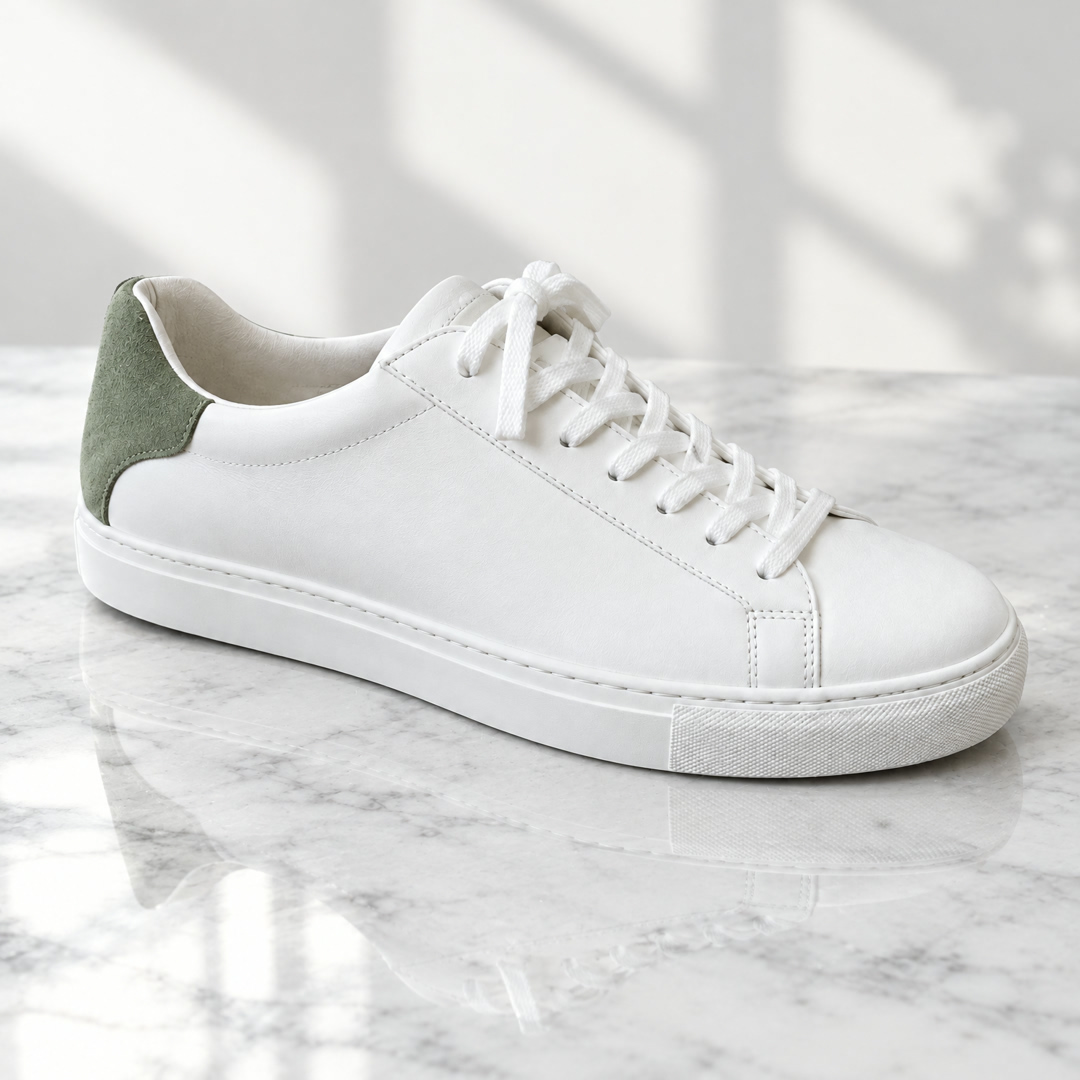
Photograph a product anywhere, even on a messy desk, and GenLive Studio turns it into a clean e-commerce shot on pure white, marble, wood, or a color backdrop. The product's shape, color, label, and text stay exactly the same.
Runs in your browser. Free to try, no account needed.
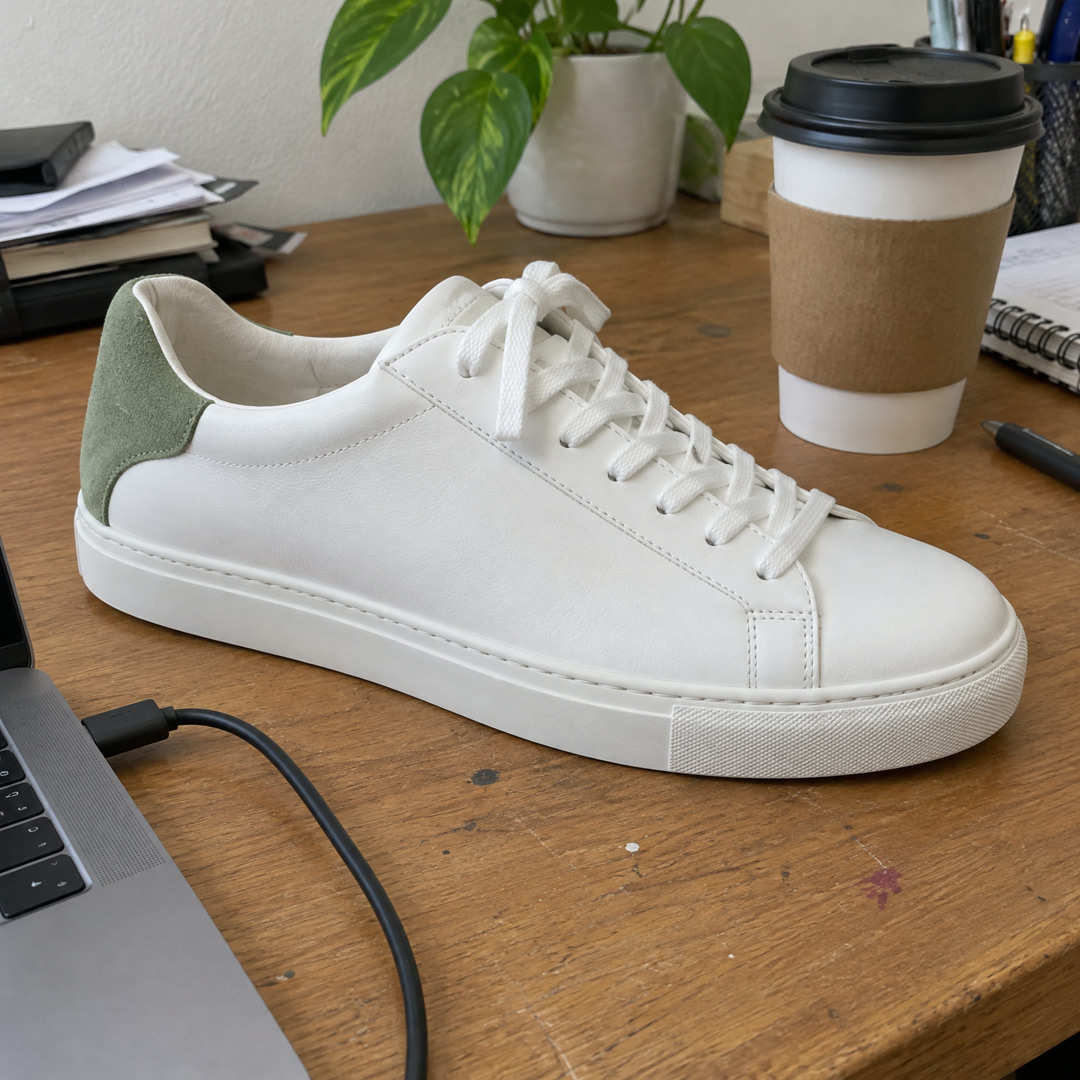
you pick
Surface: Marble
about it
The studio product shot template replaces everything around the product with a professional set: soft studio lighting, a gentle natural shadow, and an uncluttered composition. Pick a surface to match your brand or marketplace: Pure white for listings that require it, Marble or Wood for lifestyle shots, or a Color backdrop that complements the product. Run the same photo through several surfaces to build a consistent product gallery.
Four surfaces, one sneaker
same photo, different pick
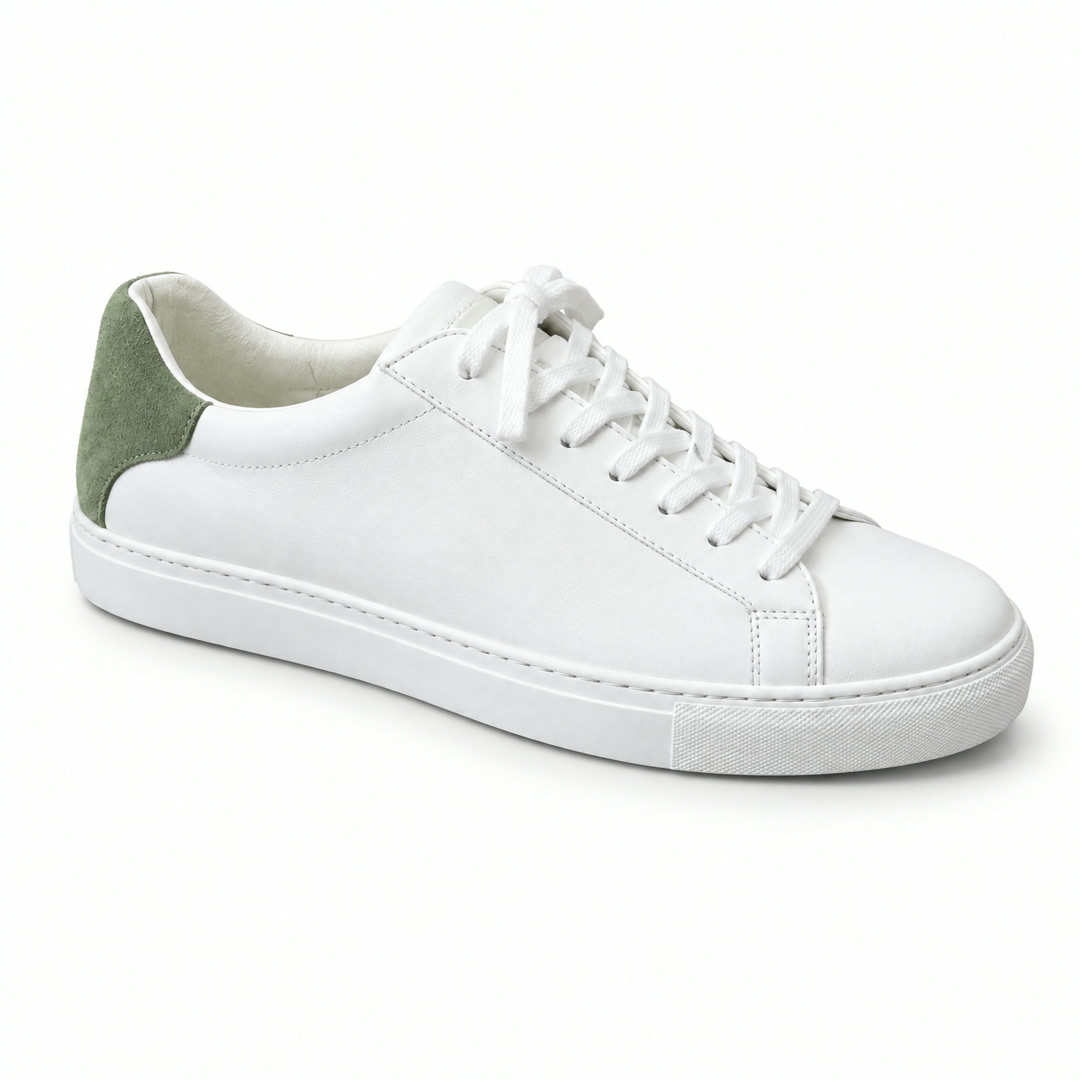
Pure white Marble 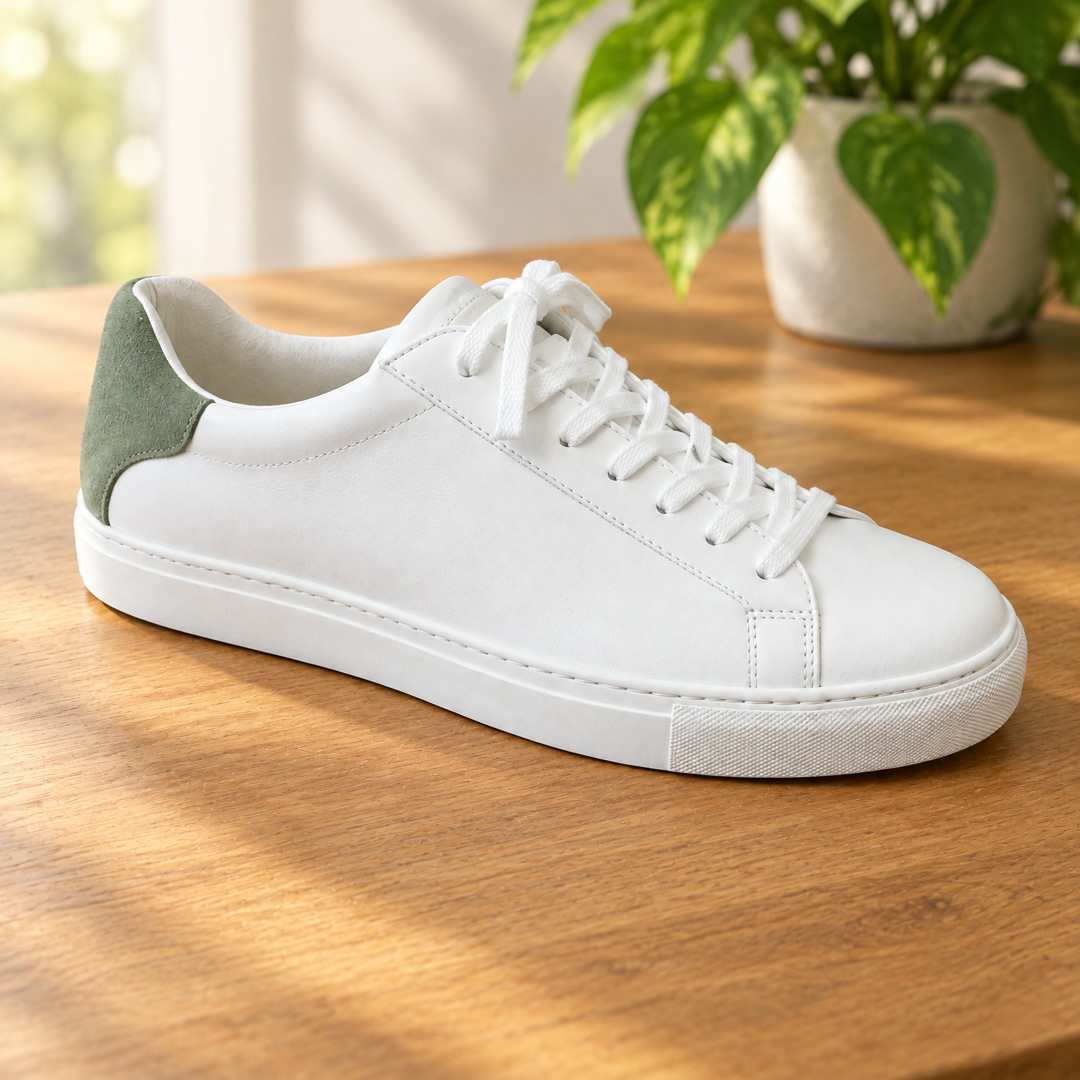
Wood 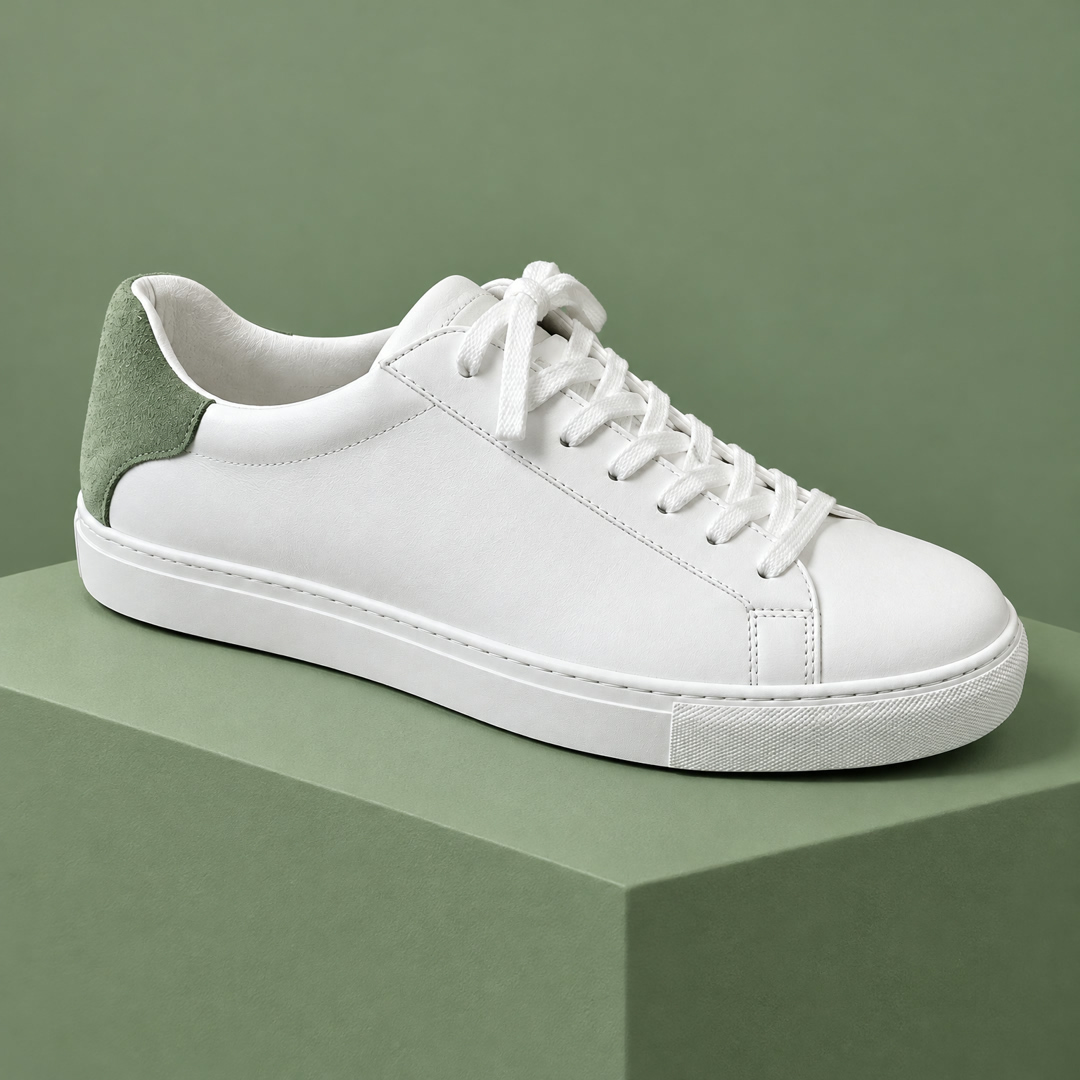
Color backdrop
How to make a product photo
Snap the product
Any angle, any room. Keep it in focus.
Pick a surface
Pure white, Marble, Wood, or Color backdrop.
Generate the shot
Download it or try the next surface.
Great for
Online stores
Consistent listing photos without a studio.
Marketplaces and resale
Make secondhand items look their best.
Launches and social ads
Quick hero images in your brand colors.
Questions
More templates to try
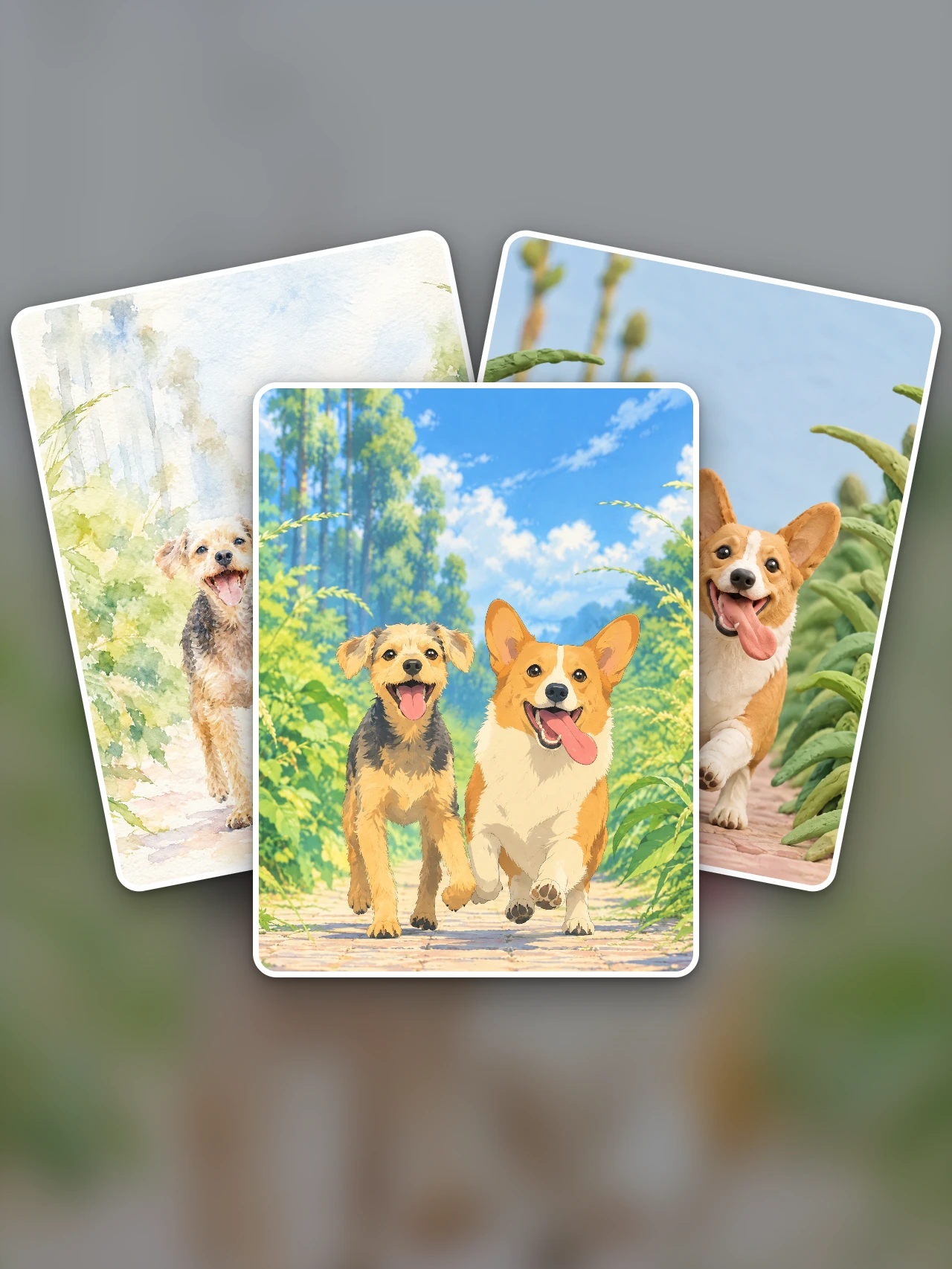
Art style
Repaint your photo as watercolor, oil, sketch and more.
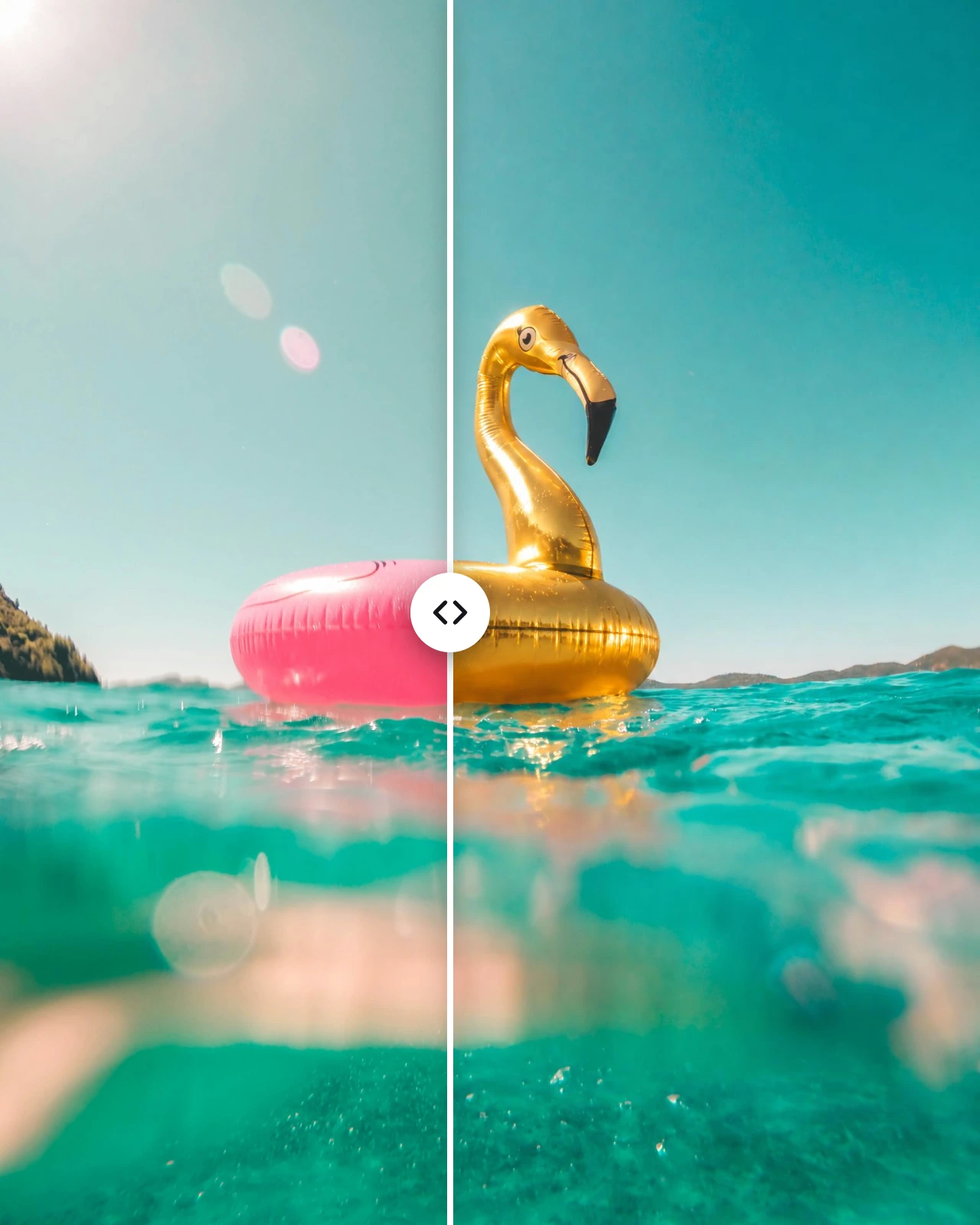
Photo edit
Describe a change and keep the rest of your photo.
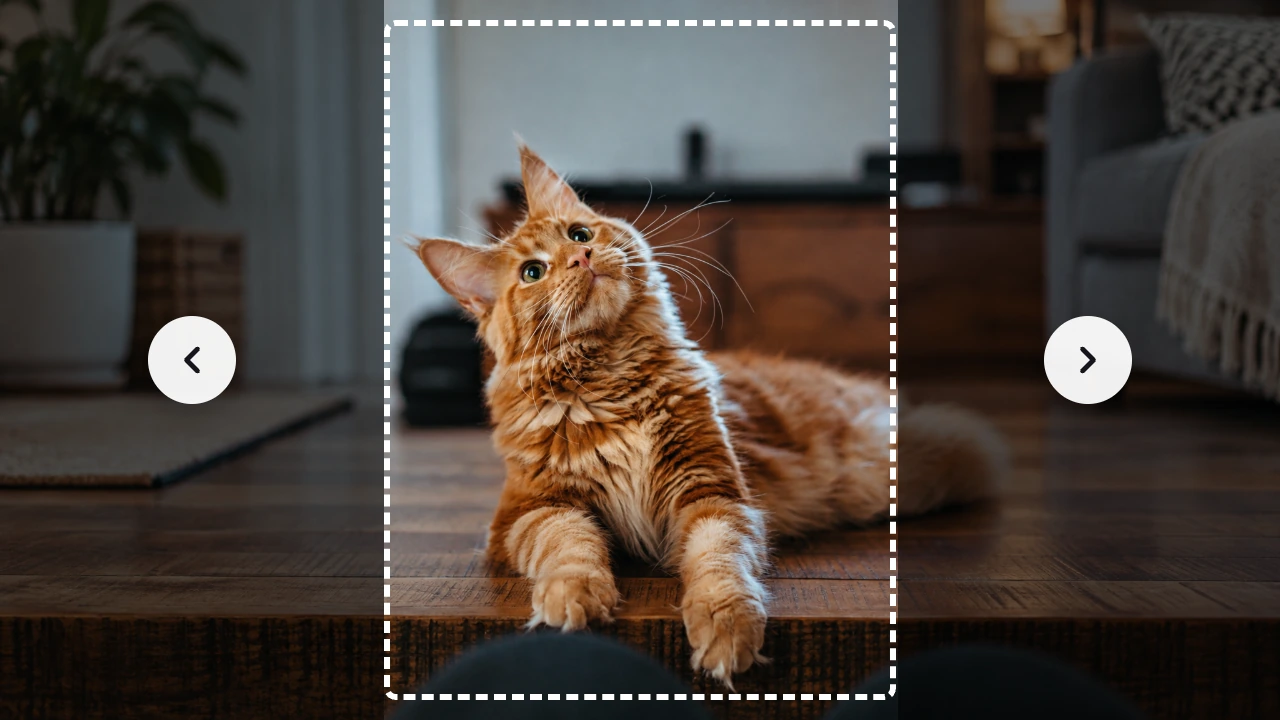
Resize
Change your photo's shape without cropping.

Time and weather
Relight a scene at golden hour, at night, or in snow.

Sticker
Turn your subject into a die-cut sticker.
- Video
Living loop
One part moves in a seamless loop, the rest stays still.


Studio-quality product photos, no studio
Open Studio product shot in GenLive Studio, or create on your iPhone with GenLive.