Bring your pet portrait to life
Give a favorite pet photo a blink, an ear twitch, and a little personality.
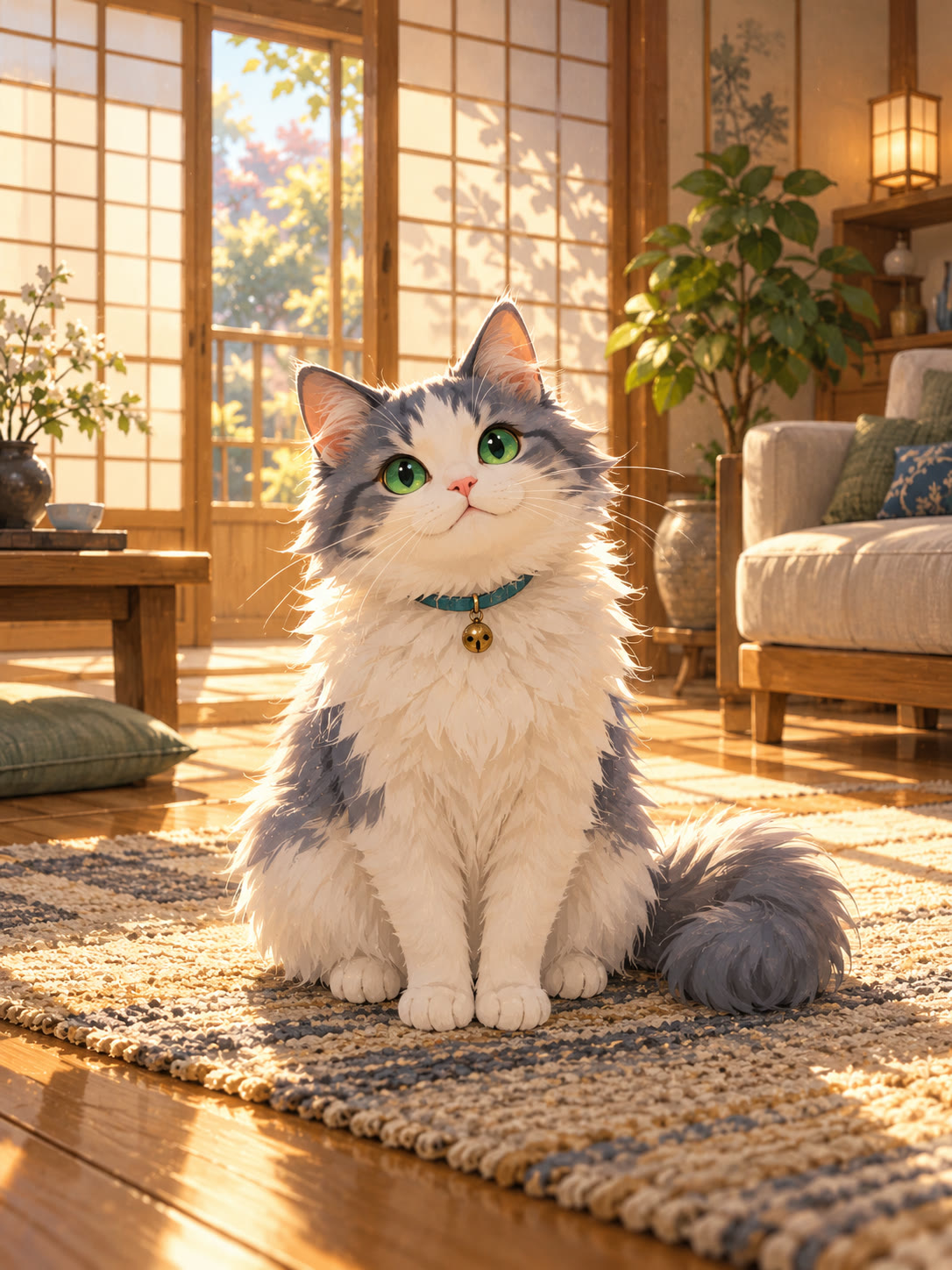
Start with a clear pet photo or a painterly animal illustration. Use image-to-video in GenLive to add small movements, then save the result as a short video or Live Photo on iPhone. A seated pose keeps the face, fur markings, and expression easy to recognize.
A little motion, a familiar face
The appeal of animated pet portraits is in the details: a slow blink, a tiny ear twitch, or a tail tip moving on the rug. Describe one or two movements and ask the model to preserve the original style. AI results vary, so compare the preview with your source before saving.
From one image to a moving portrait
1
Choose a clear portrait
Use one pet with visible eyes, ears, and paws. Leave room around the head and tail.
2
Describe small movements
In GenLive, open image-to-video and ask for a slow blink and gentle breathing. Keep the pose and style unchanged.
3
Preview and save
Check the face, fur markings, and paws throughout the clip. Save your favorite version as a video or Live Photo.
Two motion prompts to try
A cat in afternoon light
Preserve the painterly style and fur markings. The seated cat slowly blinks once, breathes gently, and twitches one ear. Sunlit dust drifts. Keep the camera almost still.
A dog by the window
Keep the dog’s face, coat, and seated pose unchanged. Add gentle breathing, one natural blink, and a small tail-tip movement. Soft window light shifts slightly. No walking or scene changes.
What to check in the result
Keep the pet recognizable
Compare eye shape, coat patterns, collar, and paws with the source. If they drift, simplify the motion prompt.
Let the artwork stay artwork
For an illustrated source, ask to preserve brushwork and soft edges. A small blink often suits the portrait better than a full-body action.
Pet animation questions
Related use cases
- Vintage Camcorder VideoTurn a moment into a 90s Hi8 home video with grain and a date stamp
- Revive Old PhotosBring vintage and archival photos back to life with natural motion
- Animated GreetingsCreate personalized animated messages for friends and family
- Social Media ContentStand out with engaging videos for Instagram, TikTok, and more
- Preserve MemoriesTurn precious family moments into living memories
- Retro Anime AnimationTurn your art into 80s and 90s style hand-drawn anime motion
Make your first moving pet portrait
Choose one image, add a little motion, and save a keepsake with GenLive on iPhone.