Animate Old Photos on iPhone
Bring family and vintage photos to life with gentle AI motion while keeping the original feeling of the image intact.
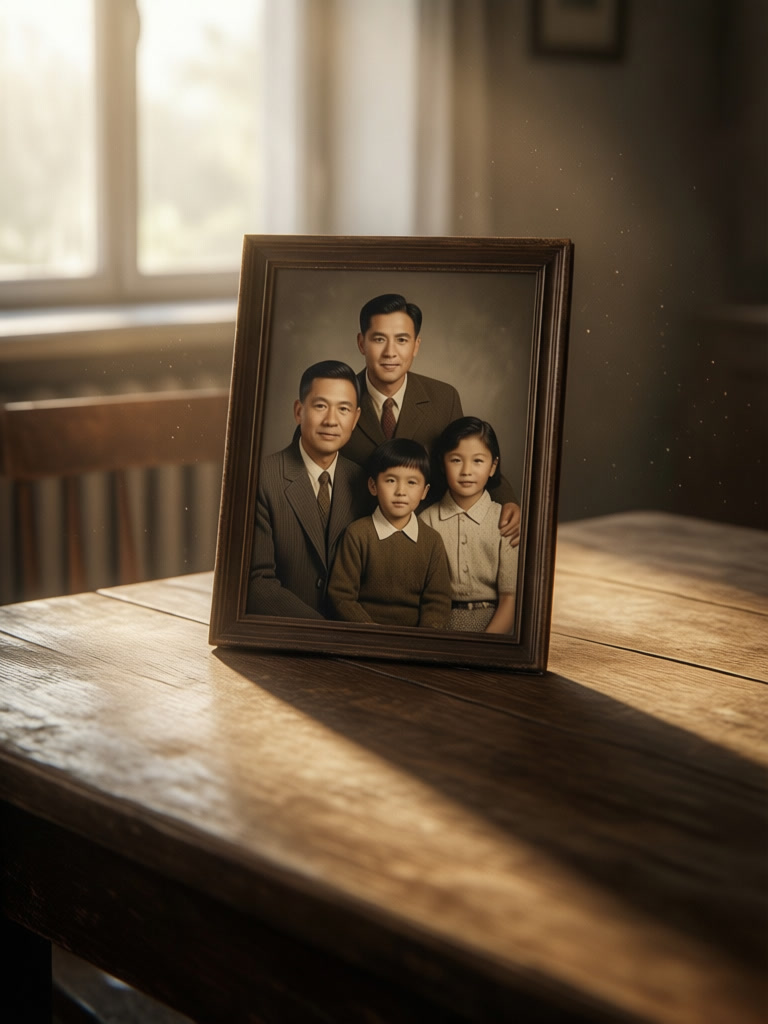
Give old family photos a gentle sense of life. Add subtle motion like blinking eyes, drifting dust, or a slow camera push while preserving the original character.
In short
GenLive helps you animate old photos on iPhone with subtle motion like blinking, breathing, drifting dust, or gentle camera movement. The goal is to keep the memory recognizable while adding life.
How to animate an old photo
1
Start with a clear photo
Choose a family portrait, archival photo, or vintage snapshot where the subject is easy to read.
2
Use subtle motion prompts
Ask for breathing, blinking, soft light flicker, drifting dust, or a slow camera push instead of dramatic action.
3
Keep the emotion, then export
Preview the result and save the version that best preserves the original character of the photo.
When this works especially well
Family portraits
A little breathing, blinking, or camera movement can make a family memory feel present again.
Archival and vintage photos
Dust, soft light, or a slow push-in can add life without making an old photo look modernized.
What matters on old-photo animation
Respect the original image
The most convincing results preserve faces, framing, and the emotional tone of the original photo.
Small motion feels stronger
Blinking, breathing, drifting dust, and gentle camera motion usually feel more authentic than dramatic effects.
Easy to share with family
Once you find the right version, you can keep the memory in a format that is easy to revisit and share.
Old photo animation FAQ
Related use cases
- Animated GreetingsCreate personalized animated messages for friends and family
- Preserve MemoriesTurn precious family moments into living memories
- Animated Pet PortraitsGive a favorite pet photo a blink, an ear twitch, and a little personality.
- Vintage Camcorder VideoTurn a moment into a 90s Hi8 home video with grain and a date stamp
- Social Media ContentStand out with engaging videos for Instagram, TikTok, and more
- Creative Art ProjectsGenerate unique visuals for your creative endeavors
Bring an old photo to life on iPhone
Start with one memory, add gentle motion, and keep the result in a format you can revisit and share.