GenLive Studio template
Turn a photo into a painting with AI
Repaint any photo as a loose watercolor, a classic oil painting, a pencil sketch, a clean anime illustration, or a charming 3D clay scene. GenLive Studio keeps the composition and the faces you recognize.
Runs in your browser. Free to try, no account needed.
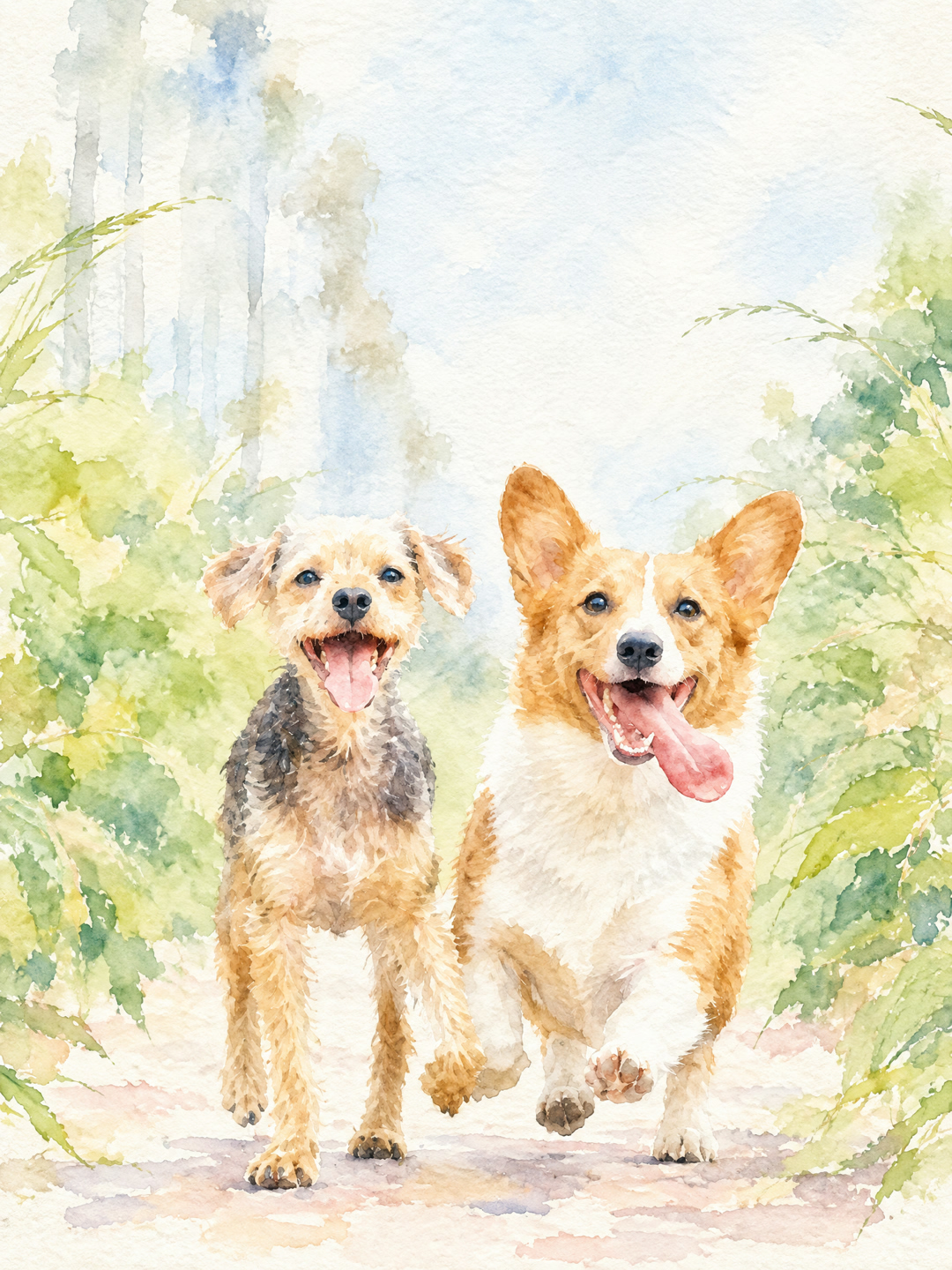
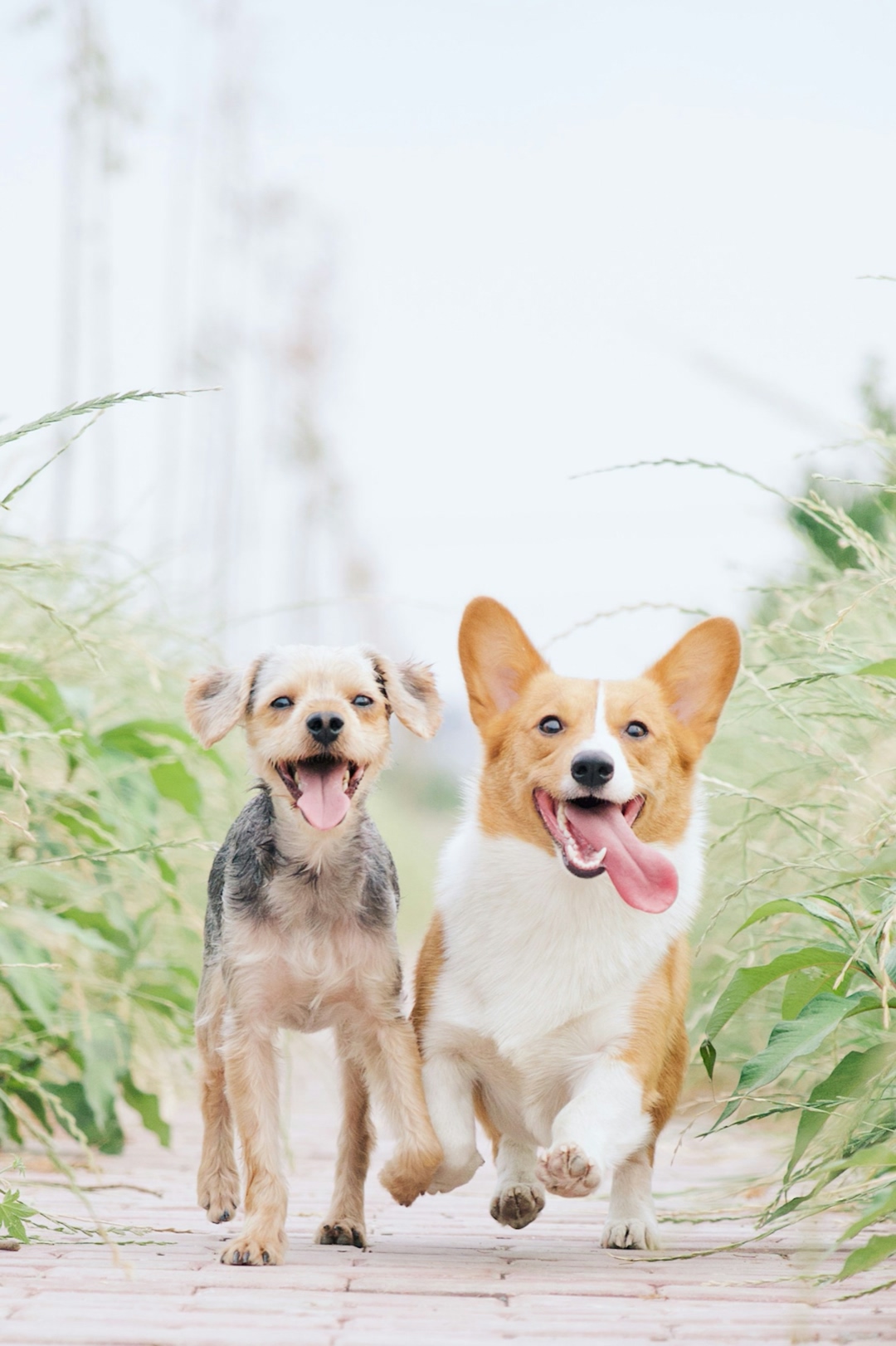
you pick
Style: Watercolor
about it
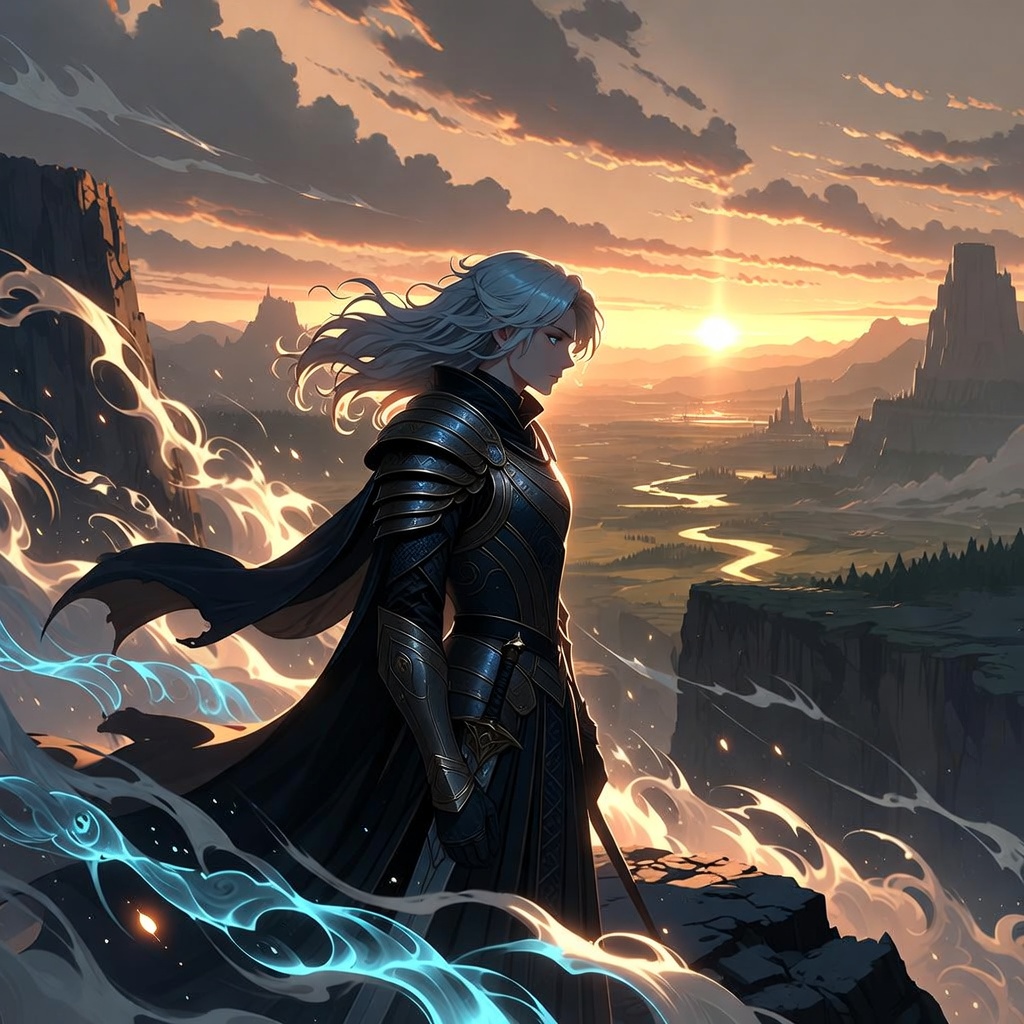
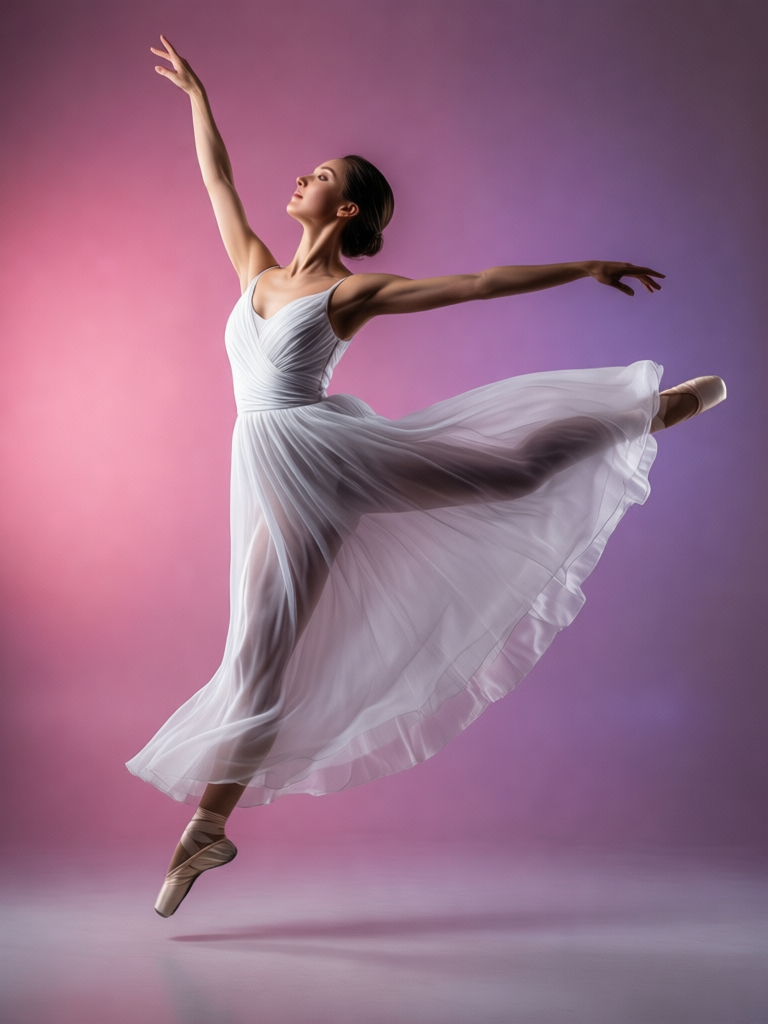
Art style offers five looks: Watercolor with soft washes and paper texture, Oil painting with rich color and visible brushstrokes, Pencil sketch in graphite on white paper, Anime with crisp line art, and 3D clay with soft, tactile shapes. Each one redraws the same subjects in the same composition, so pets, kids, and couples stay recognizable. Try all five on one photo and keep your favorite.
One photo, three styles
same photo, different pick
Watercolor 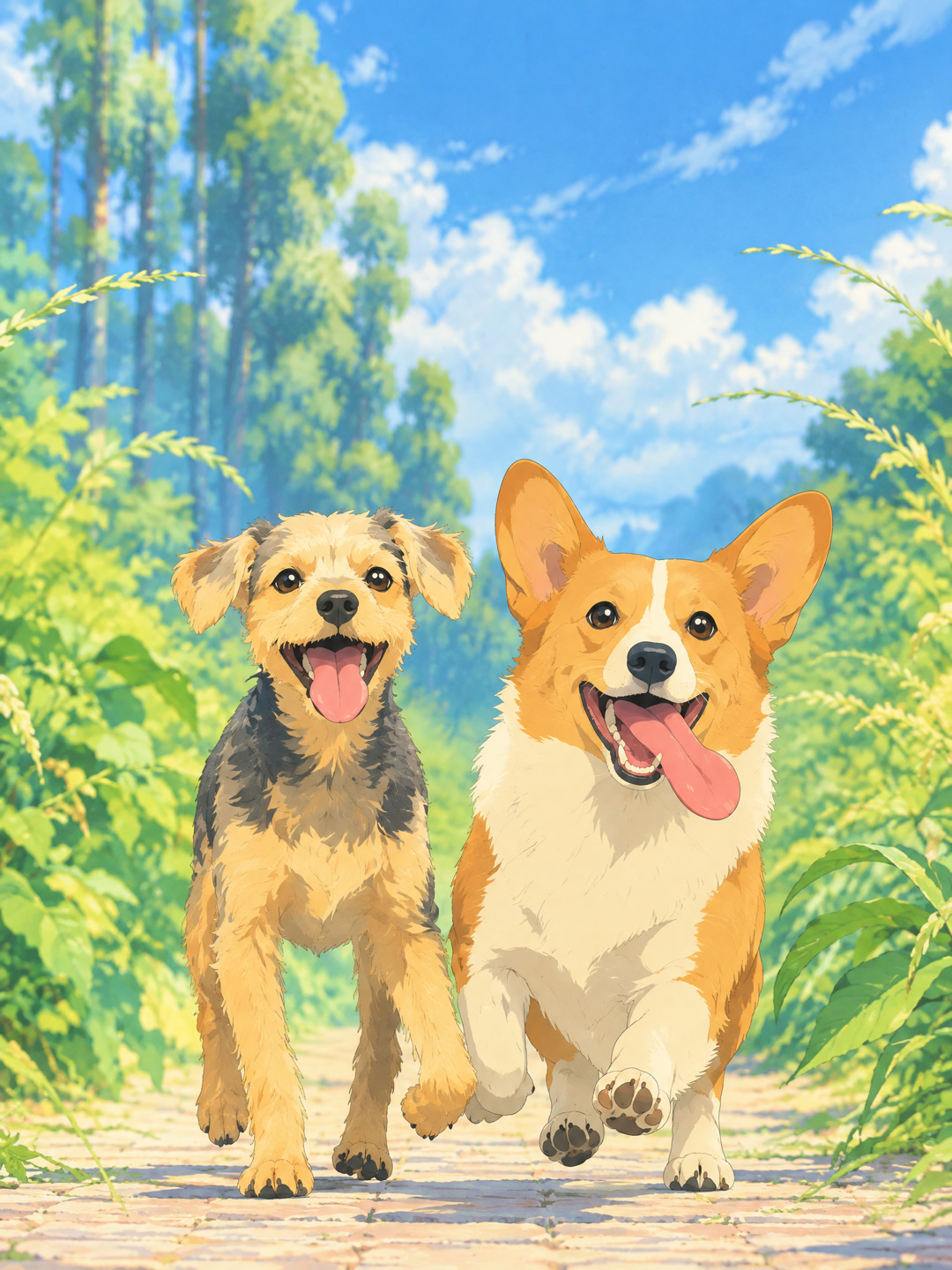
Anime 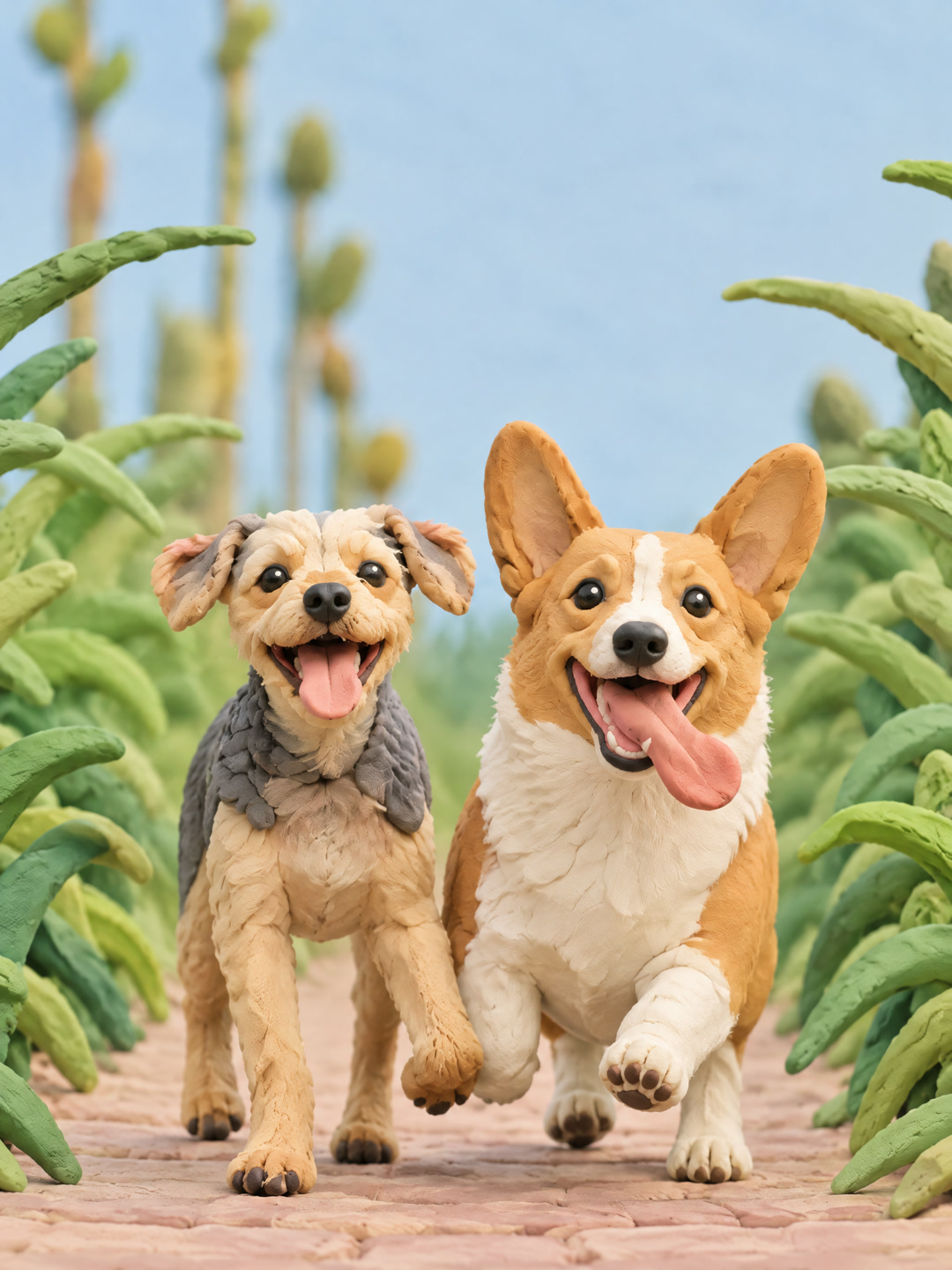
3D clay
How to turn a photo into art
Add a photo
Pets, portraits, and landscapes all work well.
Pick a style
Watercolor, Oil, Pencil, Anime, or 3D clay.
Apply and compare
Run a few styles and keep the one you love.
Great for
Gifts and prints
A watercolor of the family dog for the wall.
Avatars
An anime or clay version of you for profiles.
Invitations and cards
A painted couple photo for a wedding invite.
Questions
More templates to try
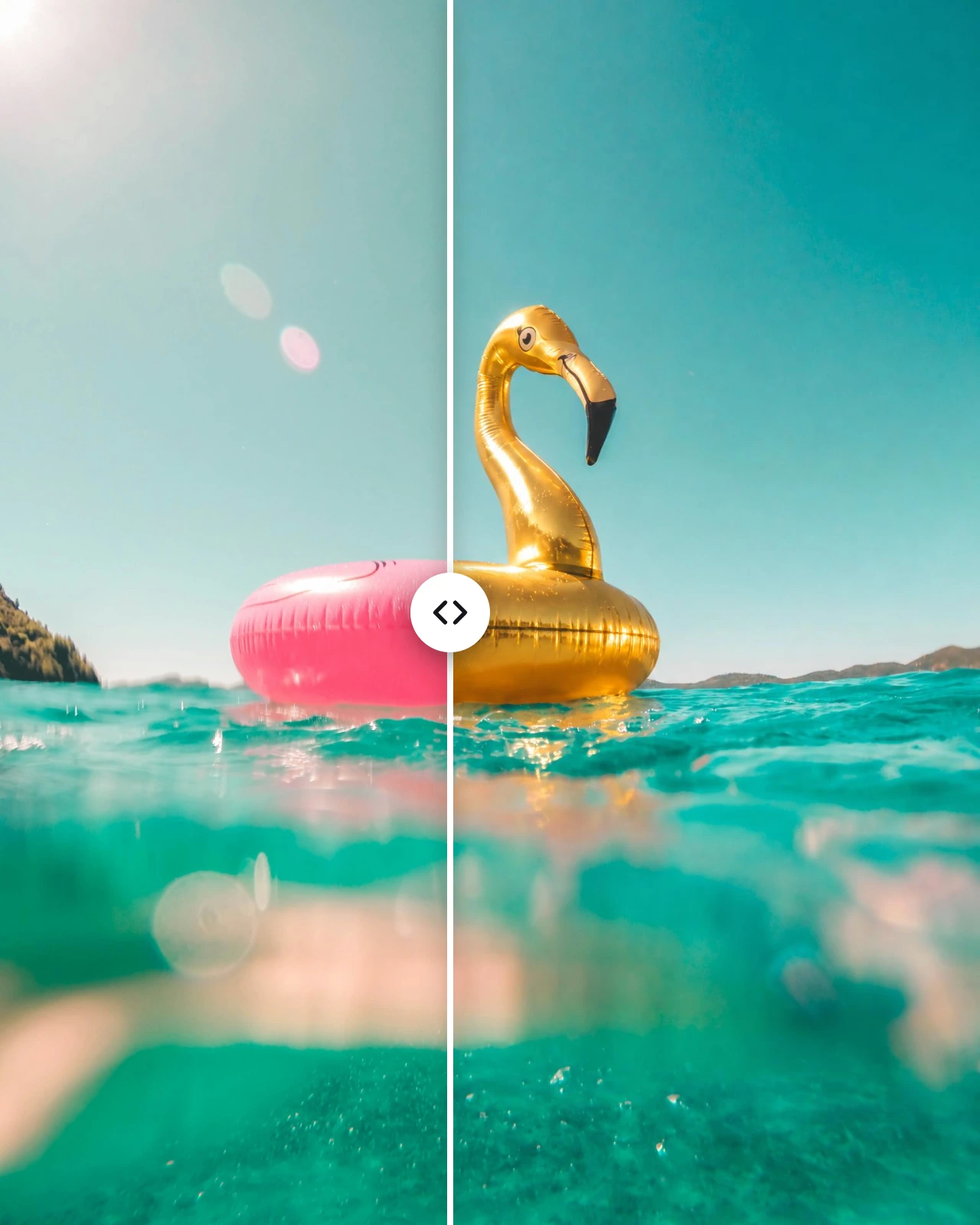
Photo edit
Describe a change and keep the rest of your photo.
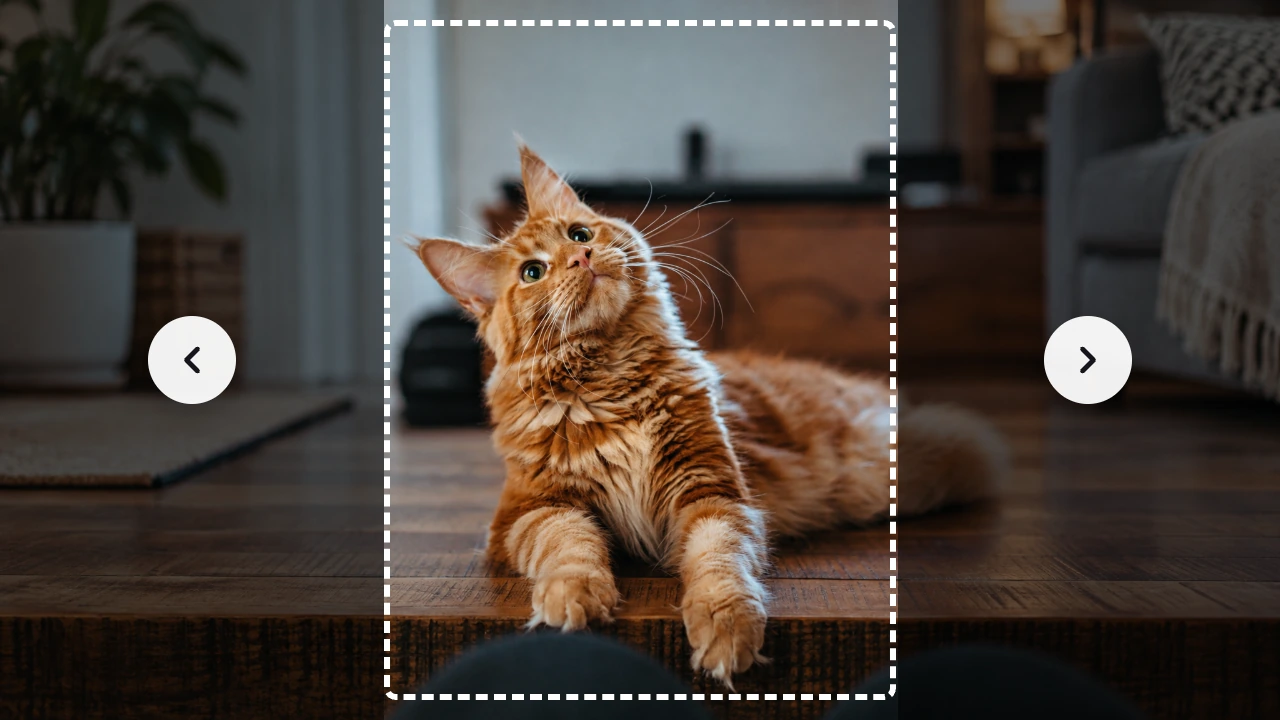
Resize
Change your photo's shape without cropping.
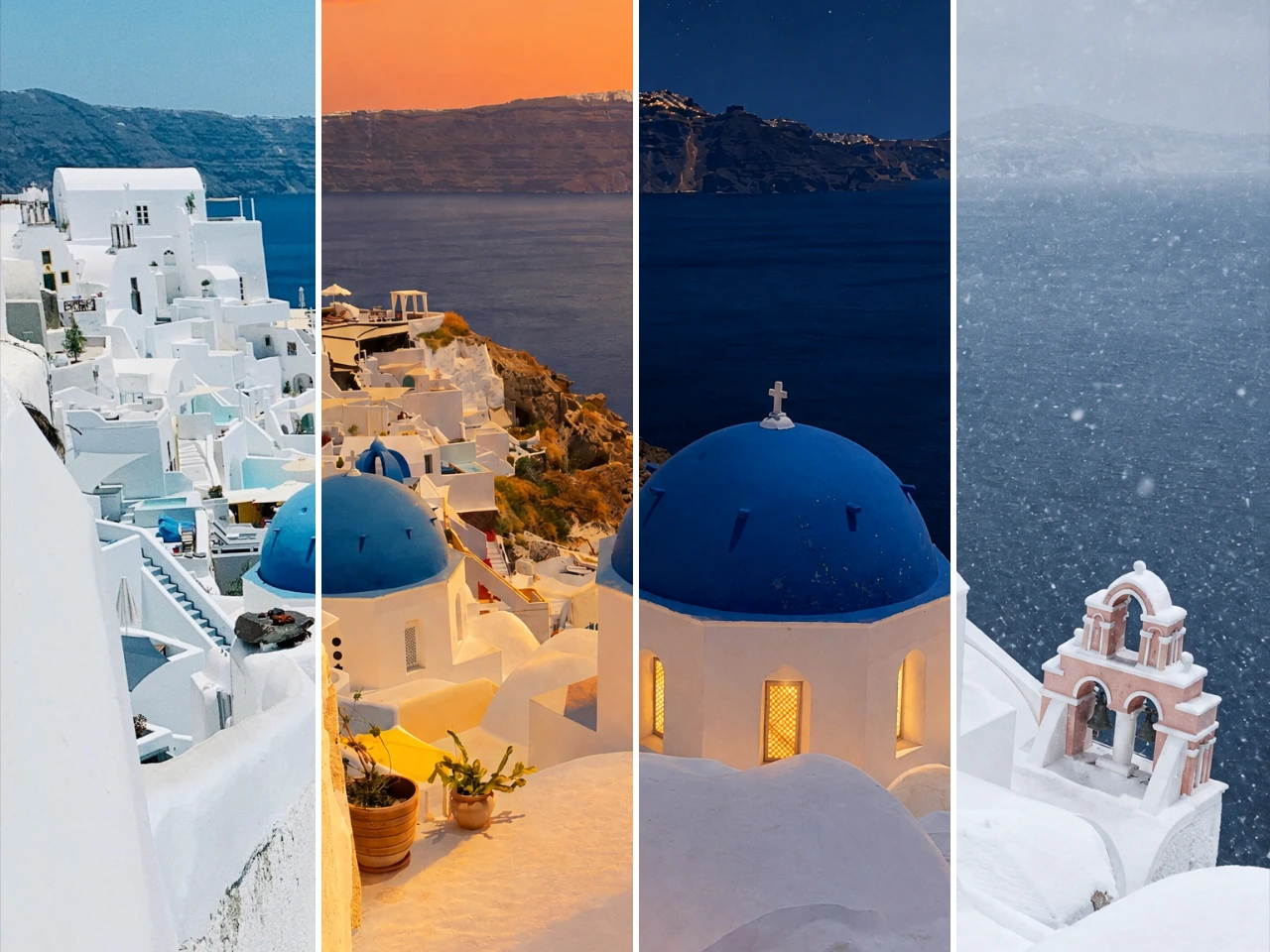
Time and weather
Relight a scene at golden hour, at night, or in snow.
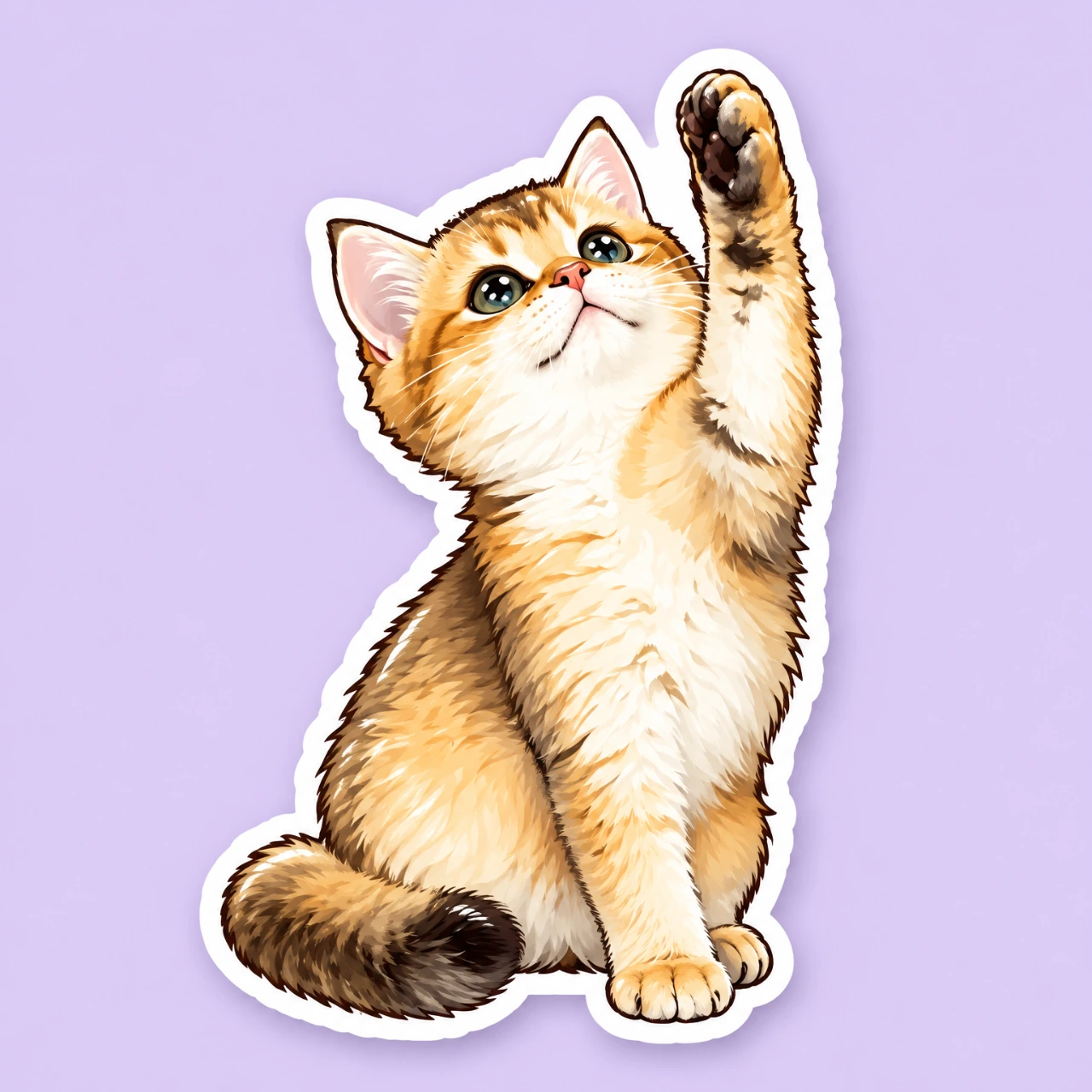
Sticker
Turn your subject into a die-cut sticker.
- Video
Living loop
One part moves in a seamless loop, the rest stays still.
- Video
Product orbit
A slow camera circle around your product.
Make art from your camera roll
Open Art style in GenLive Studio, or try styles on your iPhone with GenLive.