GenLive Studio template
Make a rotating product video from one photo
Add one product photo and GenLive Studio creates a smooth orbit shot: the camera slowly circles the product, which stays centered, sharp, and unchanged, under soft studio light. No turntable, no video shoot.
Runs in your browser. Free to try, no account needed.
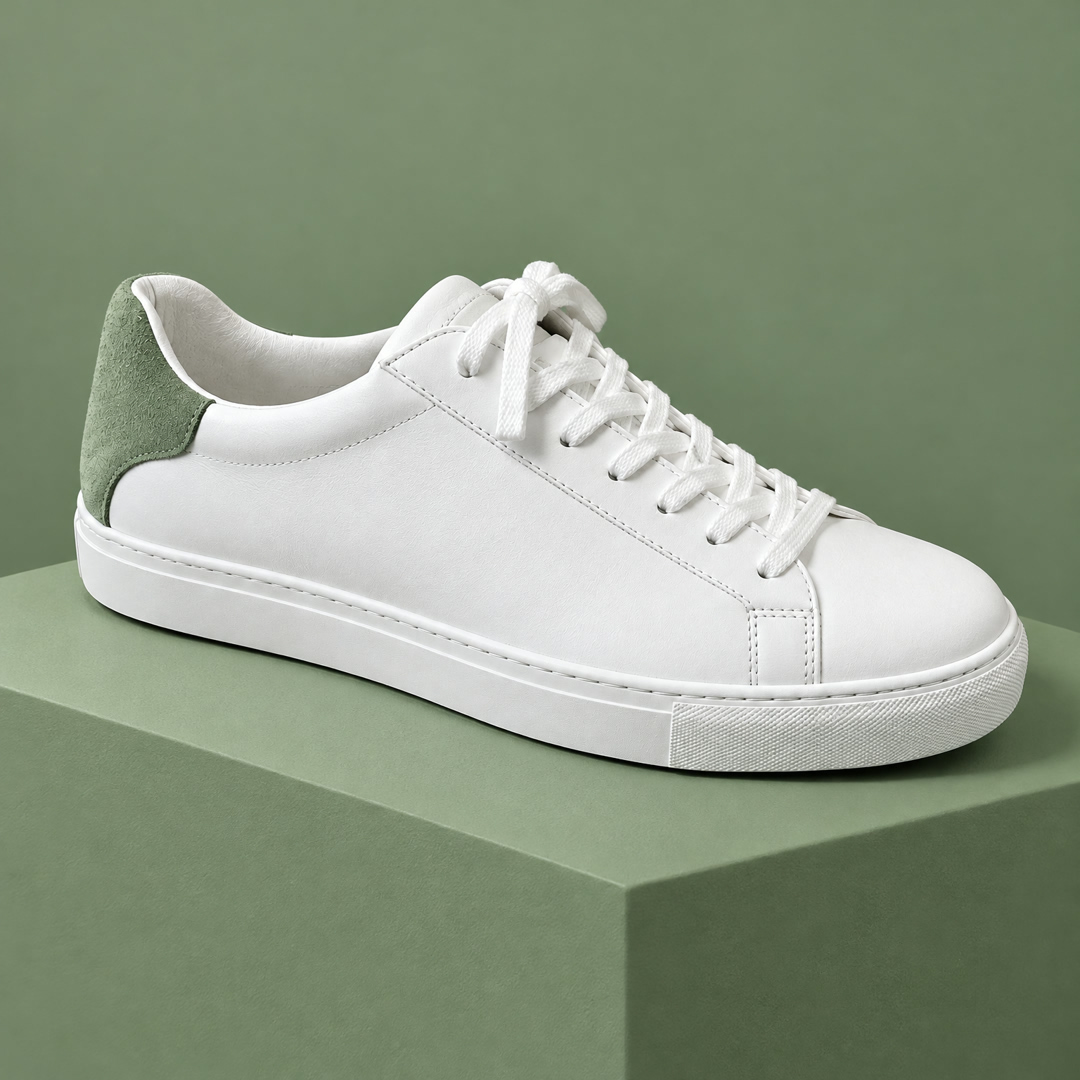
you type
Nothing. One product photo is enough.
about it
Product orbit asks the video model for a slow half-circle camera move around the product, keeping it centered and in sharp focus while the product itself stays exactly the same. It pairs well with the Studio product shot template: make a clean shot on your favorite surface first, then orbit it for a short video for your store, ads, or social posts.
How to make a product orbit video
Add a product photo
A clean shot on a simple background works best.
Create the orbit
No options or prompt needed.
Download the video
Use it in listings, ads, and posts.
Great for
Product pages
Show the shape and depth a photo can't.
Social ads
Motion that catches the eye in a feed.
Launch teasers
A premium reveal without a video crew.
Questions
More templates to try
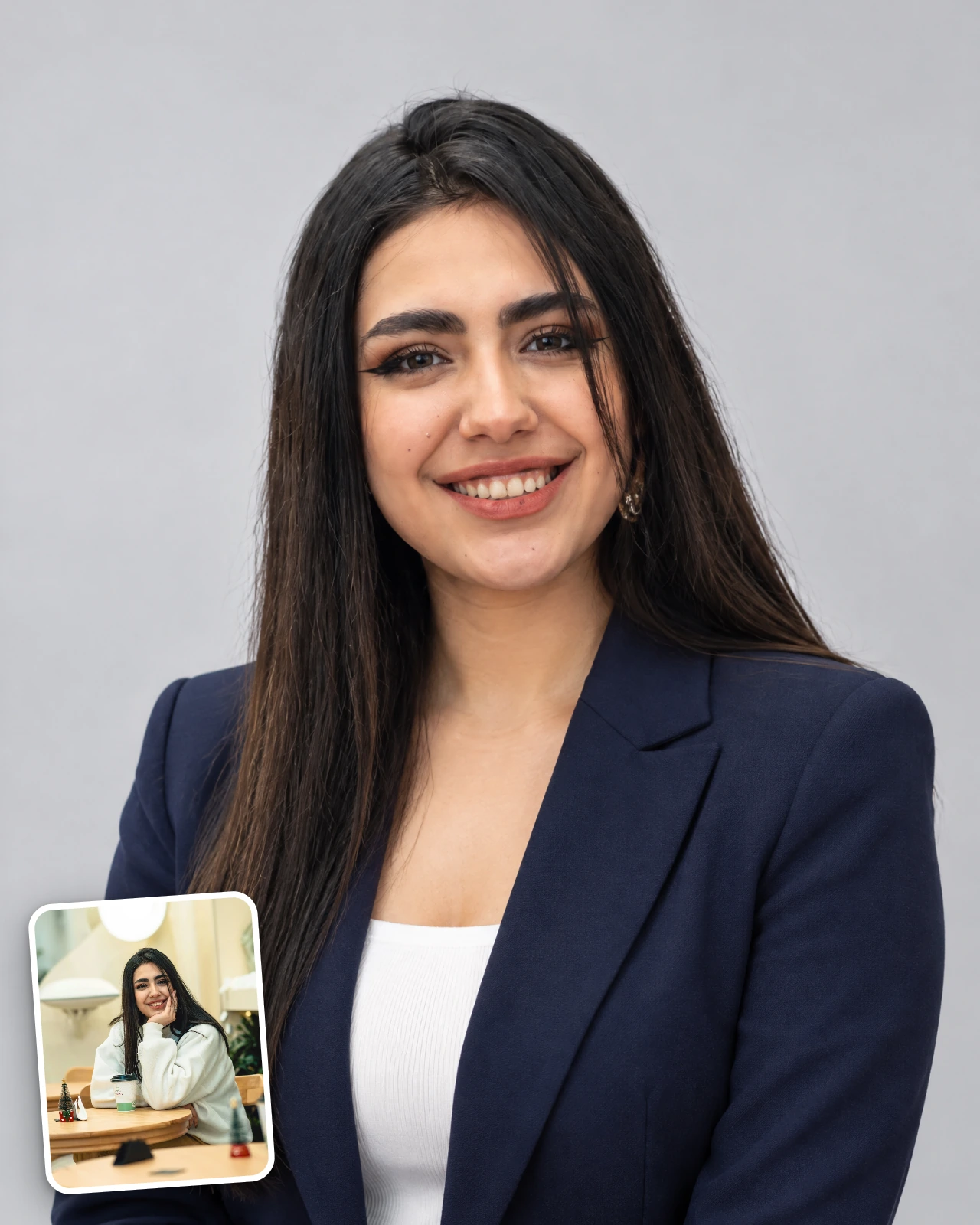
Professional headshot
A polished portrait from a casual selfie.
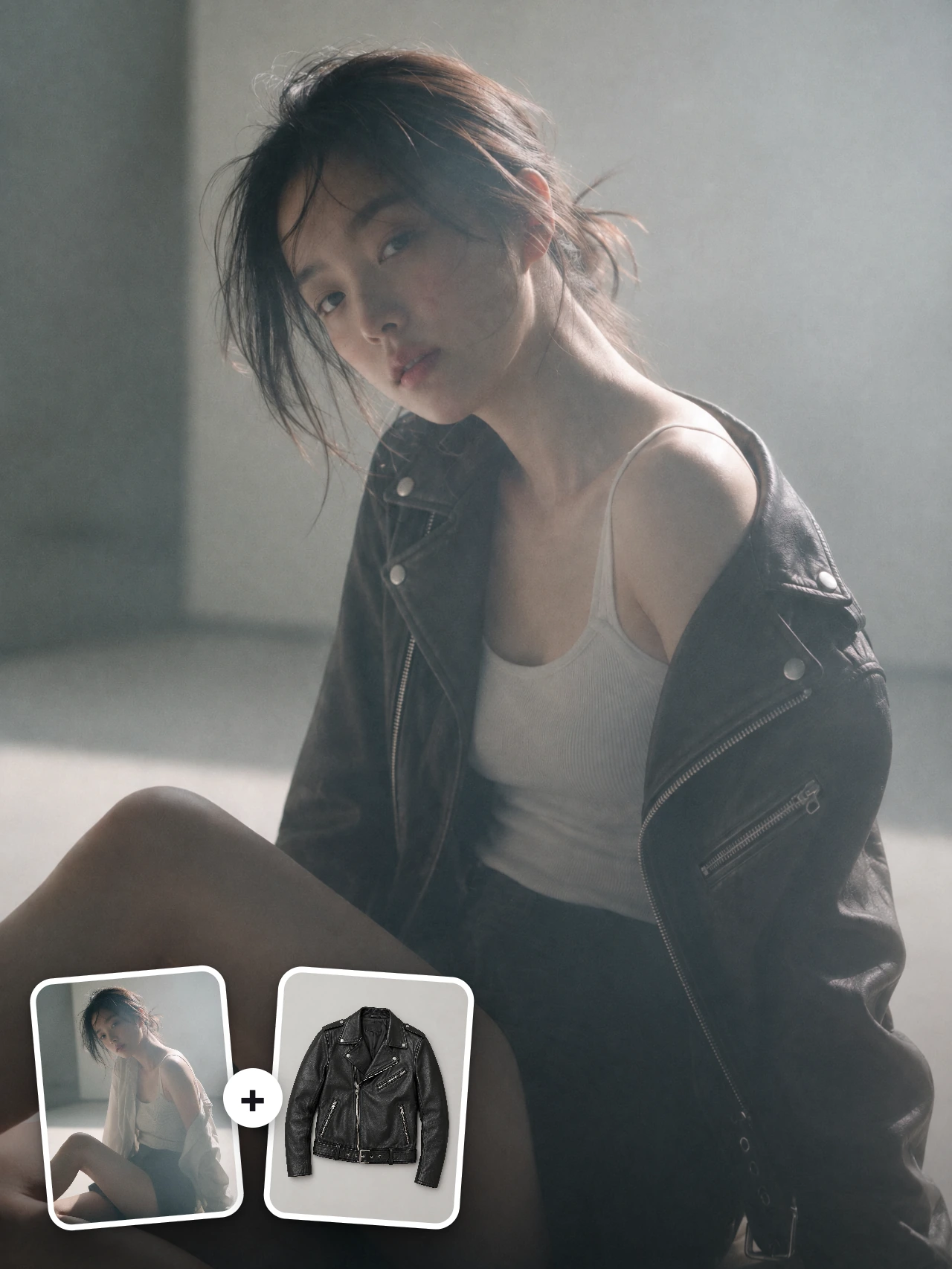
Outfit try-on
See a person wearing clothes from another photo.
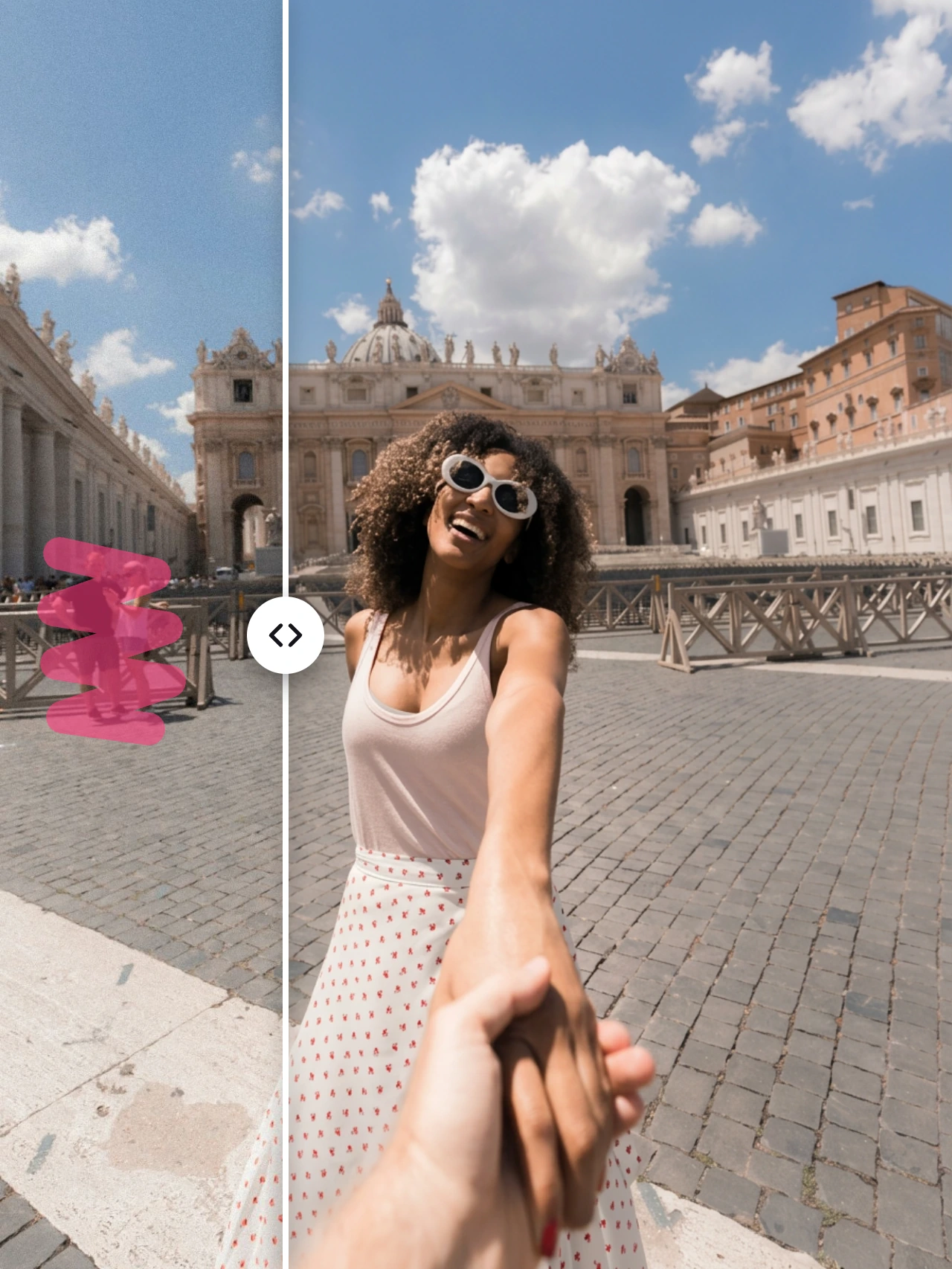
Clean up
Paint over distractions and they disappear.
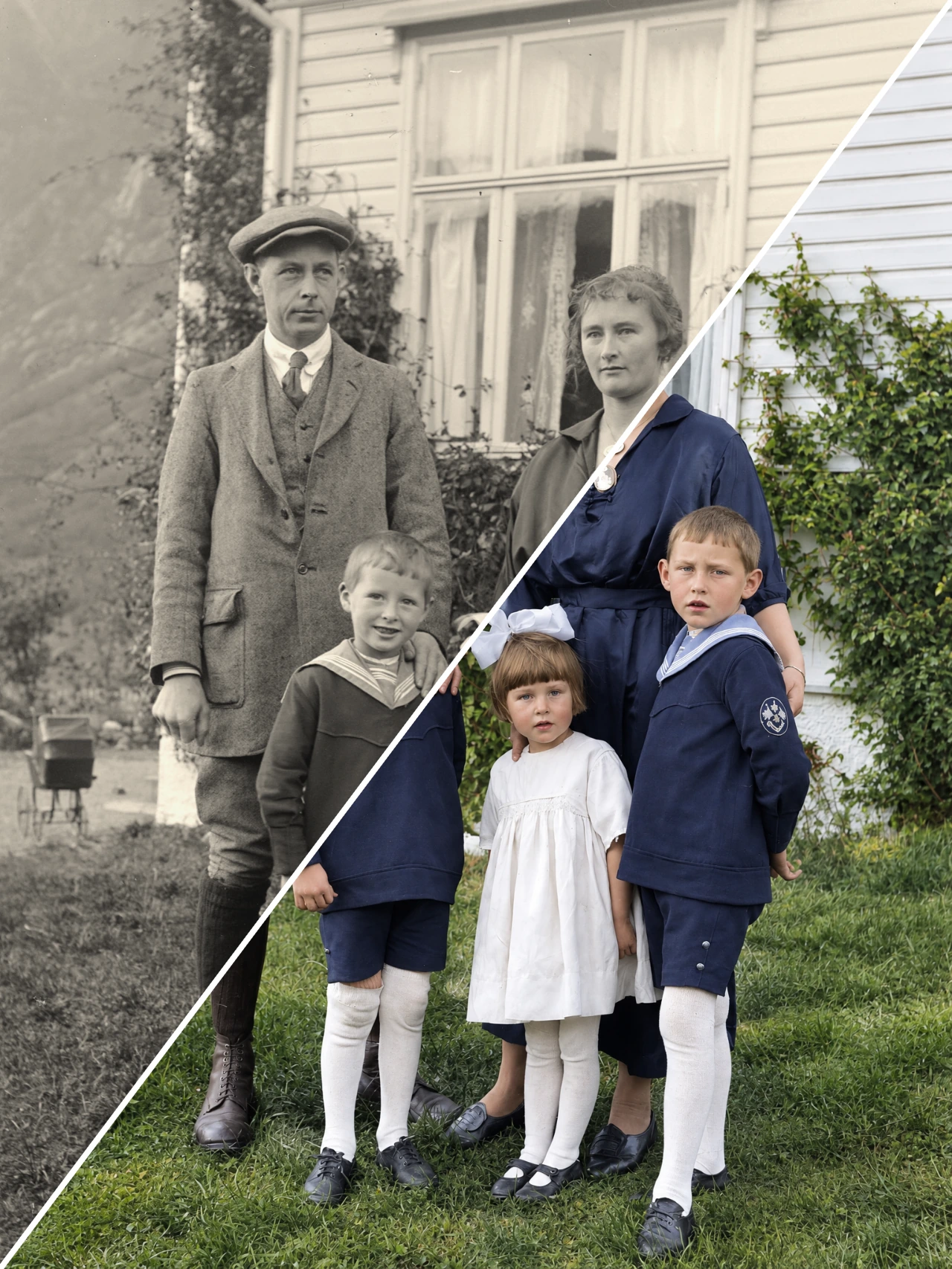
Restore old photo
Fix scratches and fading, and add natural color.
- Video
Animate photo
Bring a still photo to life as a short video.
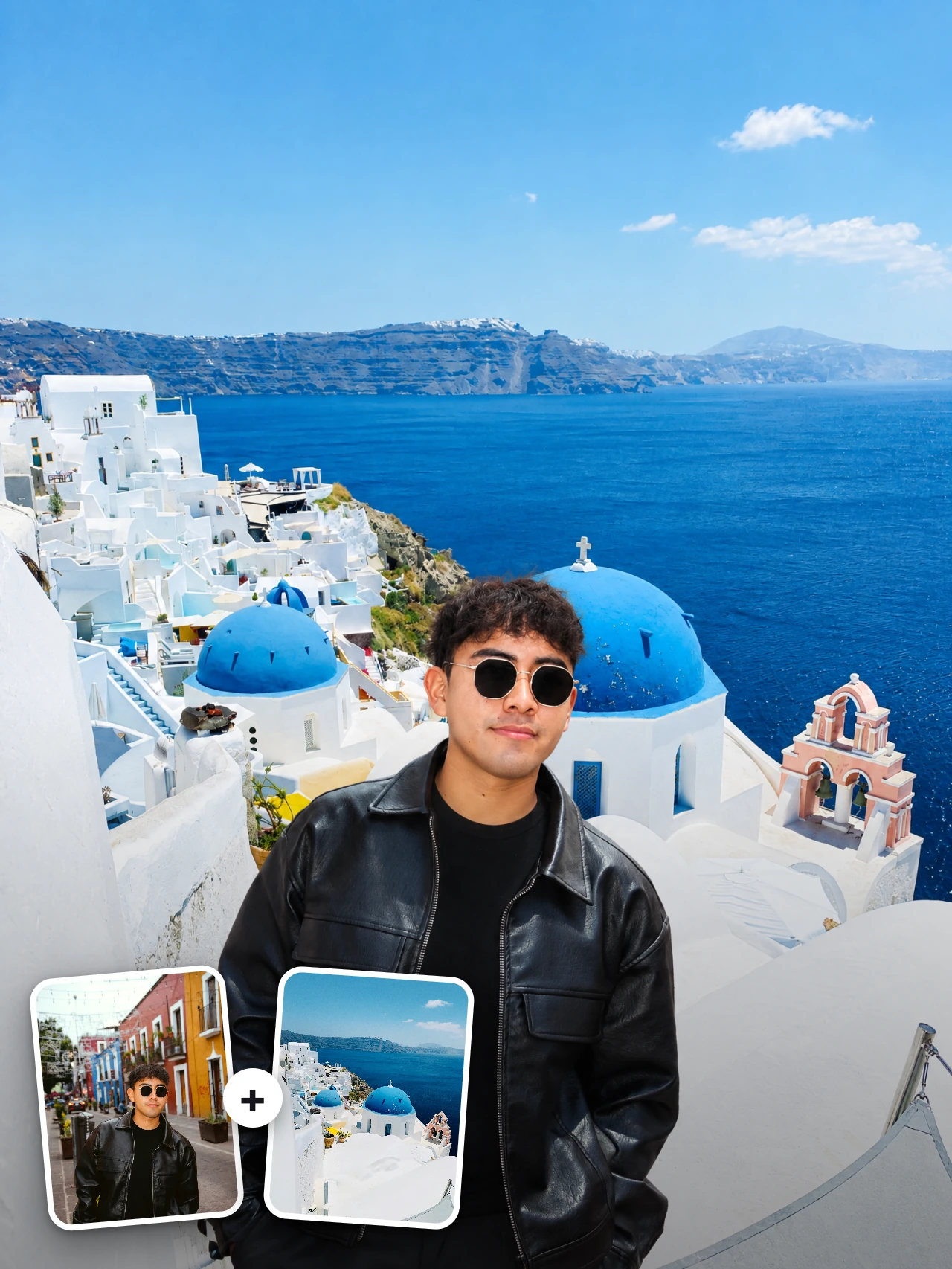
Change background
Keep your subject and place it in a new scene.

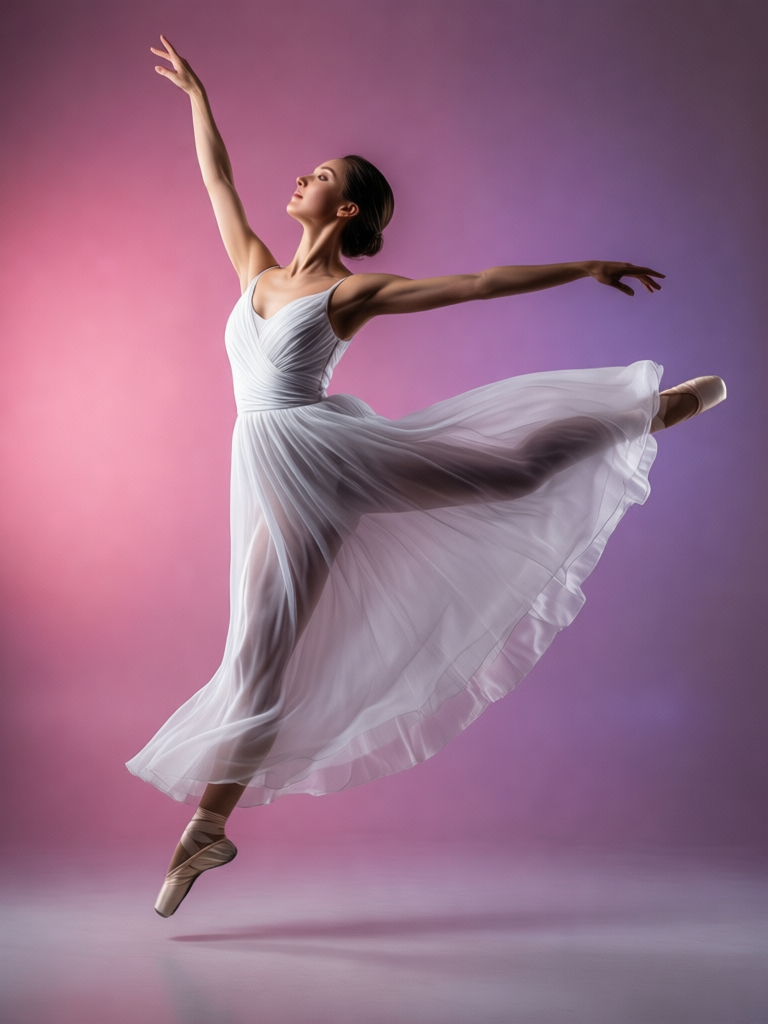
A product video from one photo
Open Product orbit in GenLive Studio, or create on your iPhone with GenLive.