GenLive Studio template
Restore and colorize old photos with AI
Scan or photograph a family print and GenLive Studio repairs scratches, dust, tears, and fading, sharpens soft details, and can add natural color. Every face stays exactly the same person.
Runs in your browser. Free to try, no account needed.
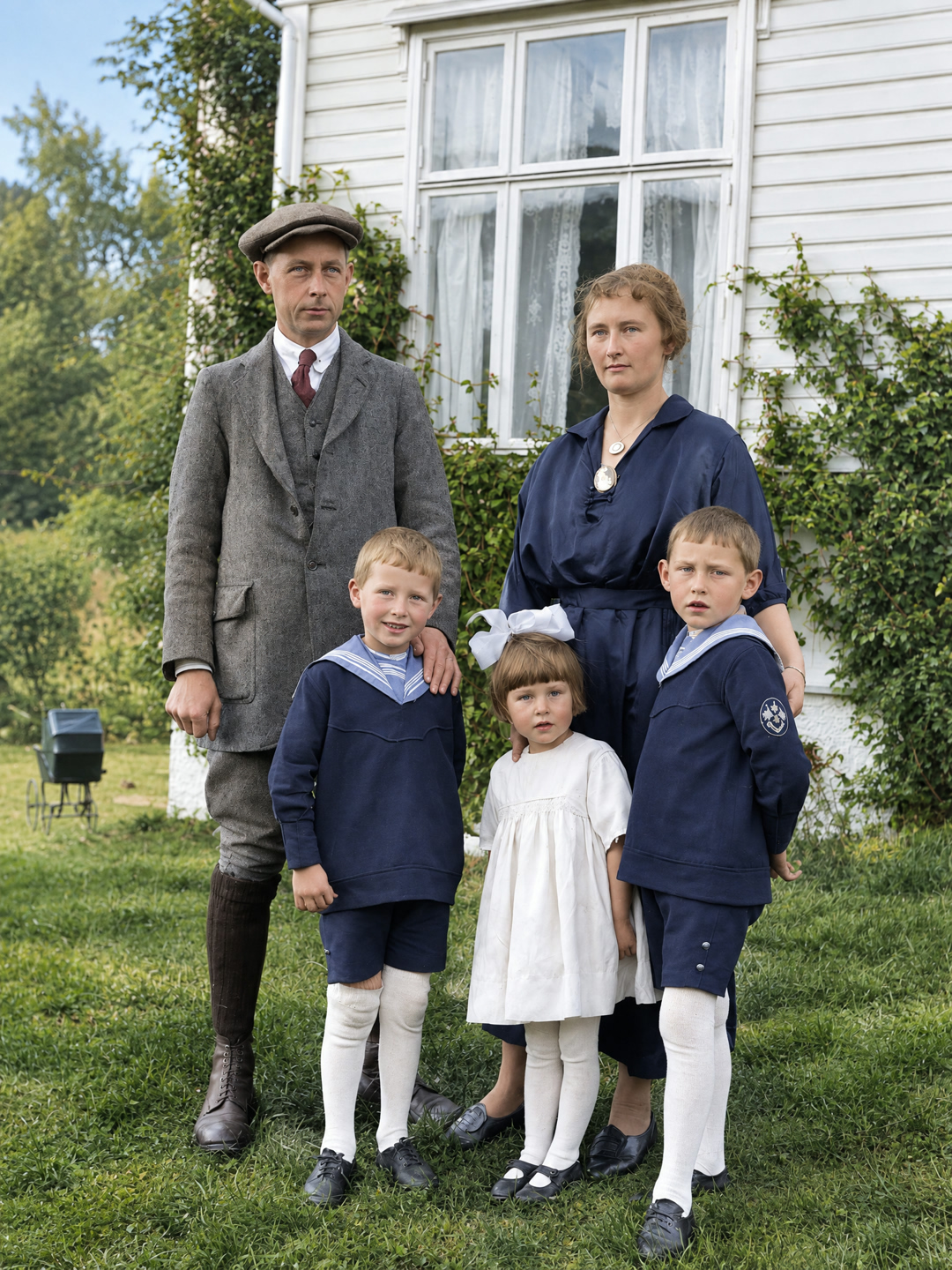
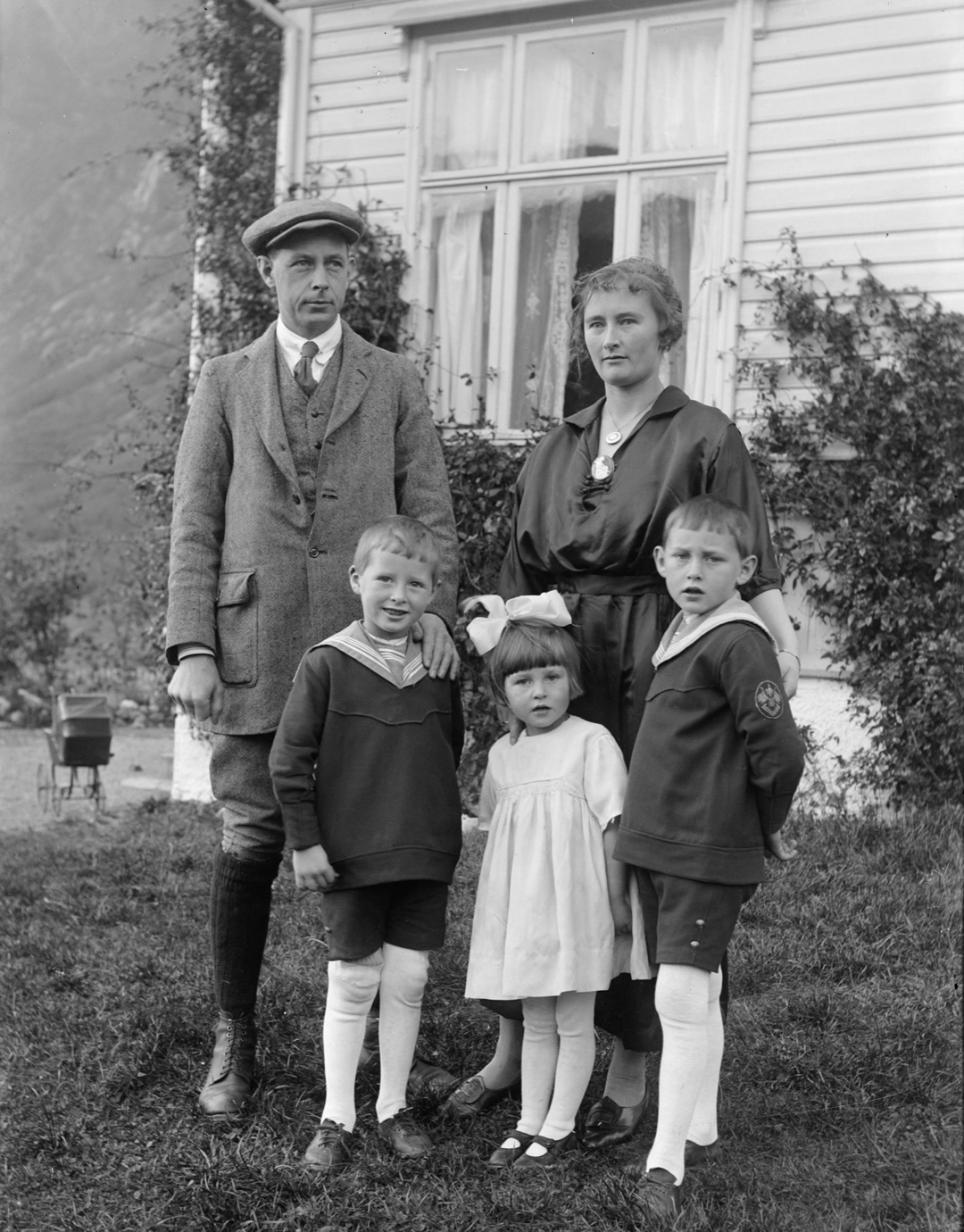
you pick
Restore and colorize
about it
The restore template has two options. Restore and colorize repairs damage and adds realistic, period-appropriate color and skin tones. Restore only repairs and sharpens while keeping the original black-and-white or sepia tones. Both ask the model to keep every person's face and identity unchanged, so grandparents still look like themselves. Want the restored portrait to move? Take it to Animate photo next.
How to restore an old photo
Scan or snap the print
Shoot it flat, in even light, without glare.
Pick an option
Restore and colorize, or Restore only.
Save the new copy
Download it, or animate it next.
Great for
Family archives
Bring faded prints back for the next generation.
Gifts and anniversaries
Frame a colorized wedding or childhood photo.
Memorials
Prepare a clear portrait for a service or slideshow.
Questions
More templates to try
- Video
Animate photo
Bring a still photo to life as a short video.
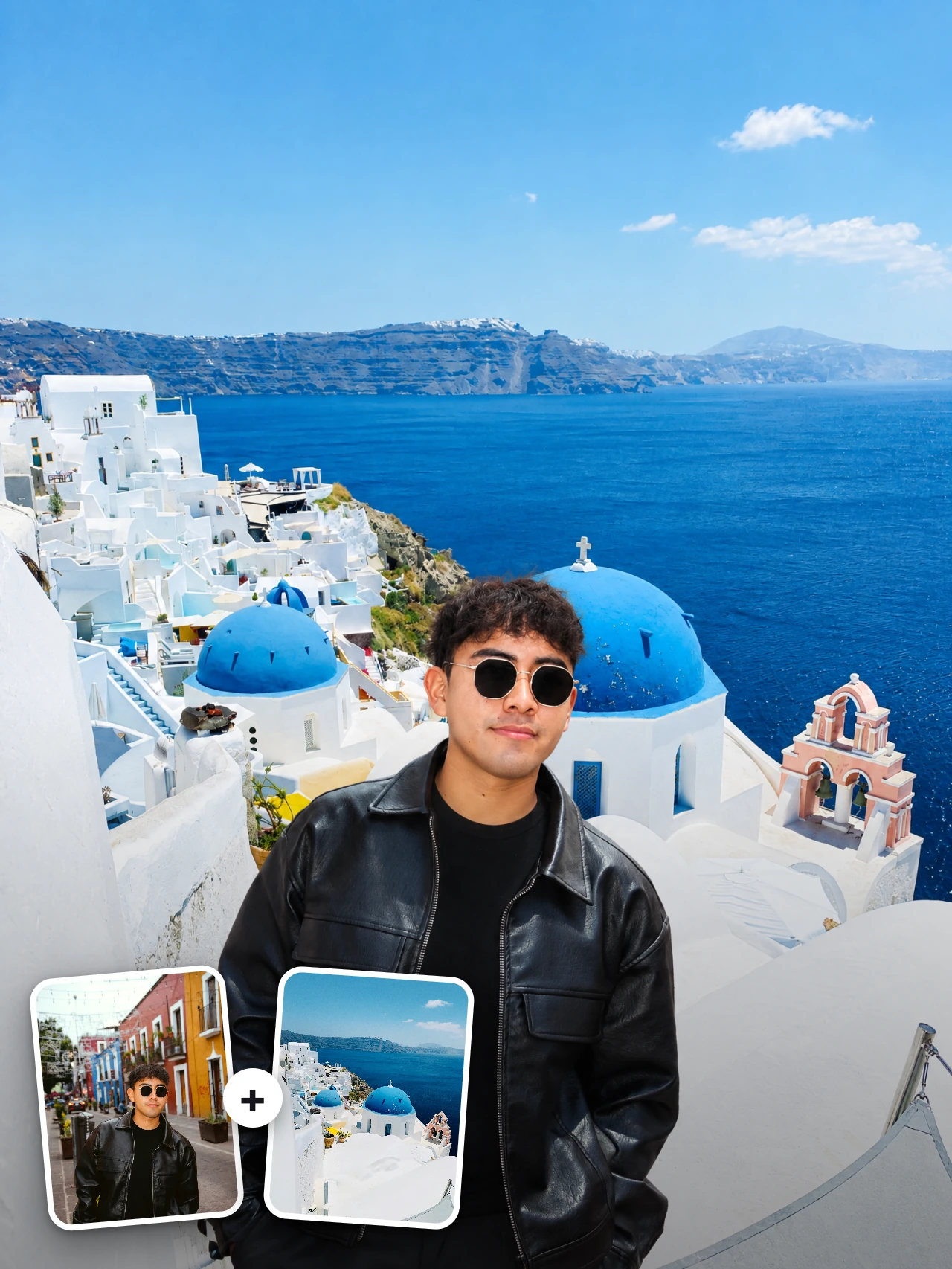
Change background
Keep your subject and place it in a new scene.
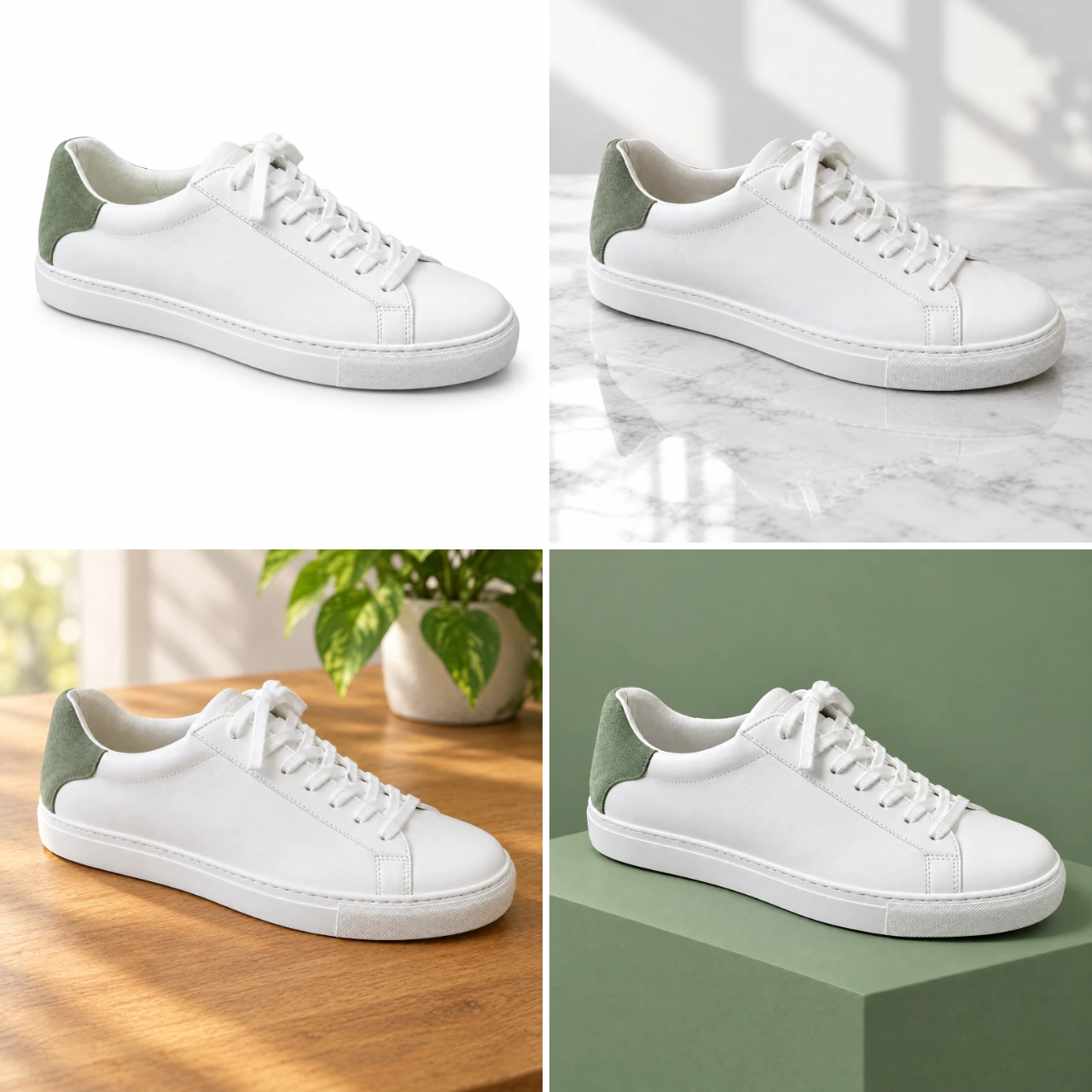
Studio product shot
Turn a phone snap into a clean studio photo.
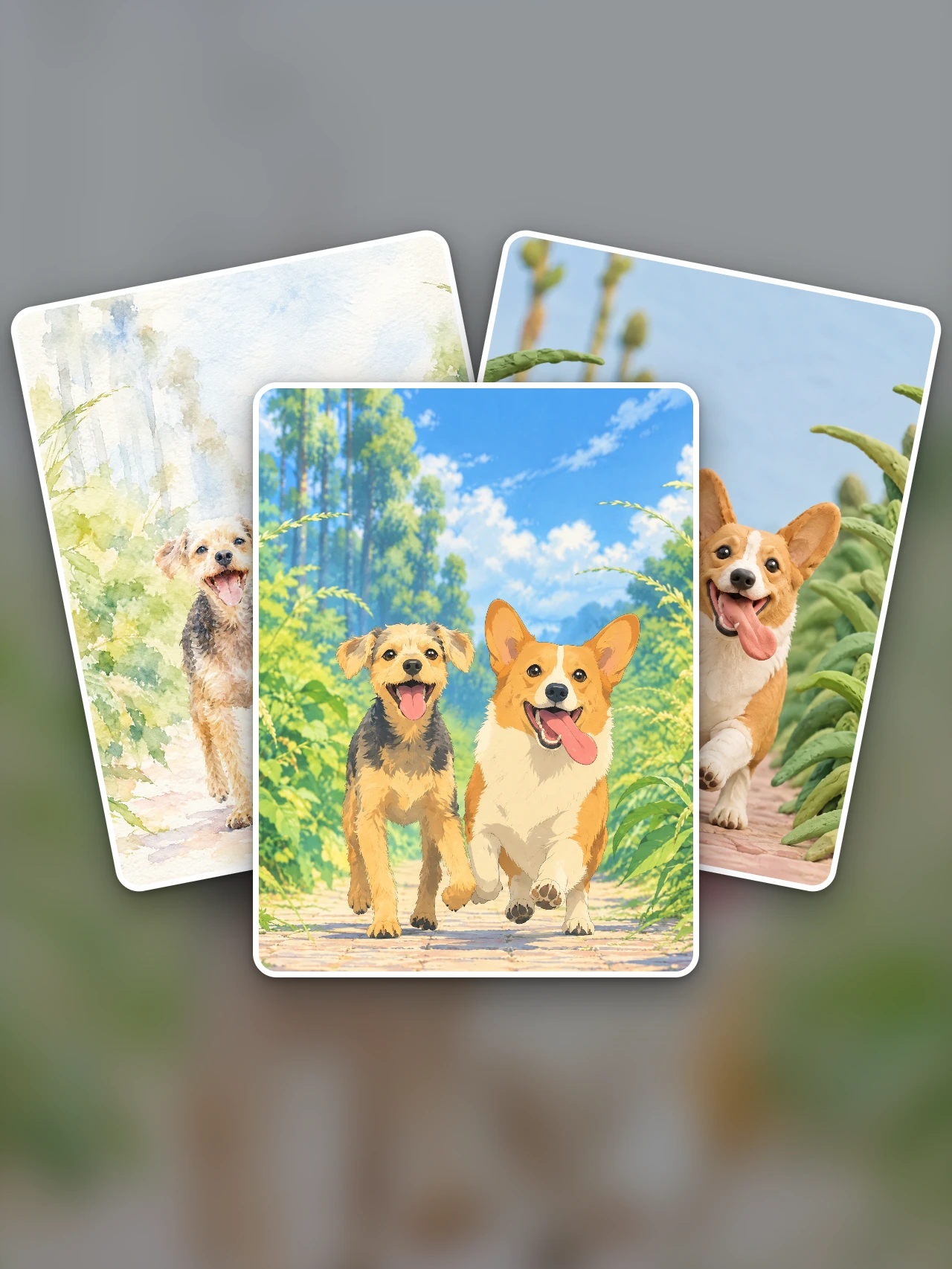
Art style
Repaint your photo as watercolor, oil, sketch and more.
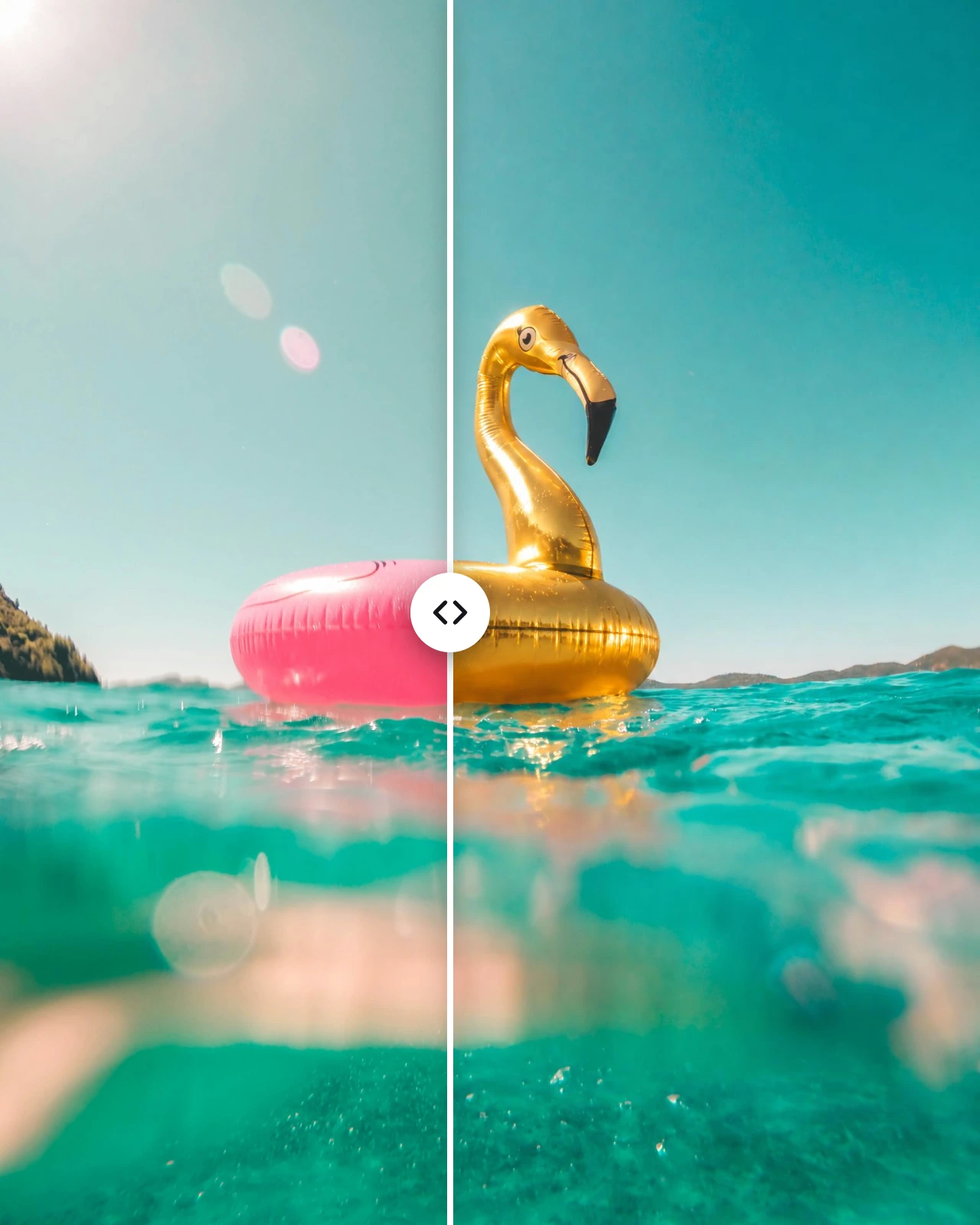
Photo edit
Describe a change and keep the rest of your photo.
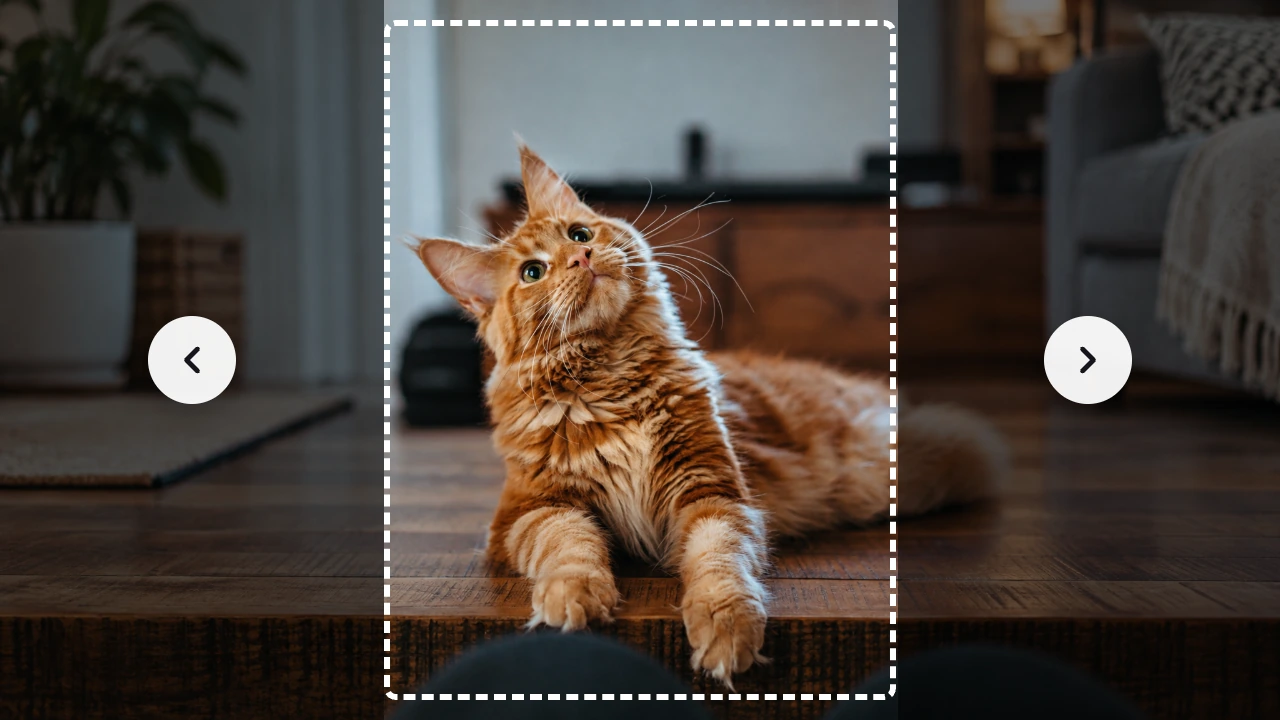
Resize
Change your photo's shape without cropping.
Give an old photo a second life
Restore it in GenLive Studio, then turn it into a Live Photo with GenLive on iPhone.