GenLive Studio template
Animate a photo with AI, right in your browser
Turn one still photo into a short, lifelike video clip. Describe the motion, or tap an idea like a slow push-in, a light breeze, or turn and smile, and GenLive Studio animates the photo while keeping the scene intact.
Runs in your browser. Free to try, no account needed.
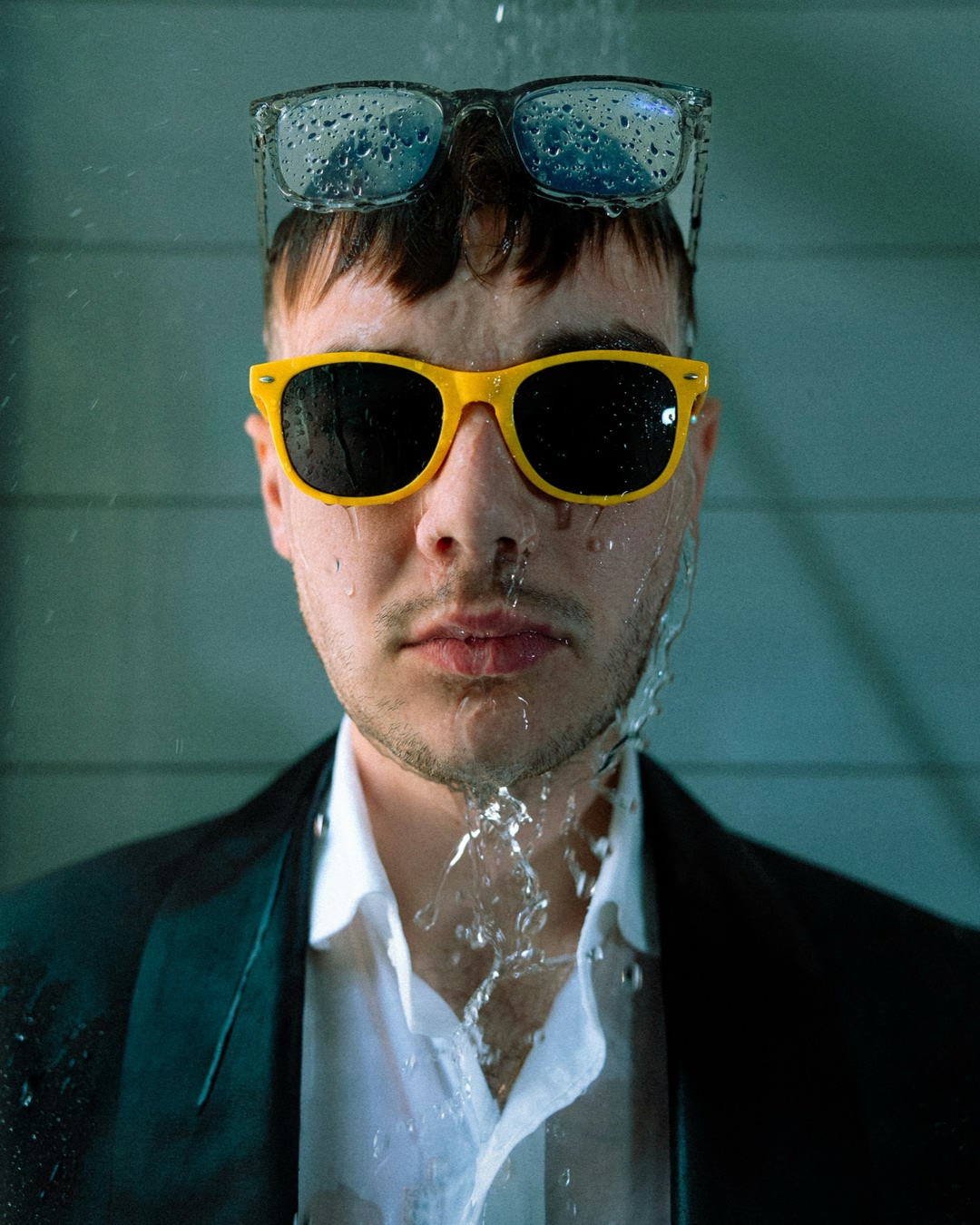
motion
“Water keeps pouring over his head as he slowly tilts it back, droplets sparkling in slow motion”
about it
Animate photo is GenLive's core feature on the web. The motion text is optional: leave it empty and Studio asks for natural, lifelike motion, or write exactly what should happen, such as hair blowing, waves rolling, or the camera drifting. Results are short clips you can download as a video, and the same photo works for a Live Photo in the GenLive iPhone app.
How to animate a photo
Add a photo
Portraits, pets, landscapes, and old photos all work.
Describe the motion
Write it, tap an idea, or leave it empty.
Animate and download
Get a short clip ready to share.
Great for
Social posts and reels
Make a still post stop the scroll.
Old family photos
See a loved one smile and move again.
Pets and travel shots
Add a wagging tail or drifting clouds.
Questions
More templates to try
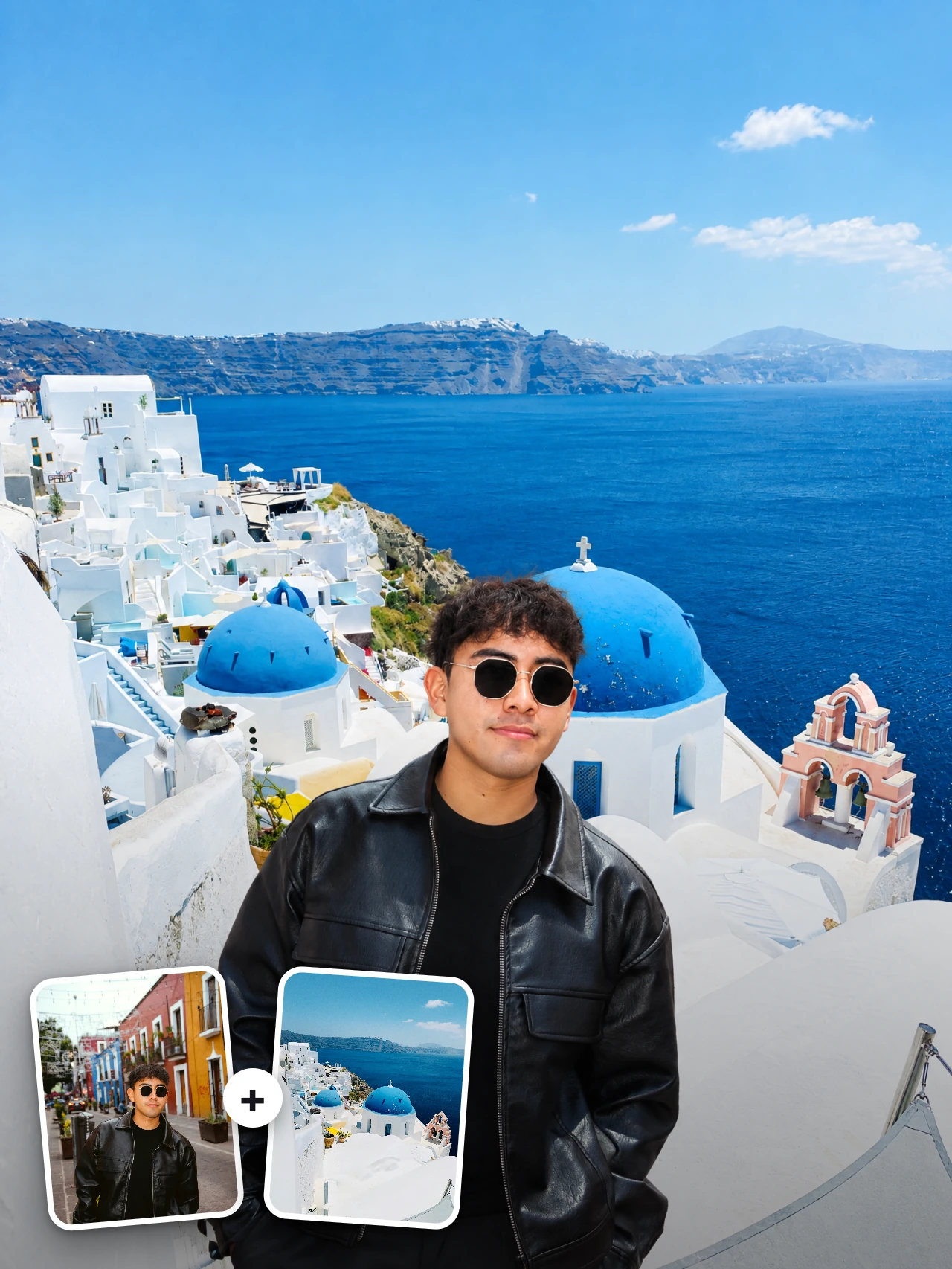
Change background
Keep your subject and place it in a new scene.
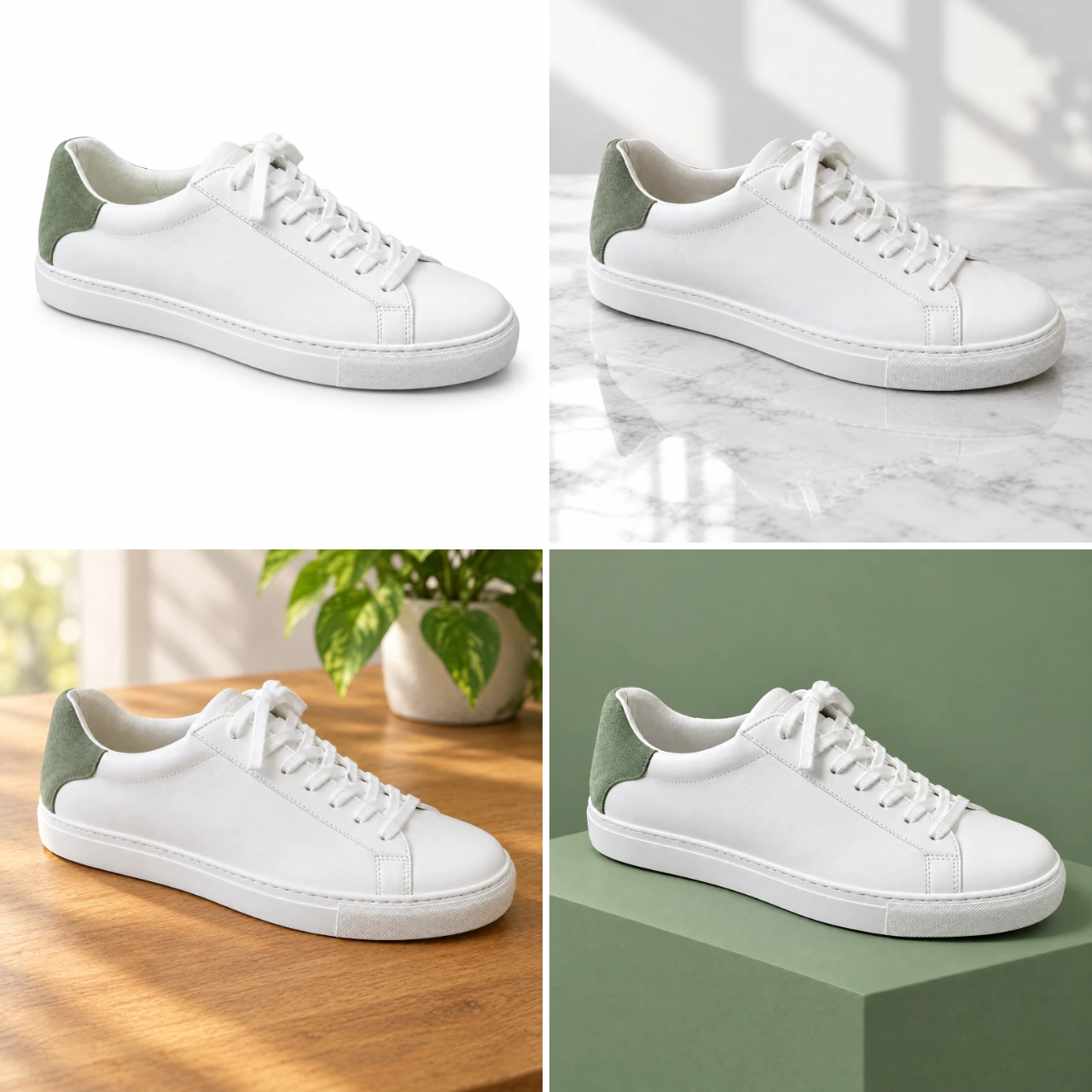
Studio product shot
Turn a phone snap into a clean studio photo.

Art style
Repaint your photo as watercolor, oil, sketch and more.
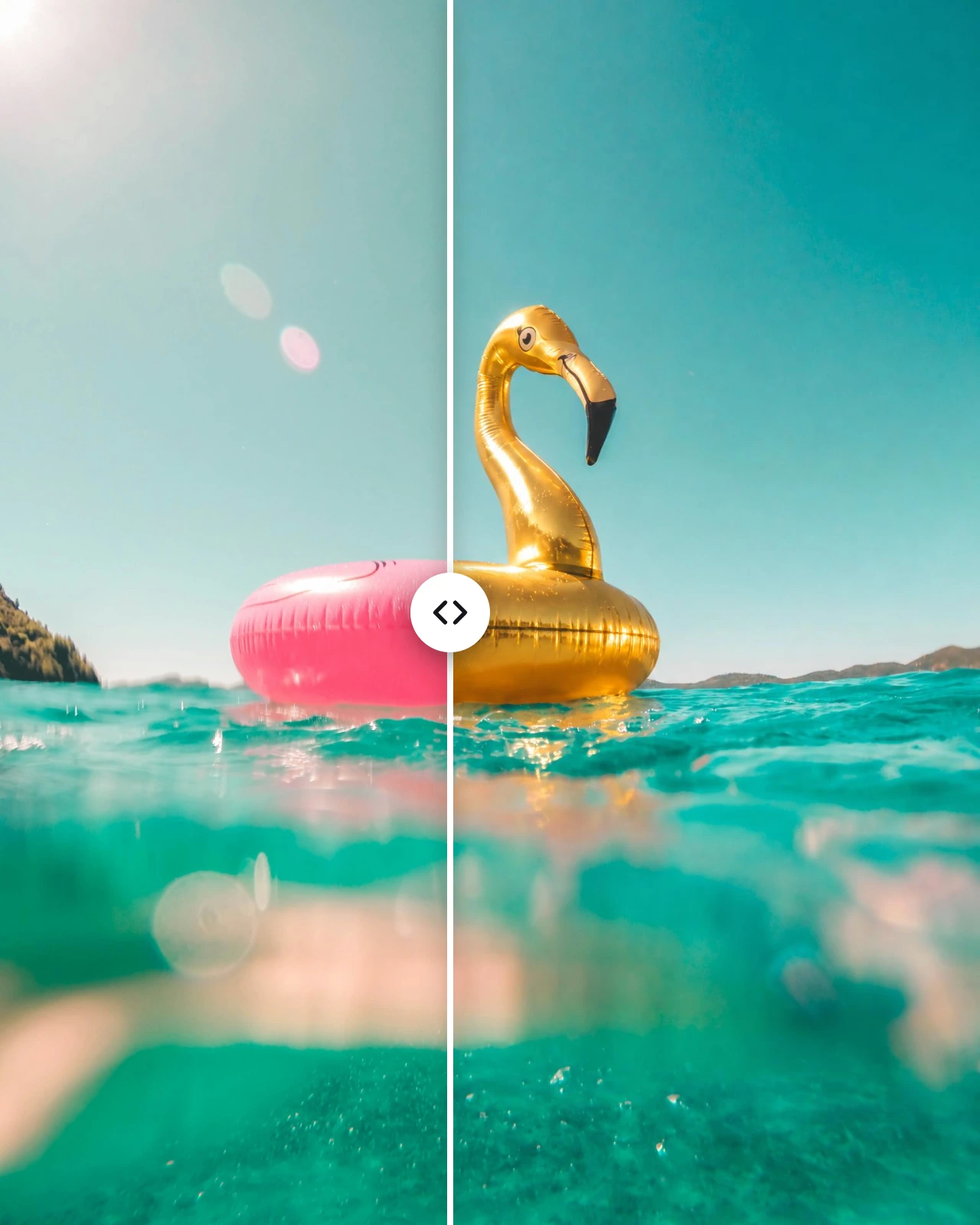
Photo edit
Describe a change and keep the rest of your photo.
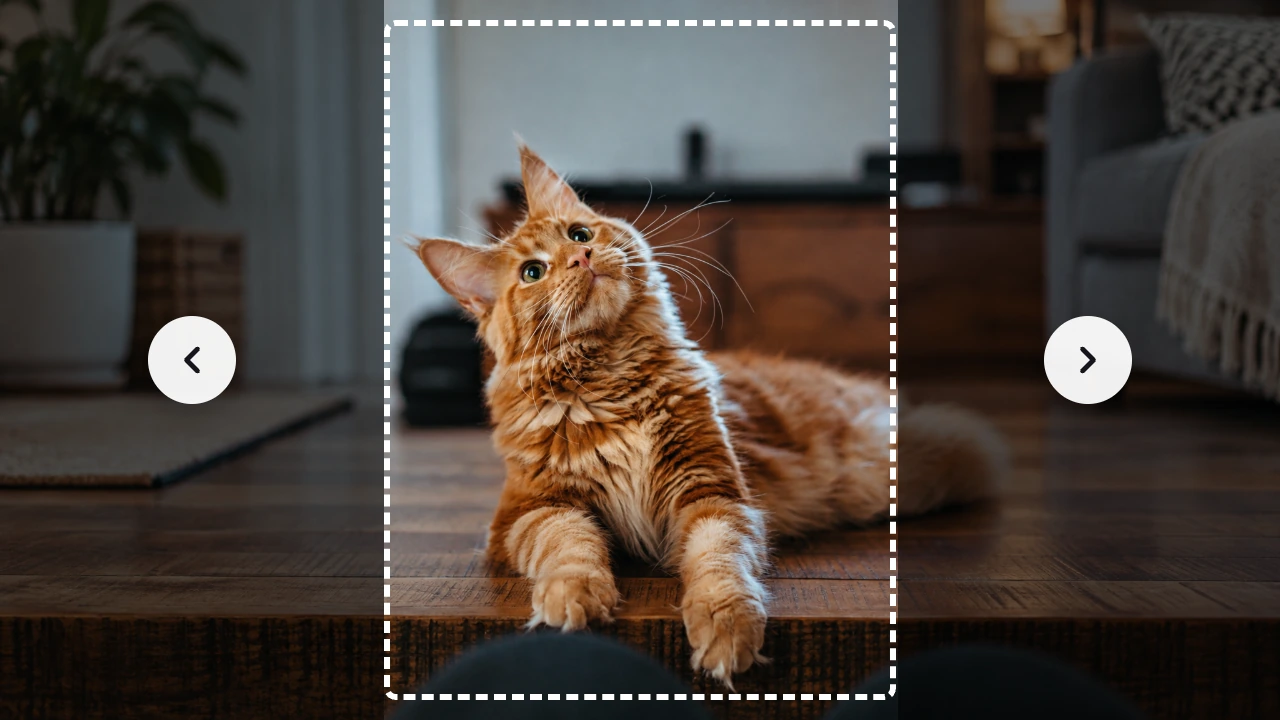
Resize
Change your photo's shape without cropping.

Time and weather
Relight a scene at golden hour, at night, or in snow.

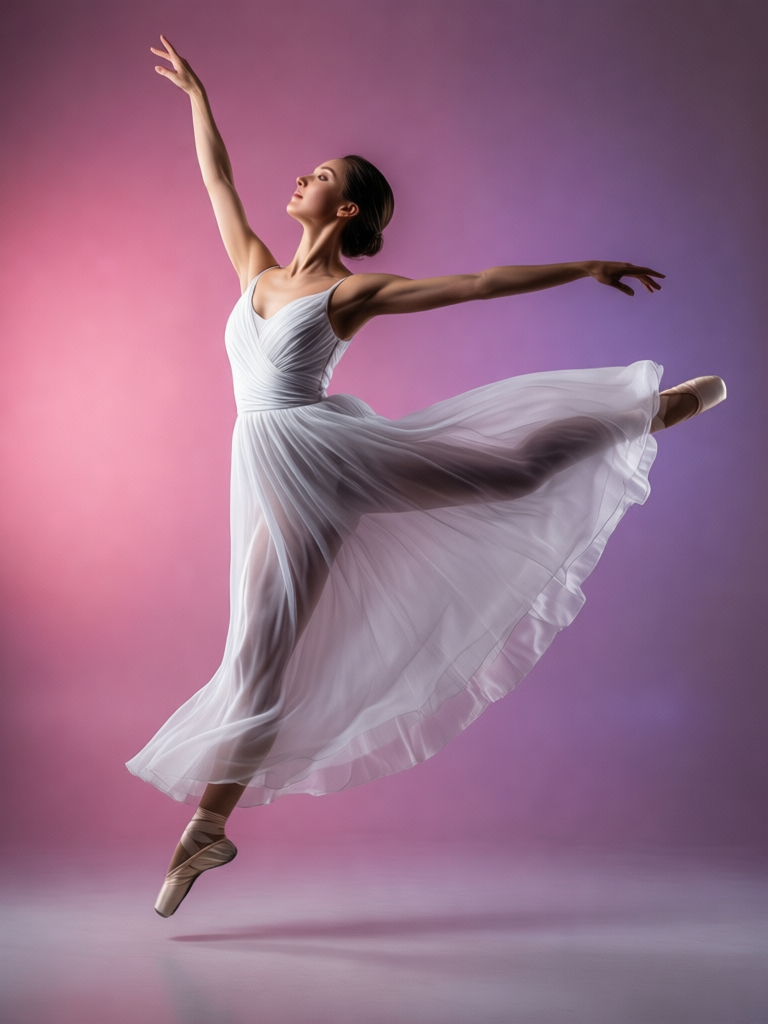
Make a photo move
Animate it in GenLive Studio, or save it as a Live Photo with GenLive on iPhone.