GenLive Studio template
Remove people and objects from photos
Brush over tourists, cars, wires, or clutter, and GenLive Studio fills the space with what would naturally be behind them, shadows and reflections included. Your original photo is kept, so you can always start again.
Runs in your browser. Free to try, no account needed.
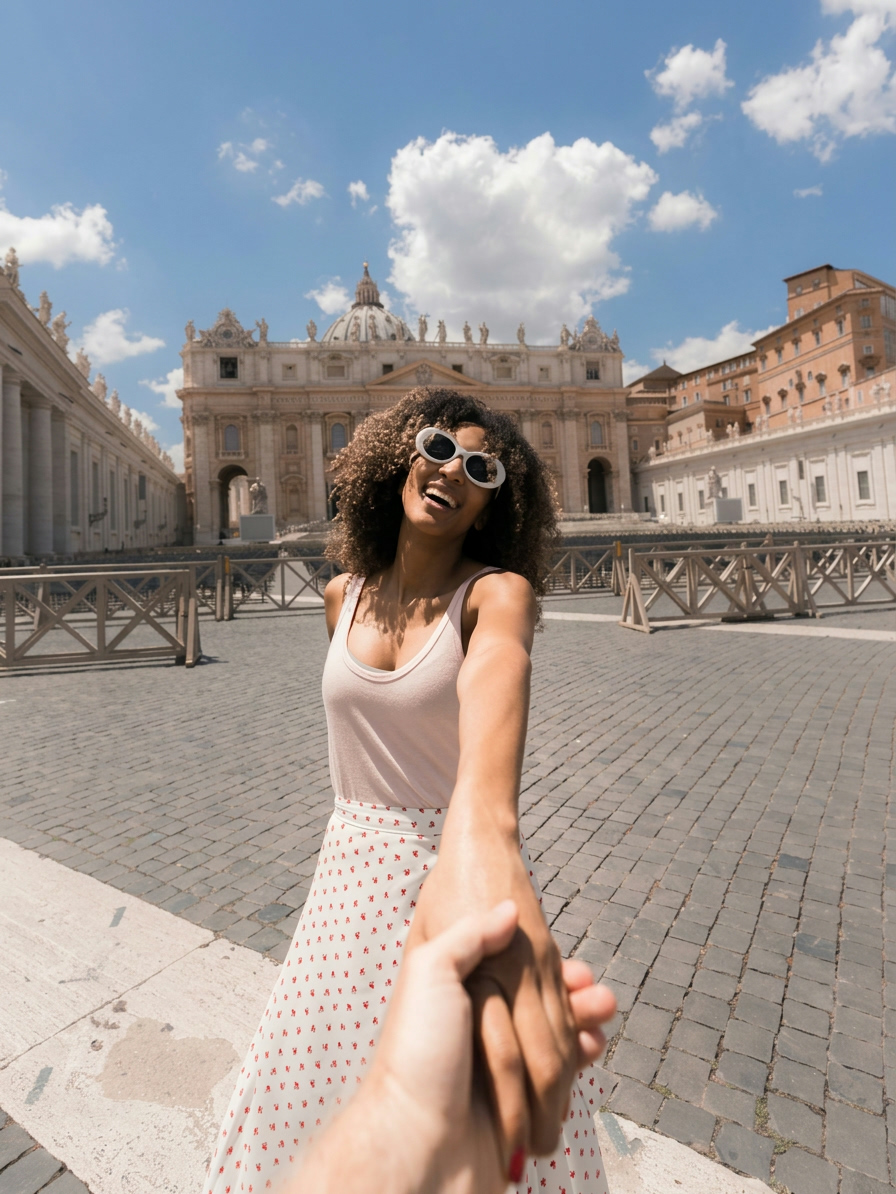
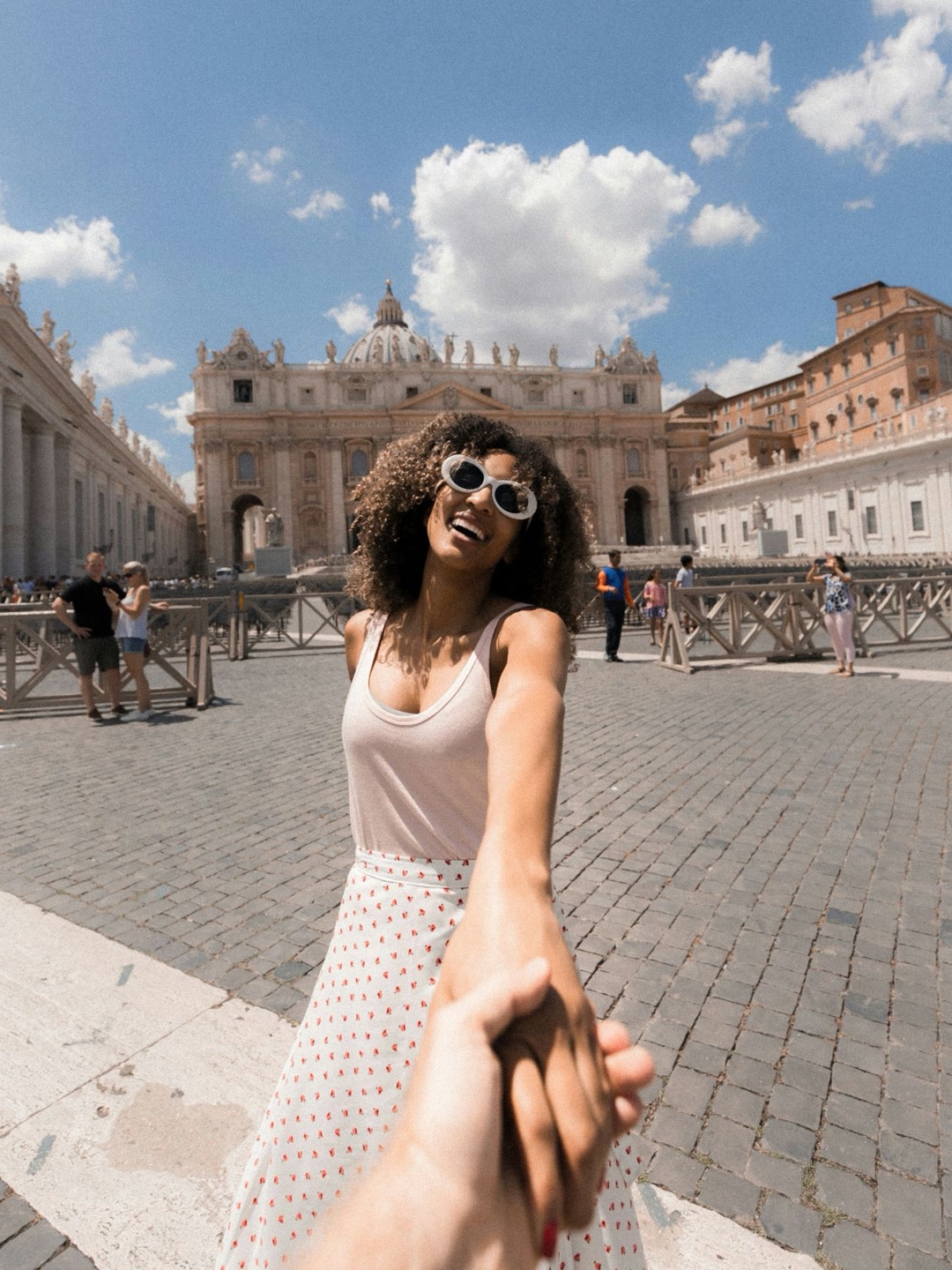
you do
Paint over the tourists behind her.
about it
Clean up is a markup template: you paint colored marks directly on the photo, and Studio asks the model to remove everything under them and blend the gap into the rest of the image. Cover each thing completely, including its shadow, for the cleanest result. You can add a short note, like “fill with more sand”, when you want to steer what appears in its place.
How to remove objects from a photo
Add your photo
Upload it, paste it, or pick one from your library.
Paint over it
Cover each thing completely, shadow included.
Remove
Studio fills the gap so it blends into the scene.
Great for
Travel photos
Clear crowds from landmarks and busy streets.
Product and real estate
Remove cables, clutter, and stray objects.
Portraits
Take photobombers and signs out of the background.
Questions
More templates to try
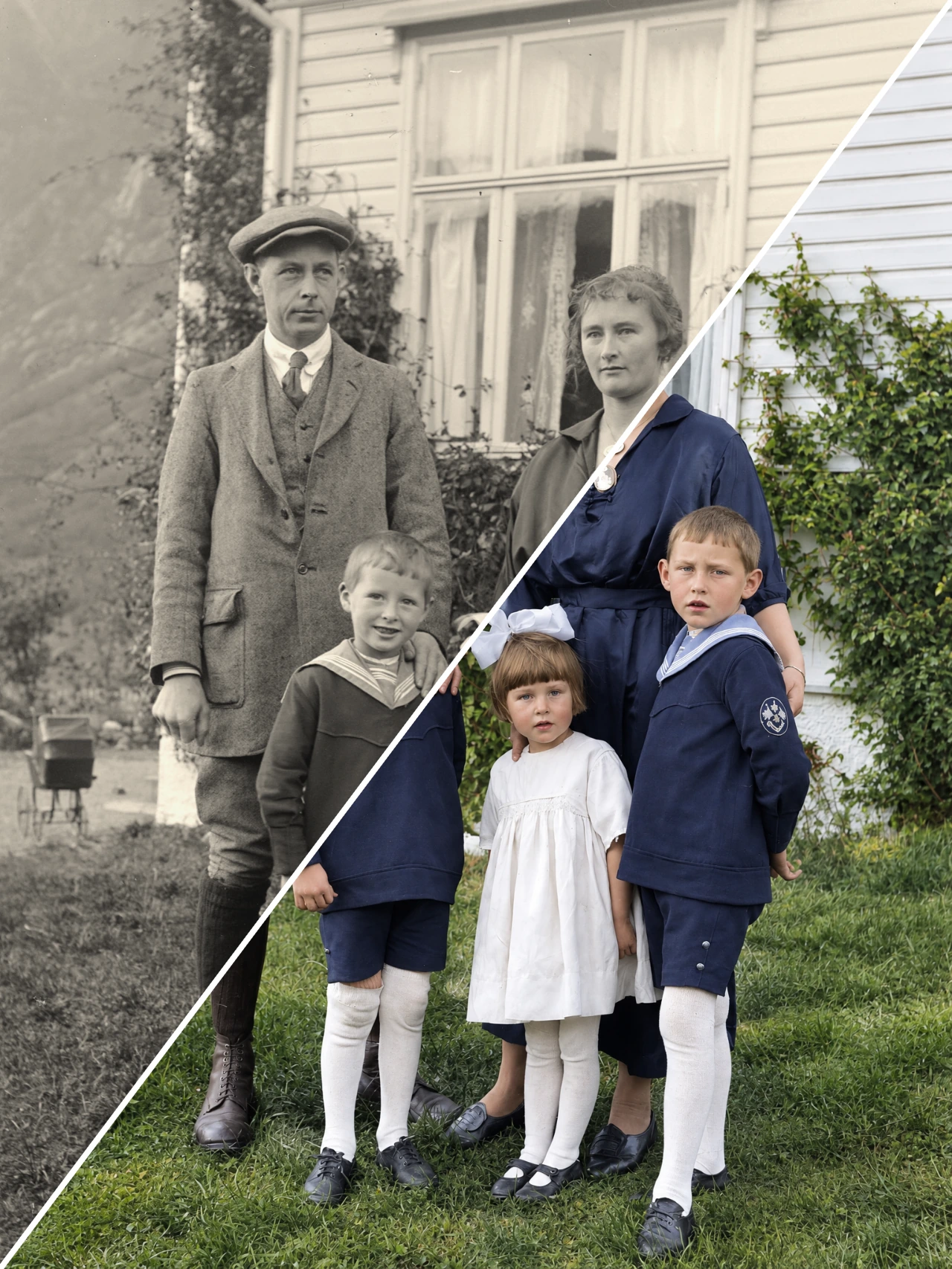
Restore old photo
Fix scratches and fading, and add natural color.
- Video
Animate photo
Bring a still photo to life as a short video.
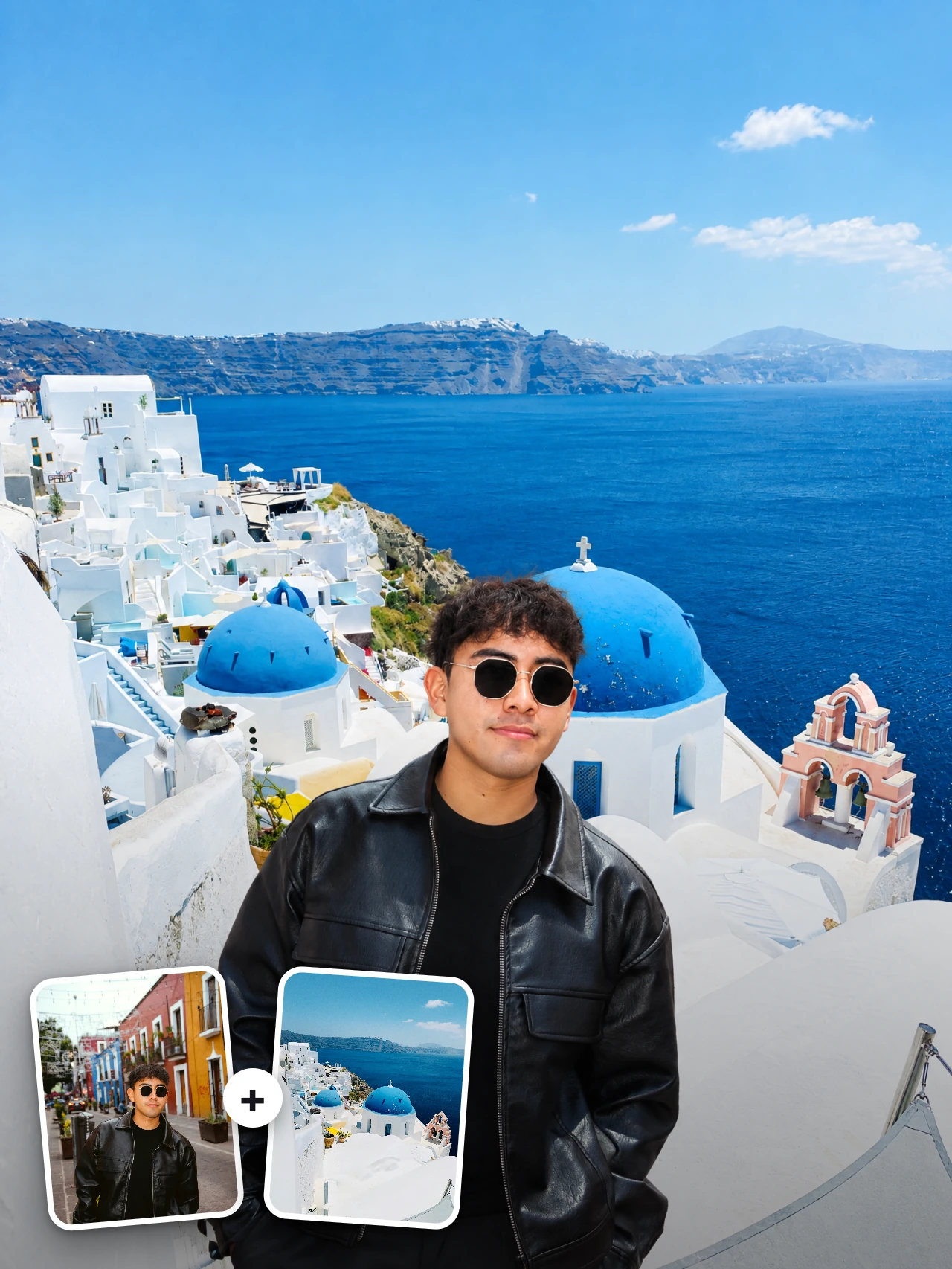
Change background
Keep your subject and place it in a new scene.
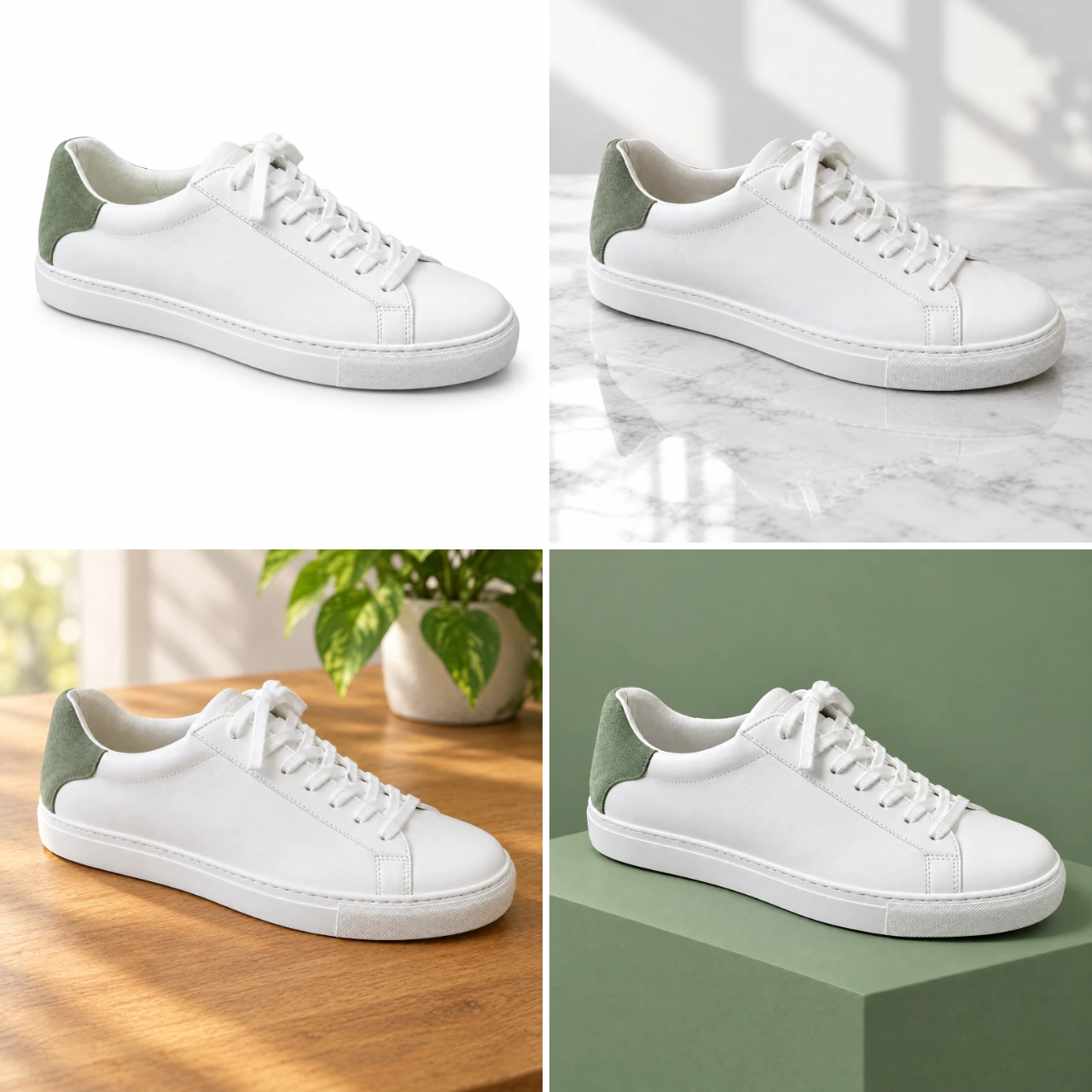
Studio product shot
Turn a phone snap into a clean studio photo.
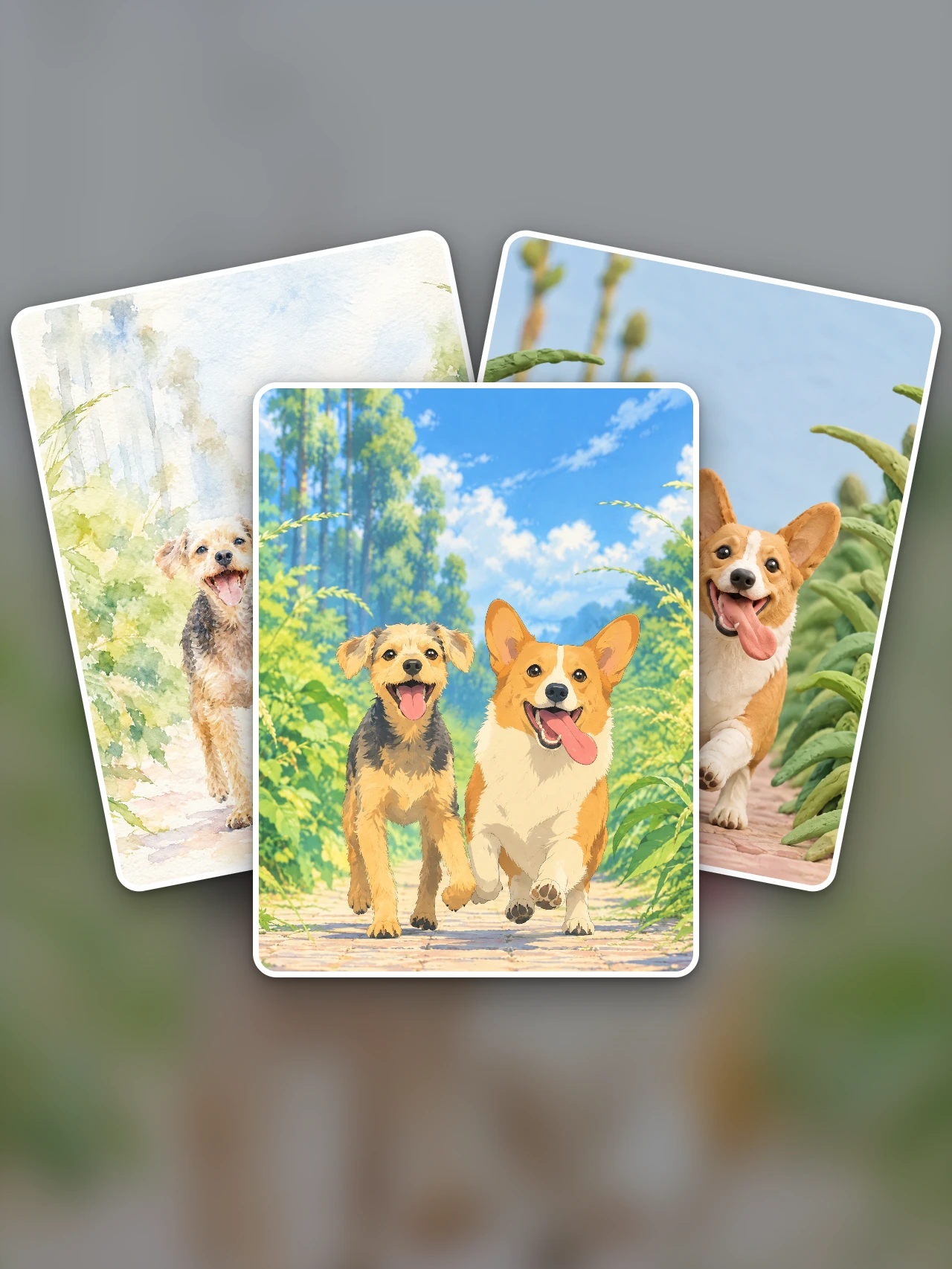
Art style
Repaint your photo as watercolor, oil, sketch and more.
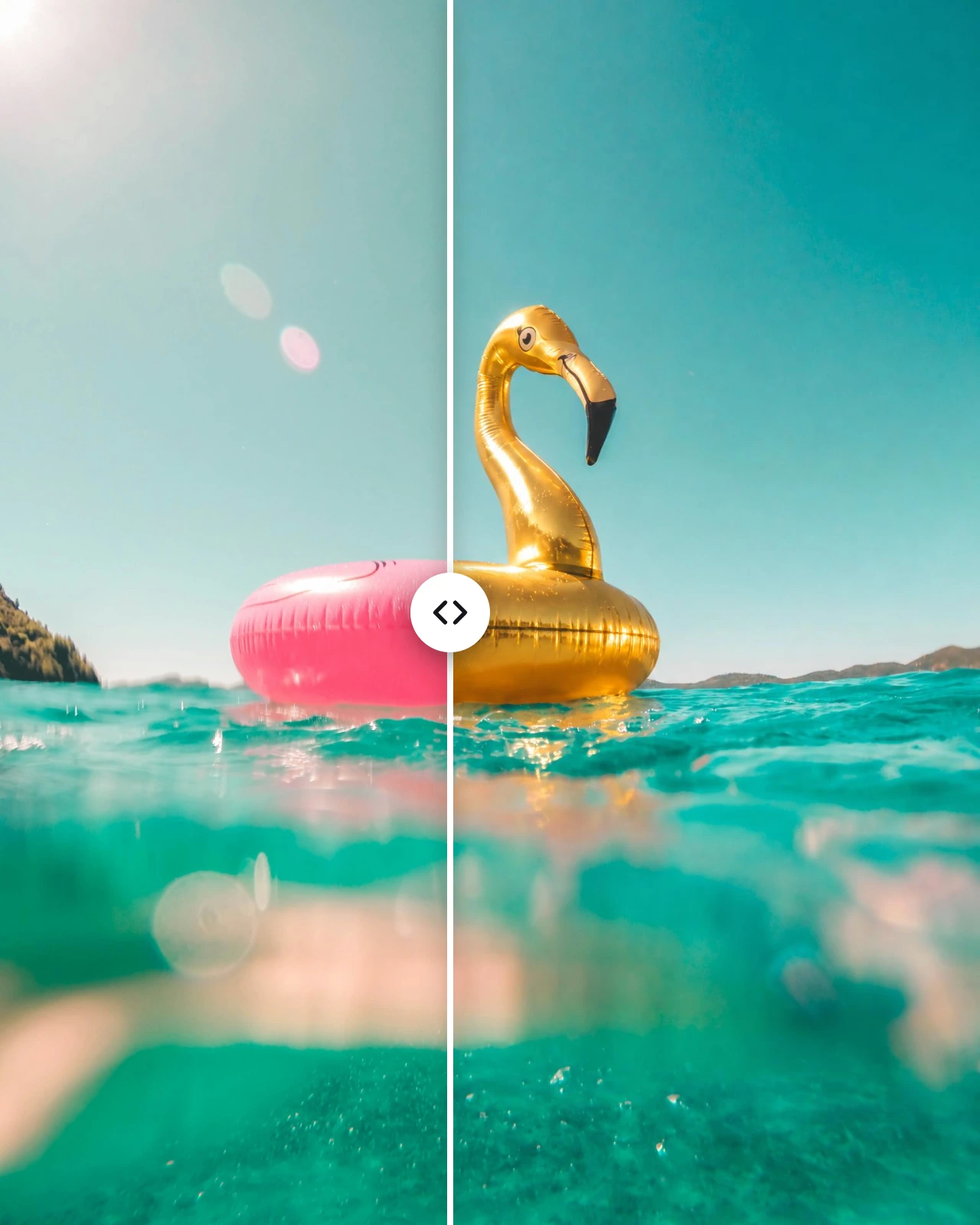
Photo edit
Describe a change and keep the rest of your photo.

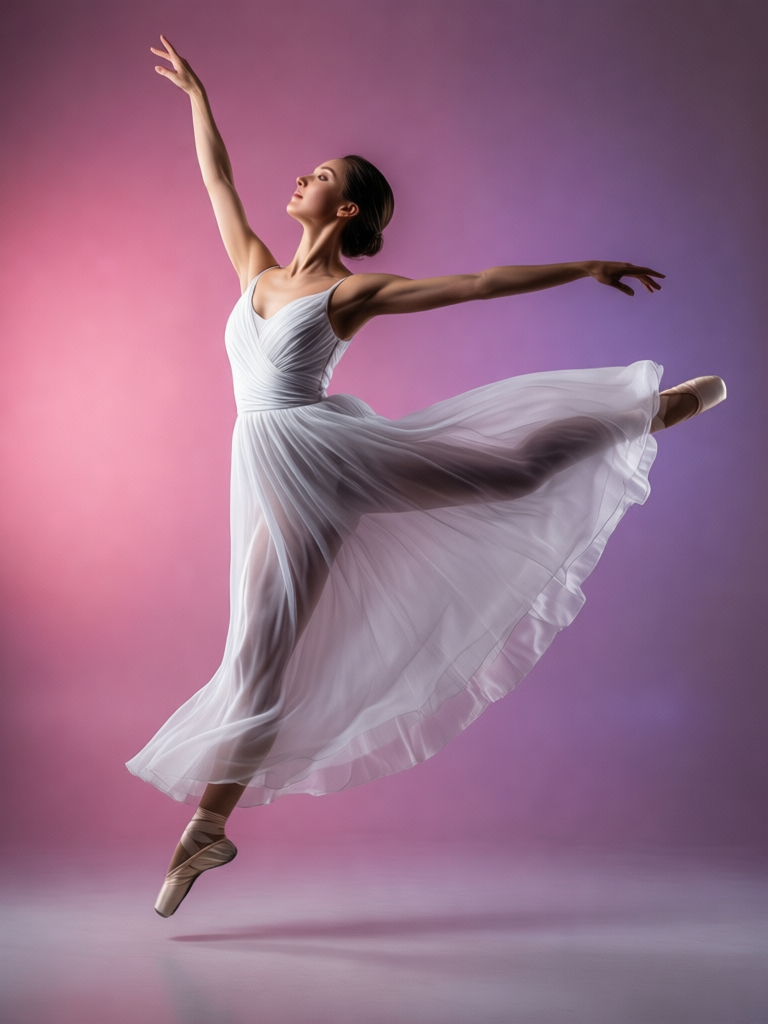
Clear the clutter in seconds
Open Clean up in GenLive Studio, or edit on your iPhone with GenLive.