GenLive Studio template
Turn a photo into a sticker with AI
Add a photo of your pet, friend, or favorite thing and GenLive Studio redraws the main subject as a clean, illustrated die-cut sticker with a thick white border and a soft drop shadow. No prompt, no cutting out by hand.
Runs in your browser. Free to try, no account needed.
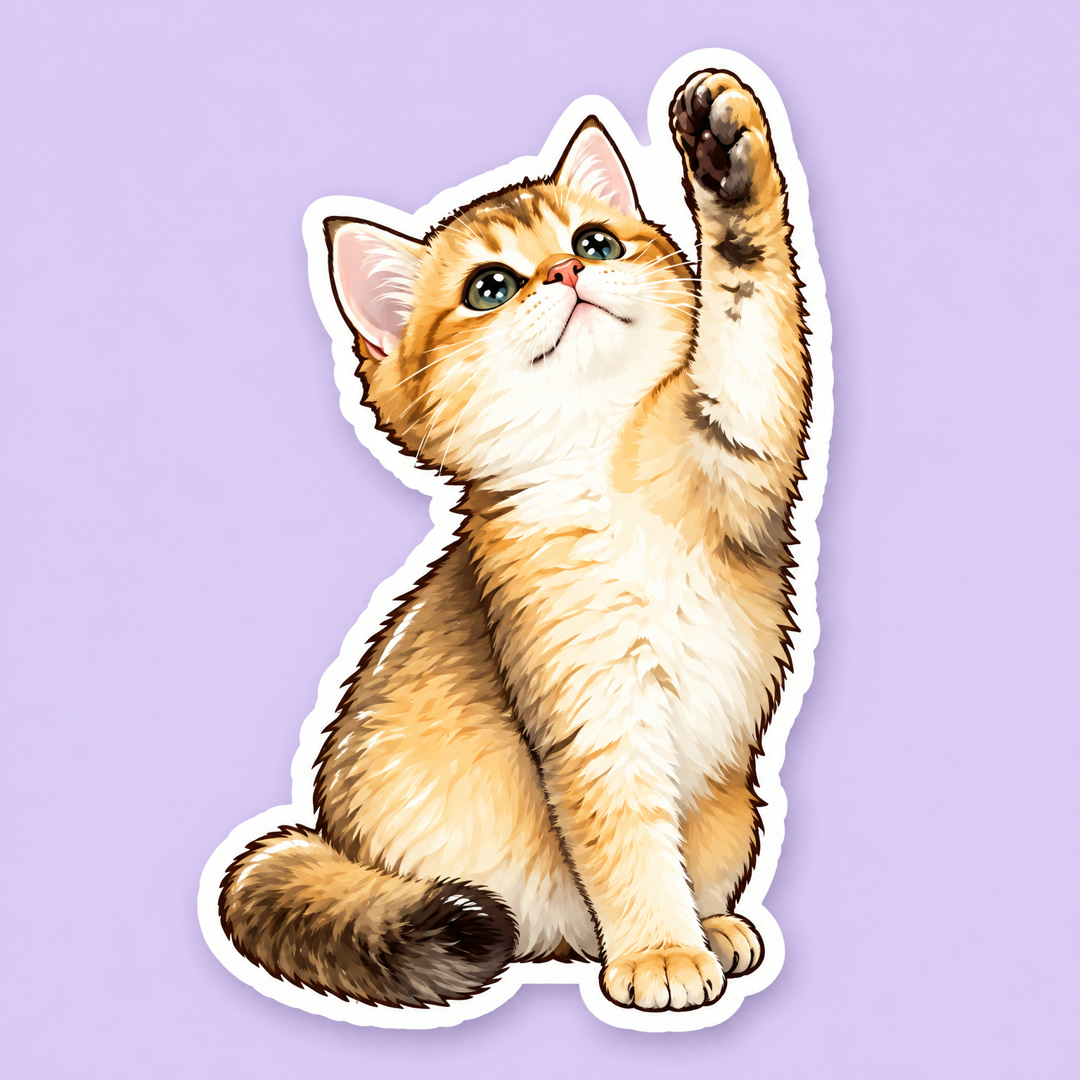
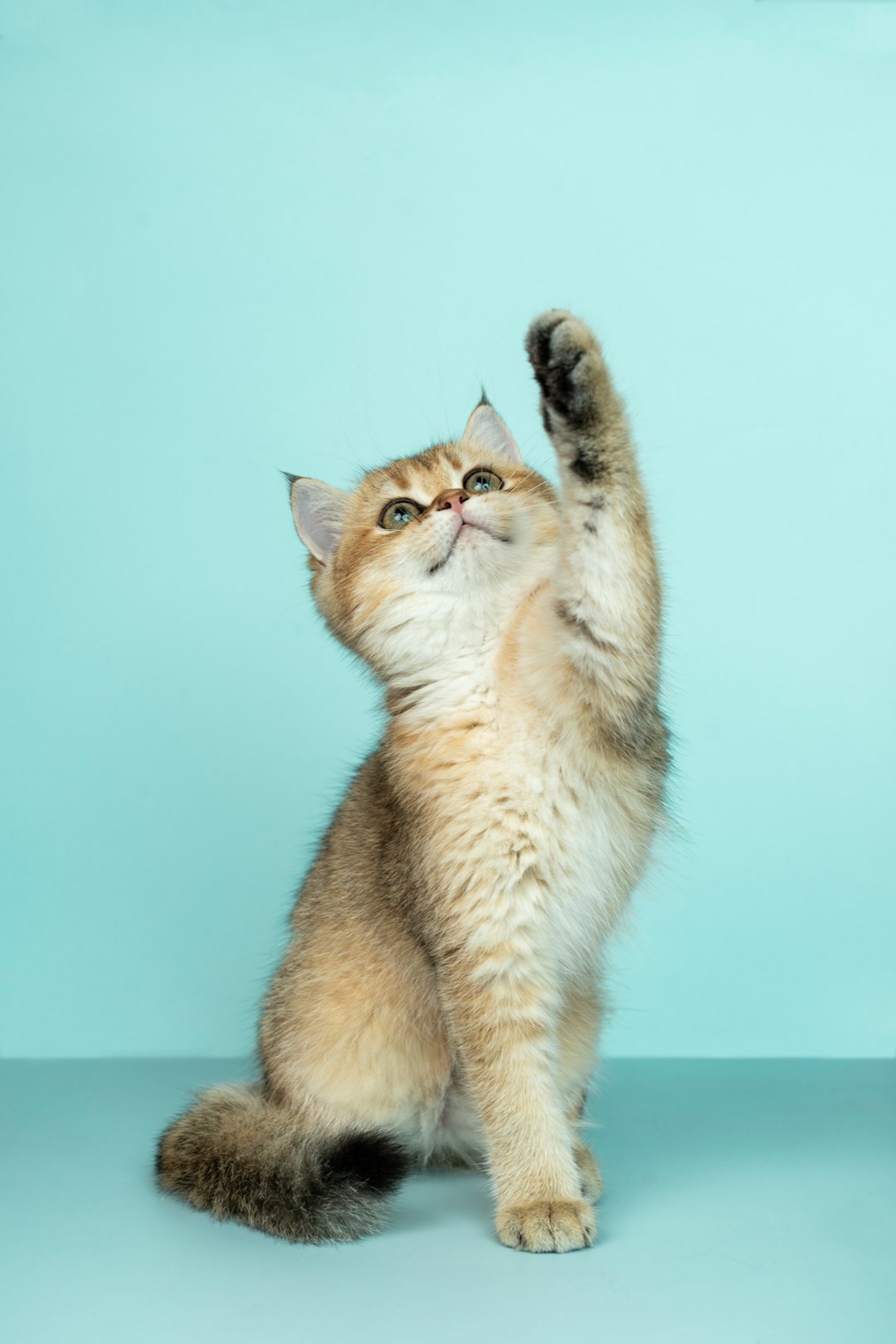
you type
Nothing. Just add the photo.
about it
The sticker template finds the main subject of your photo, redraws it as a clean illustration, and outlines it with a thick white die-cut border on a plain light background, ready to cut out, print, or use in chats. It works best with one clear subject, like a pet, a person, a plant, or a product.
How to make a sticker from a photo
Add a photo
One clear subject works best.
Make the sticker
No options, no prompt.
Print or share
Download it for chats, labels, or print.
Great for
Pet stickers
Your cat or dog, ready for a laptop lid.
Chat reactions
Turn friends into stickers for group chats.
Merch and labels
Quick sticker art for small shops and events.
Questions
More templates to try
- Video
Living loop
One part moves in a seamless loop, the rest stays still.
- Video
Product orbit
A slow camera circle around your product.
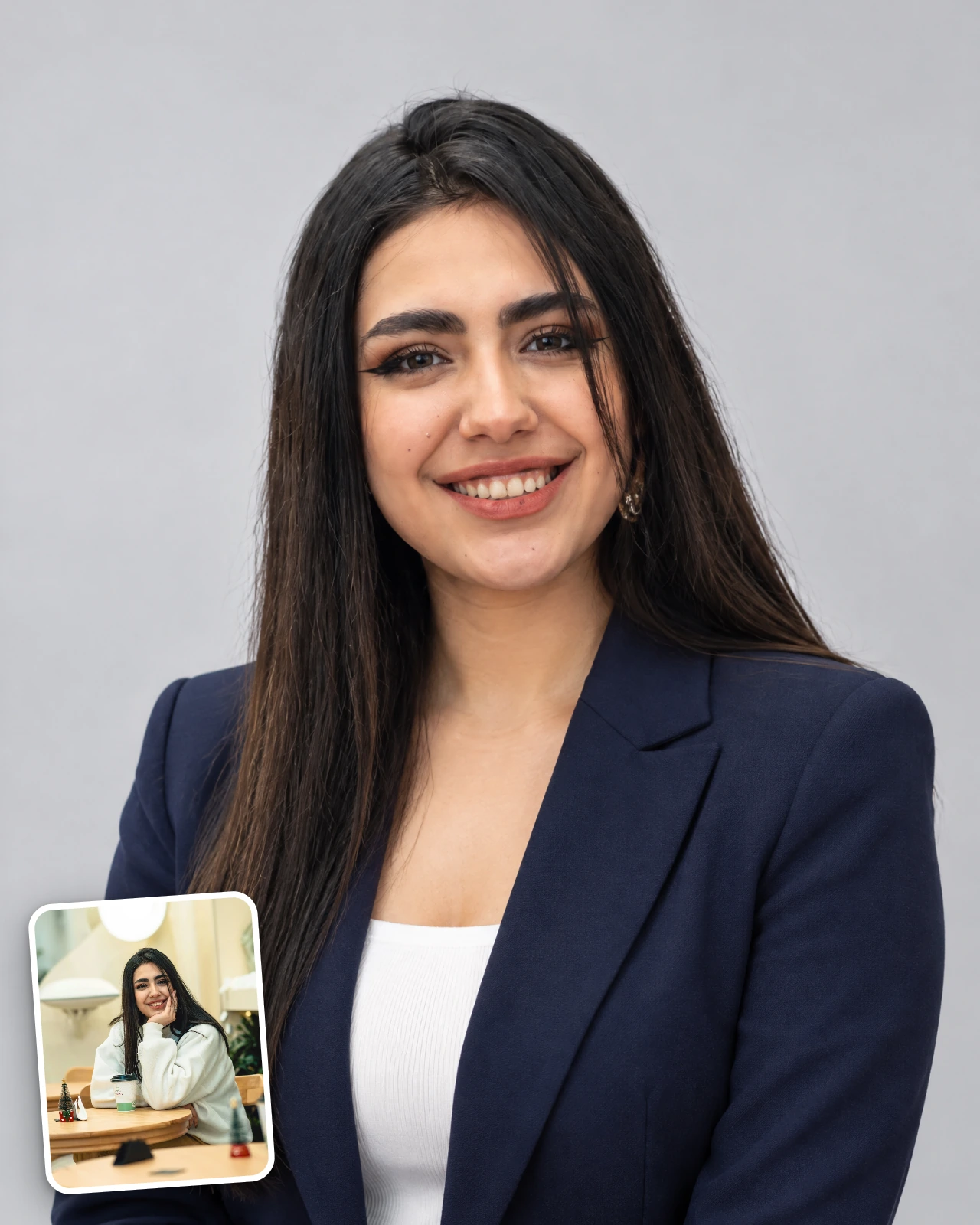
Professional headshot
A polished portrait from a casual selfie.
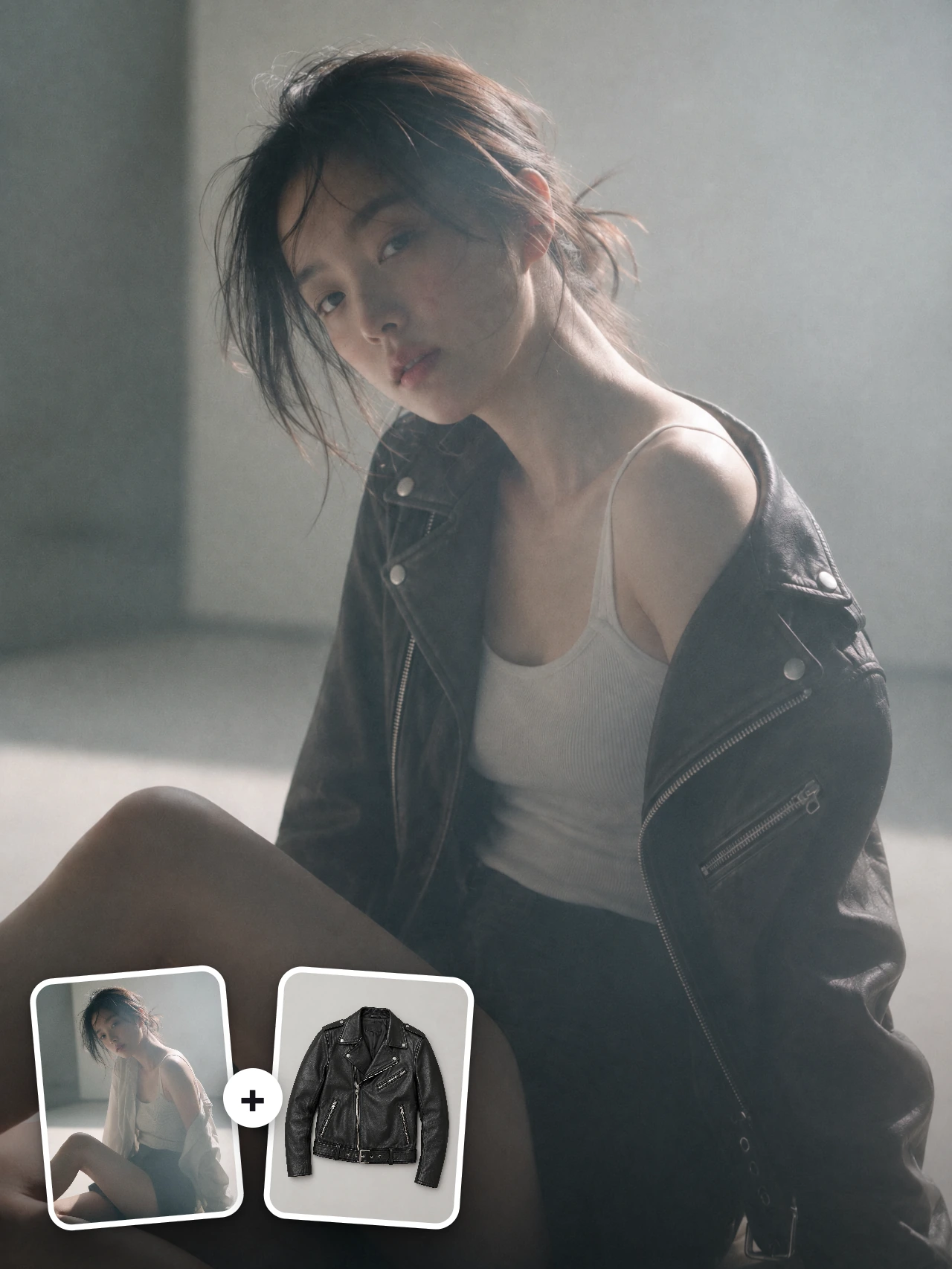
Outfit try-on
See a person wearing clothes from another photo.
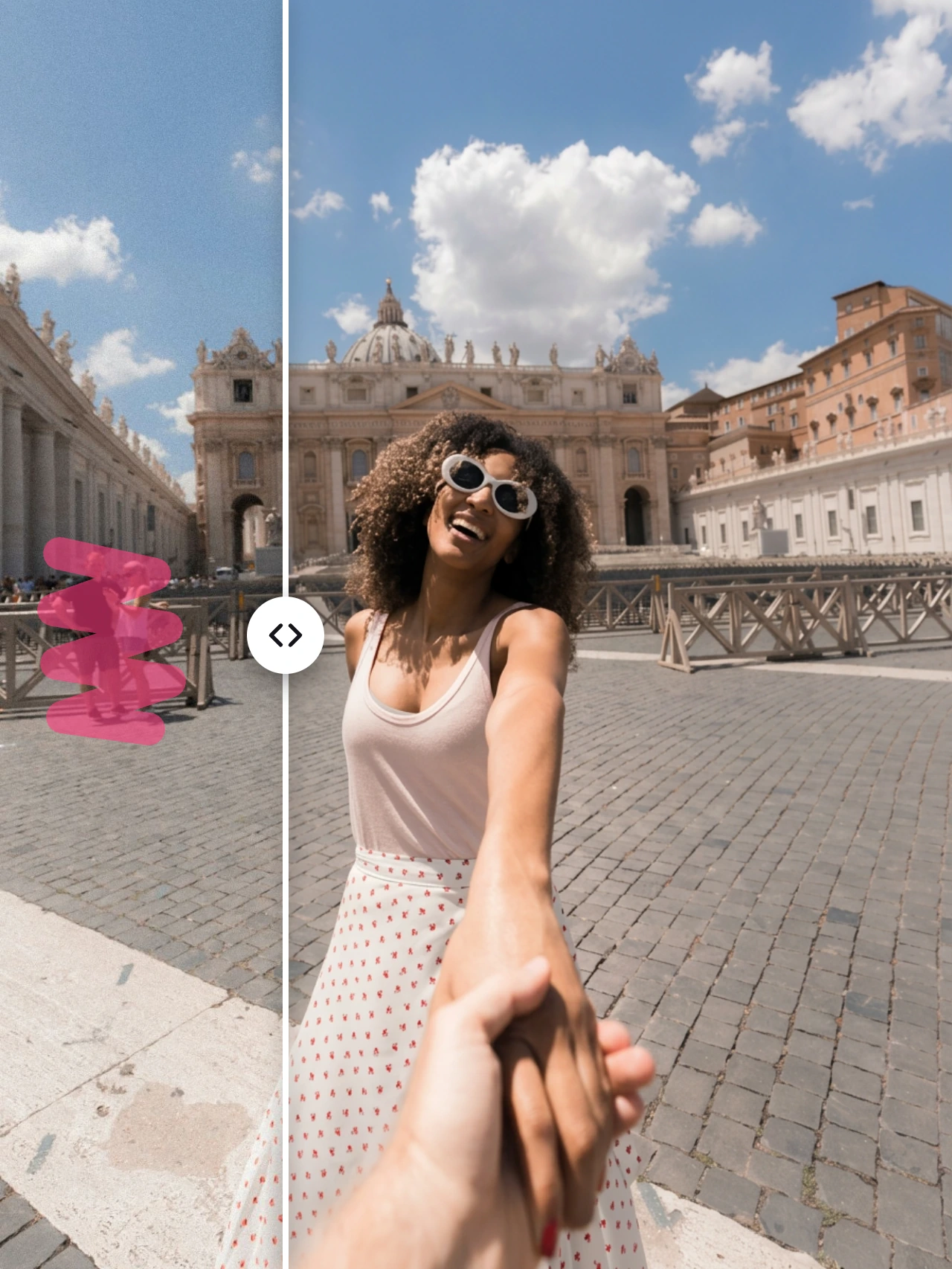
Clean up
Paint over distractions and they disappear.
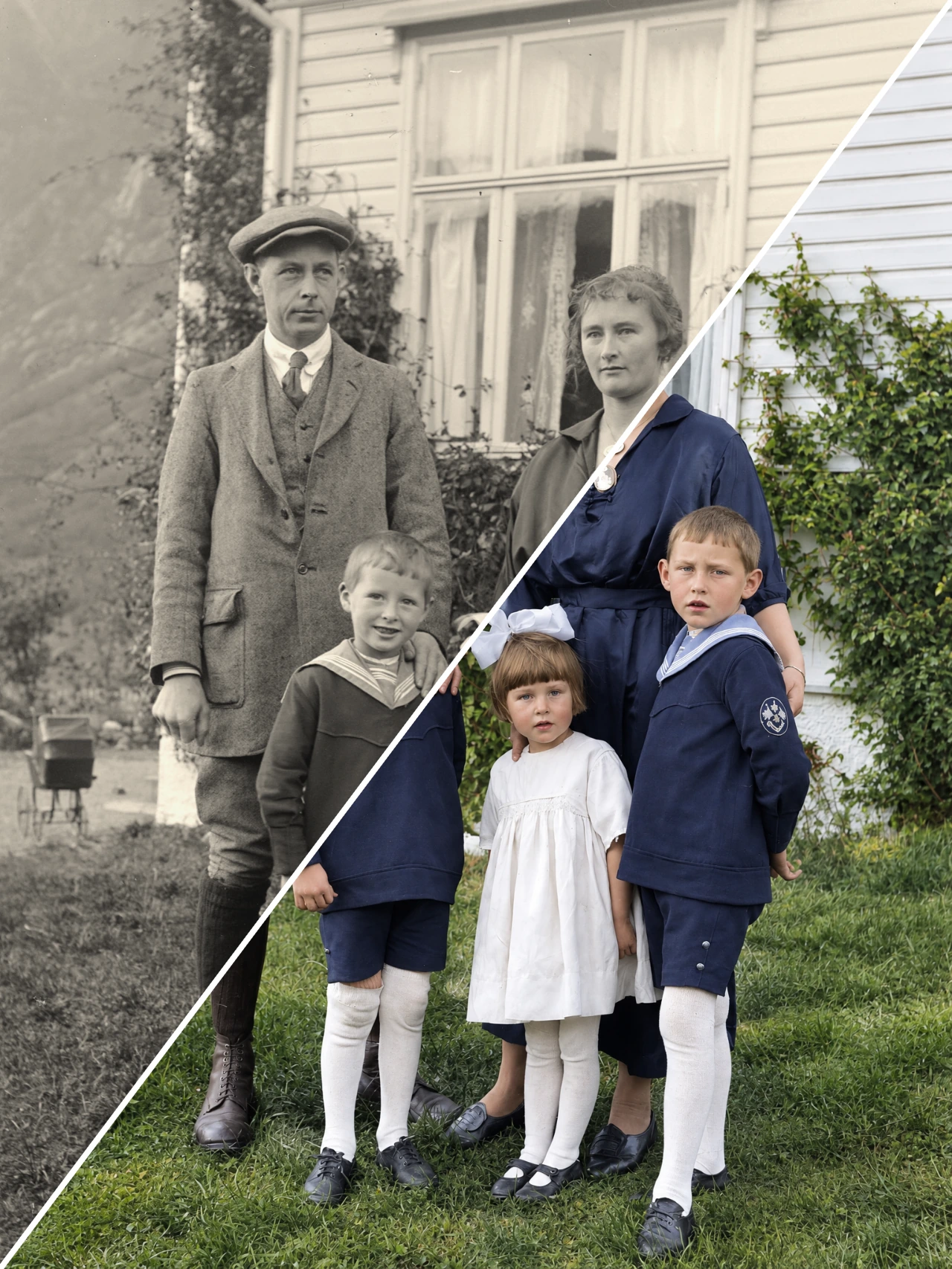
Restore old photo
Fix scratches and fading, and add natural color.

Stick your favorite photo anywhere
Open Sticker in GenLive Studio, or create on your iPhone with GenLive.